Thermal Imager
Main Menu
9
Main Menu
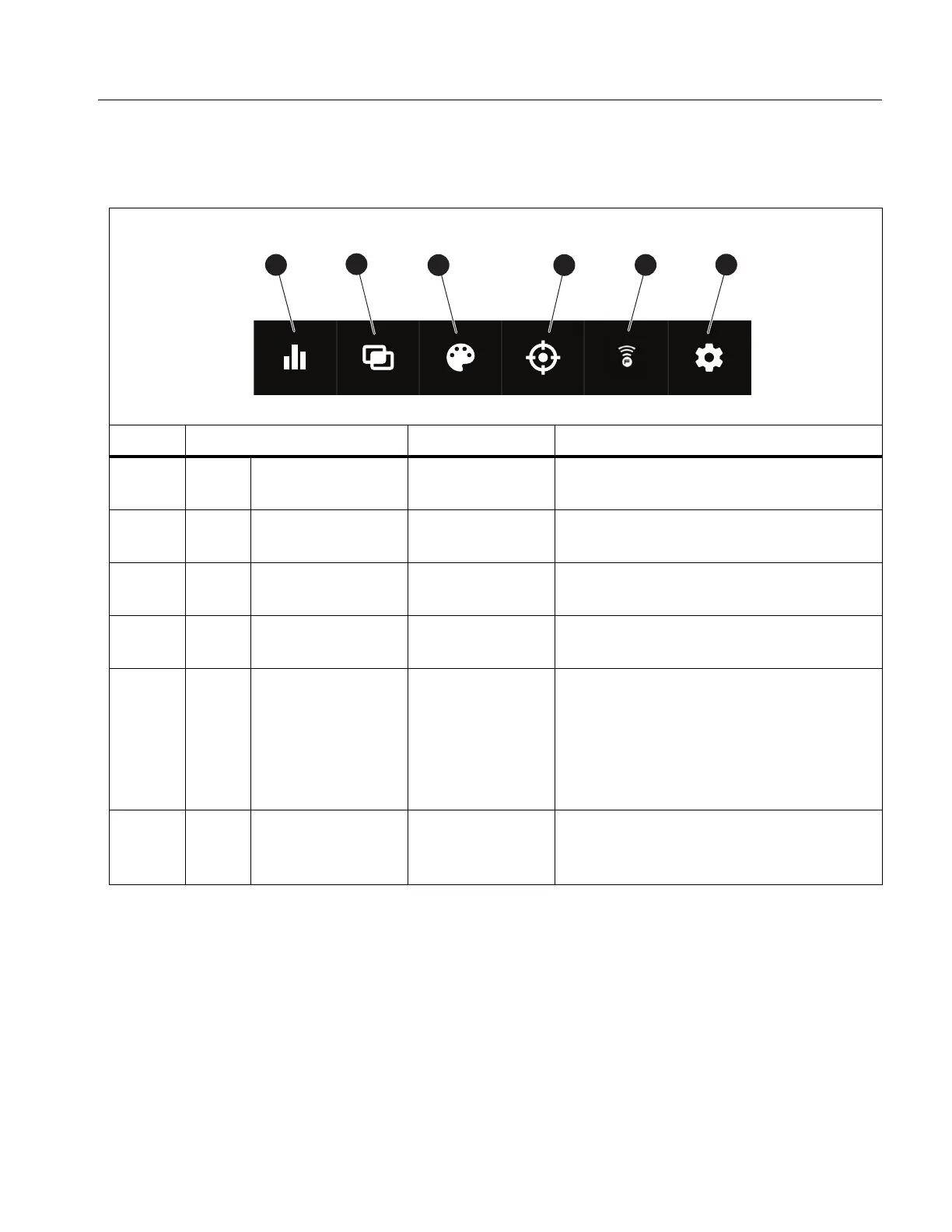
Table 6 lists the secondary menus available in the Main Menu.
Table 6. Main Menu
Item Secondary Menu Option Function
g
Measurement <options>
Set the infrared settings. See
Measurement Menu.
a
Image IR-Fusion
Set the IR-Fusion level. See Image
Menu.
P
Palette <options>
Set the palette to use on the image.
See Palette Menu.
D
M
Display <options>
Set the features to show on the
display. See Display Menu.
E
F
Fluke Connect <options>
Save images over a WiFi connection.
See Fluke Connect Menu.
Note
The Fluke Connect system is
not available in all countries.
F
S
Device Settings <options>
Set user preferences and view
information about the Product. See
Device Settings Menu.



 To Next Page