Thermal Imager
Product Familiarization
5
Control Panel
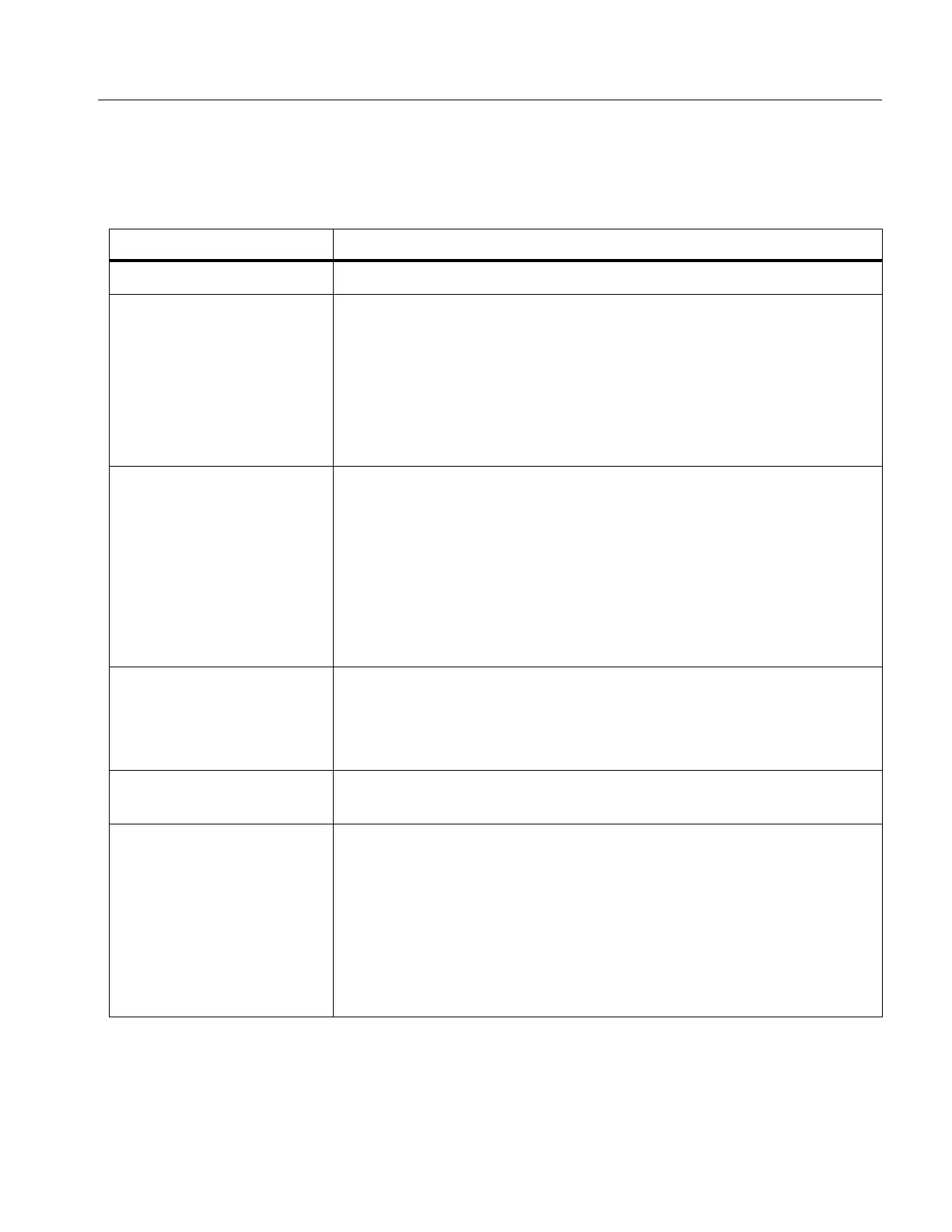
The control panel is used to change parameters or select functions and options. Table lists
the functions of the buttons on the Control Panel.
Table 4. Control Panel
Button Description
O
Push to turn on or off the Product.
s
Push to open the main menu.
Within a submenu:
Push to either save the change and go back to the previous
menu.
Or
Push to perform the function listed on the submenu key.
d
Push to open the main menu.
Within a submenu:
Push to either cancel the change and go back to the previous
menu.
Push to perform the function listed on the submenu key.
Or
Push and hold for 2 seconds to exit out of all menus.
a
Push and hold for 2 seconds to toggle between Manual/Auto
Level and Span.
With Level/Span set to Manual, push to rescale the temperature
values on the display at that time. See Level/Span.
m
Push to review, edit, and delete captured images. See Memory
Menu (Memory Gallery).
WXYZ
Push to move the cursor and highlight an option.
With Level/Span set to Manual, push to adjust the Level and
Span. See Level/Span.
With Level/Span set to Auto, push to adjust the IR-Fusion level.
In the Spot Box menu, push to adjust the size or position of the
spot box. See Spot Box.
In the Marker menu, push to move the marker. See Marker.



 To Next Page