Thermal Imager
Main Menu
11
With Level/Span set to Auto, the Imager sets Level/Span based on the total temperature
range.
With Level/Span set to Manual, the level setting moves the thermal span up or down within
the total temperature range.
To change Level/Span:
1. Select g > Level/Span > Manual, or push a for 2 seconds.
2. Select Set Level/Span.
3. Push:
•
Y
to decrease the temperature span.
•
Z
to increase the temperature span.
•
W
to move the span to a higher temperature level.
•
X
to move the span to a lower temperature level.
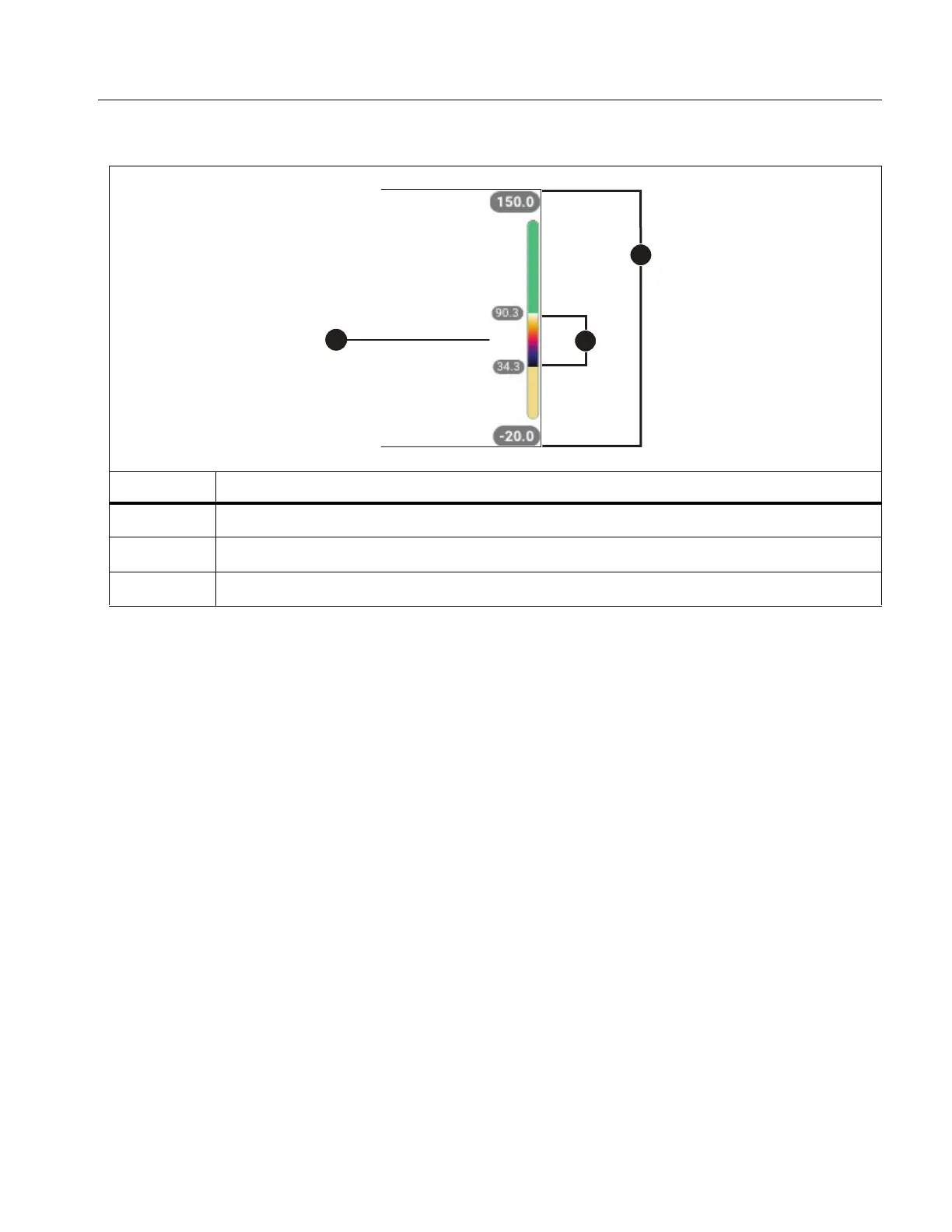
The scale along the right side of the display shows the thermal span increasing or decreasing
in size and shows the span as it moves to different levels within the total range. See Table 8.
Table 8. Level and Span Settings
Item Description
Level
Span
Total range



 To Next Page