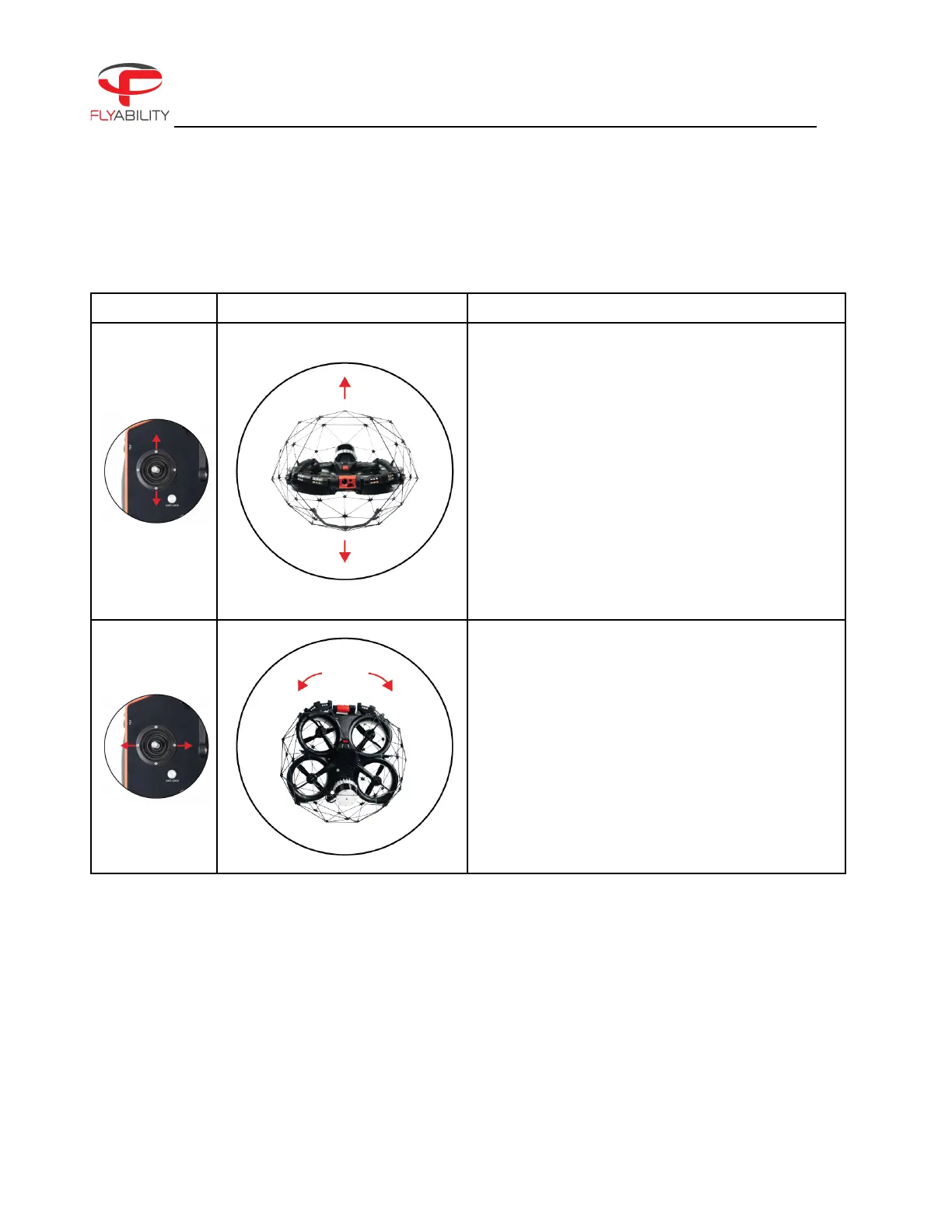
By default, the control of ELIOS 3 is mapped to the control sticks in mode 2. The setting can be changed to
other modes via the Cockpit App.
InAutomatic Altitudecontrol:
Moving the left stick up and down changes ELIOS
3’s altitude.
Up increases altitude.
Down decreases altitude.
Centered ELIOS 3 maintains its altitude.
InManual Thrustcontrol:
Moving the left stick up and down changes ELIOS
3’s thrust.
Up increases thrust.
Down decreases thrust.
In this mode, the pilot has to give constant inputs to
maintain the aircraft at the desired altitude.
Moving the left stick sideways controls the rotation
(yaw) of the drone.
Left makes the aircraft rotate counterclockwise.
Right makes the aircraft rotate clockwise.
Centered, ELIOS 3 maintainsits orientation with a
drift of max. 10°/minute.
Thepilot should remain aware of the heading at all
times, as the right stick inputs are relative to the
drone’s heading (i.e. where the front of the drone is
pointing).



 To Next Page