4.6. Camera control
The following control inputs can be made by the pilot:
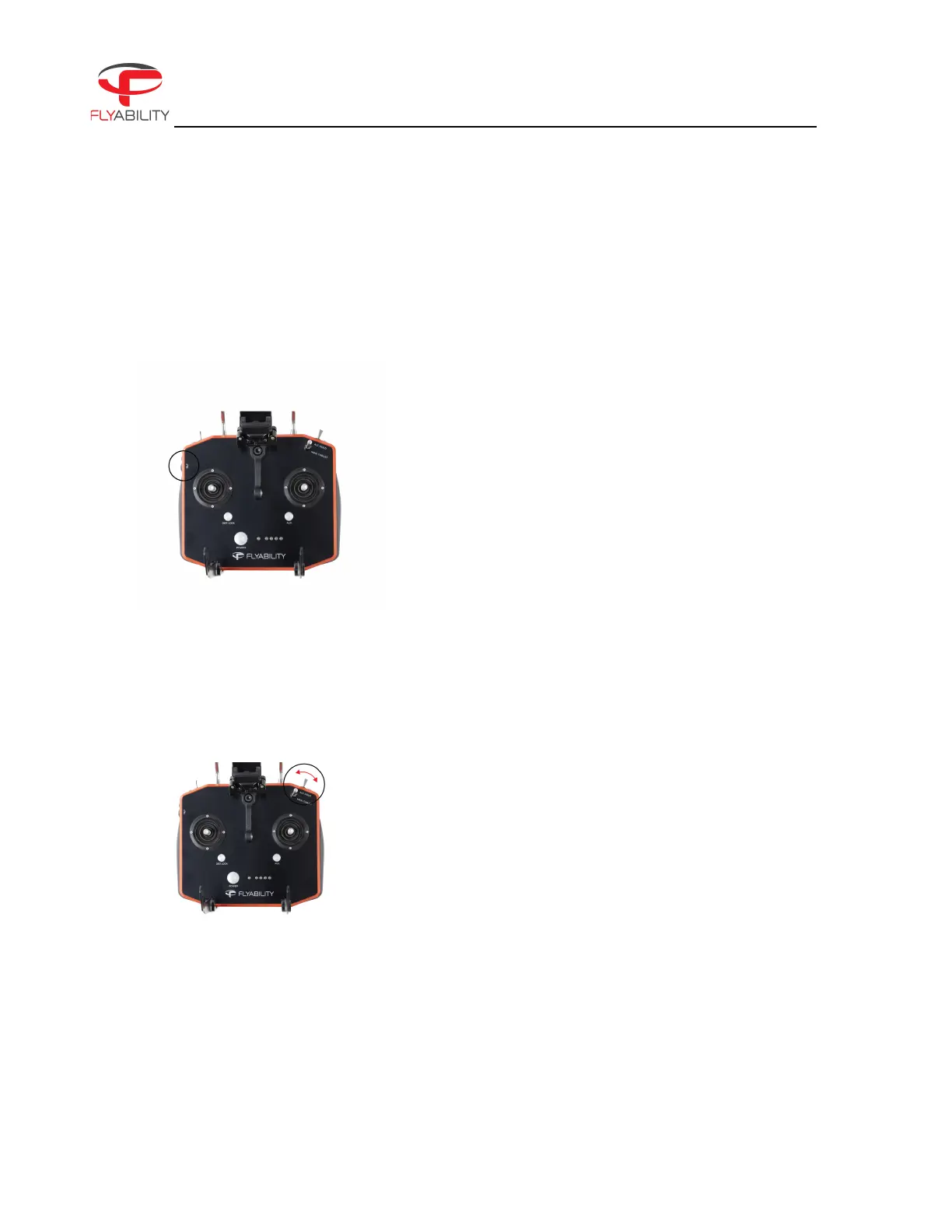
The tilt lever of the controller allows you to change the pitch of the cameras.
The tilt of the payload can be controlled with the rotary
lever on the left side of the remote control. For clarity, the
payload tilt angle is displayed on the left side of the tablet's
screen during flight.
The lever on the left side of the remote control will allow you
to set the payload tilt angle. There is a small indent on the
lever to indicate the neutral zero degree tilt camera position.
While flying, you can set brightness parameters on the 4K optical camera.
The EV switch sets the camera’s exposure value.
UP increases brightness.
DOWN decreases brightness.
The camera will automatically choose an optimal
combination of ISO and exposure time to match the
required brightness level. While the FN button is pressed, it
increases or decreases the onboard lighting intensity.



 To Next Page