8.2. Charging the battery
Flyability’s charger comes with a built-in power supply. You can connect the AC power cord to a 100-240V AC socket directly:
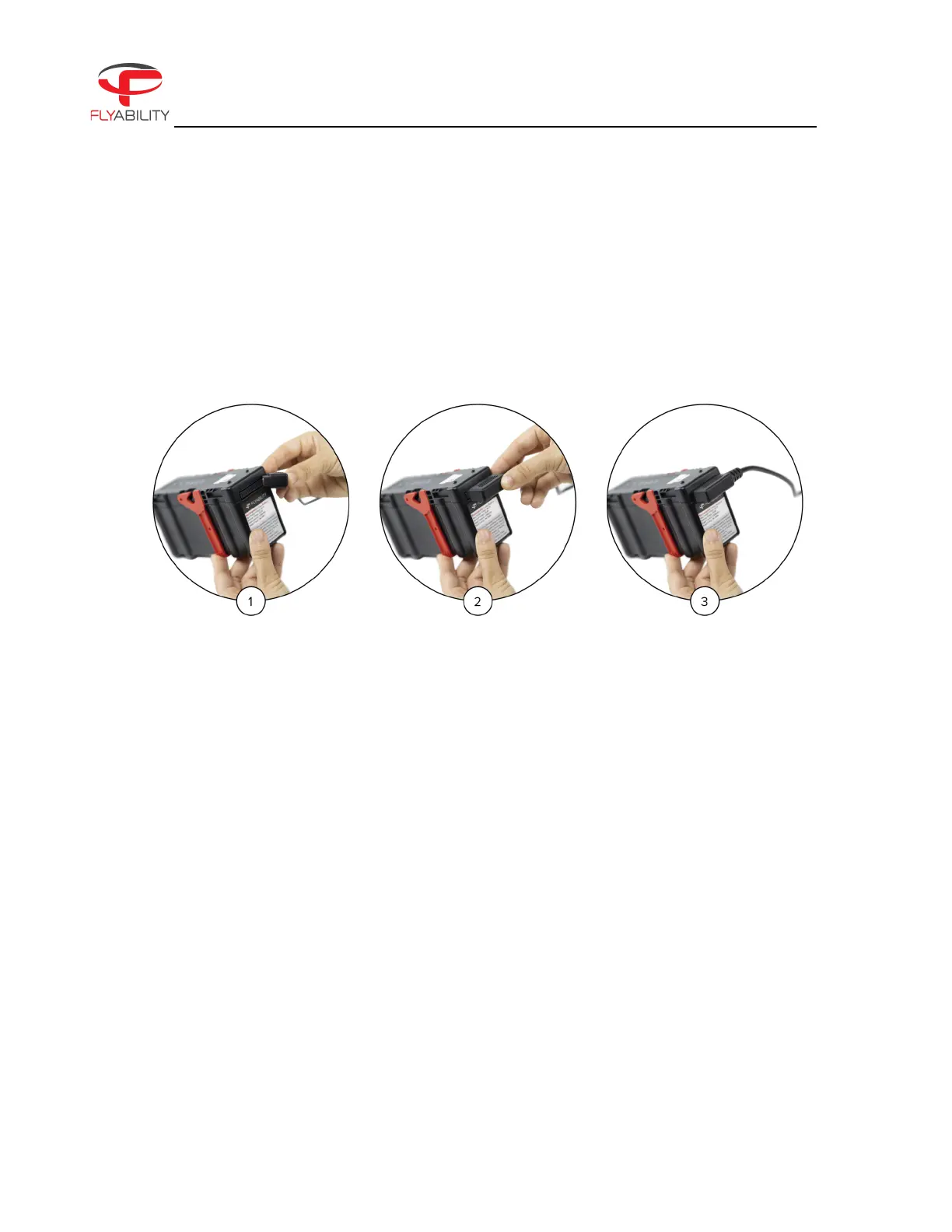
Figure 8.2: How to charge the battery
Please refer to the following steps to charge the battery:
1. Insert the AC power cord into the charger.
2. Connect the AC power cord into a 100-240V AC socket. The LED will turn green.
3. Connect the battery pack to the charger.
- The battery LEDs will show the progression of the charge.
- The charger LED will turn red, indicating that the charge is ongoing.
4. The battery will be fully charged when the charger LED turns green again.
If the charger LED remains green upon connection it might mean that either:
1. The battery is already fully charged. Check the state of charge of the battery with a short press on the
battery button.
2. The battery is outside its temperature range.
a. If warm, let it cool down before retrying to charge it.



 To Next Page