3. Setting up ELIOS 3
3.1. Clean the camera lens and the optical sensors
BE CAREFUL NOT TO FORCE THE RED CAMERA HEAD, MOVING IT BY
HAND MAY DAMAGE THE ACTUATOR.
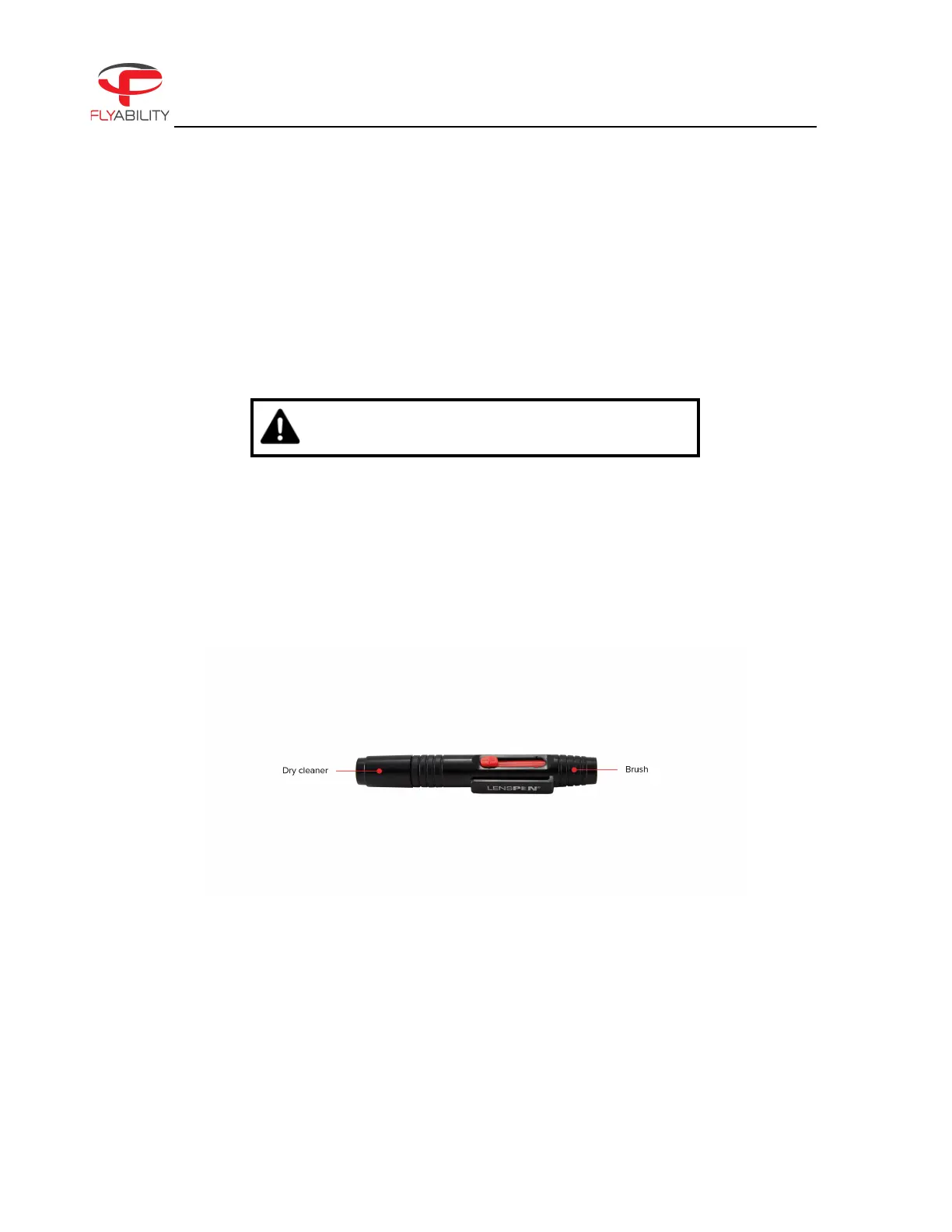
Using the lens cleaner provided in the tool kit, follow these steps to properly clean the 4K optical camera lens,
the optical sensors, and the LiDAR before EACH flight. Following these steps will improve the stability of the
drone, improve the image quality, increase the value of the footage obtained during an inspection, and give
you higher chances for a coherent and dense 3D map.
1. Using the brush side, remove all the dust from the lens.
2. Using the dry cleaner side, remove all the grease and fingerprints from the optics.
Figure 3.1: Lens cleaner overview
3.2. Setting up the ground control system
ATTACH THE ANTENNAS
Not having the antennas (or a range extender) properly connected before turning on the controller will
significantly limit the range and might even damage the controller.



 To Next Page