Error messages
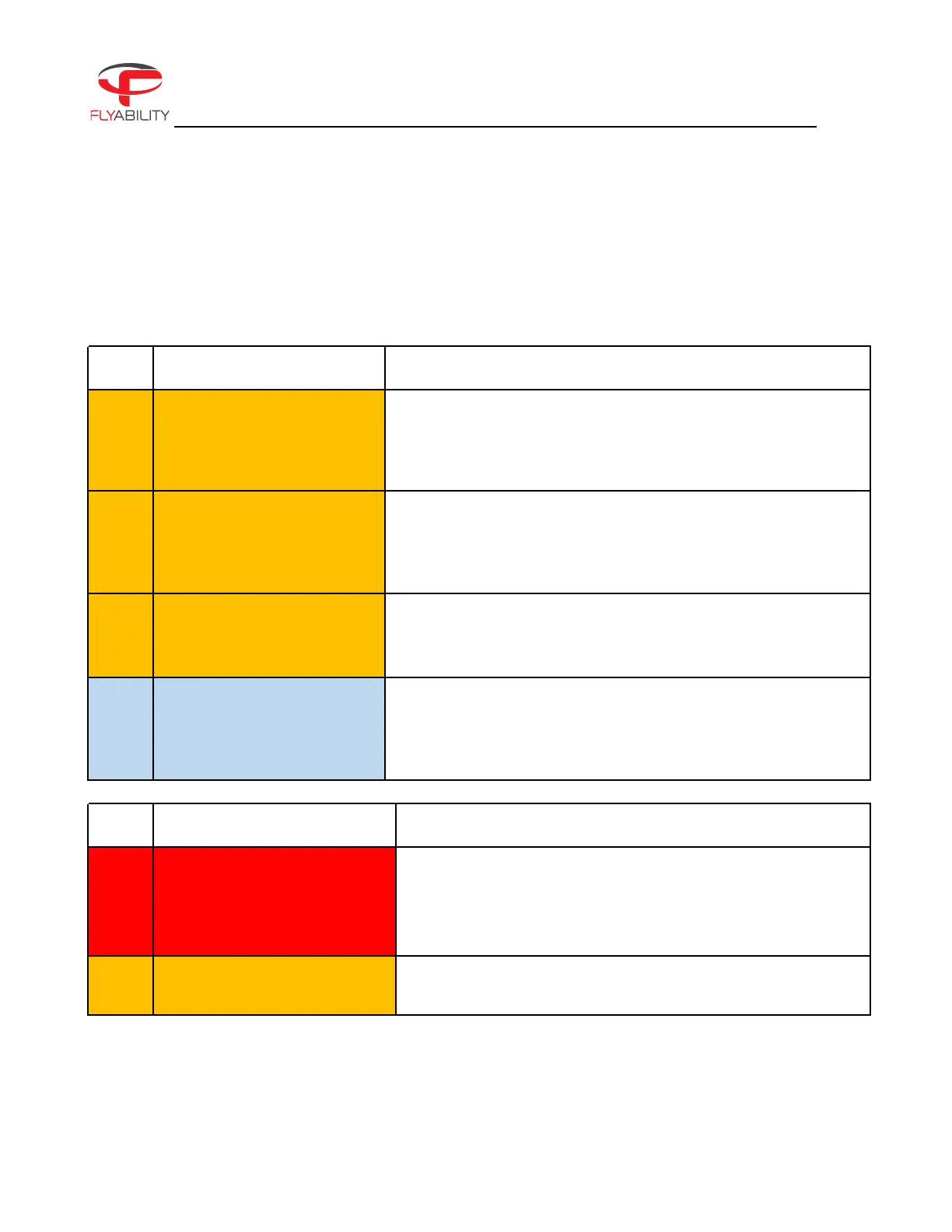
Here is a list of actions that should be taken for a particular error or warning message:
CONTROL AND AVIONICS
REQUIRED ACTION / EXPLANATION
Stabilization system disabled
automatically—fly with caution
The stability system has been disabled automatically, while
switching to FORCED ATTI. We recommend you fly with caution.
Access the maintenance tab in the Cockpit app for further
diagnosis. Contact Flyability support for further help.
Temporary loss of LiDAR data
A temporary loss of LiDAR data has occurred. LiDAR data is not
available at the moment.
Access the maintenance tab in the Cockpit app for further
diagnosis. Contact Flyability support for further help.
LiDAR disconnection detected
A LiDAR communication timeout has just happened.
Access the maintenance tab in the Cockpit app for further
diagnosis. Contact Flyability support for further help.
Stability sensors
damaged—ASSIST stability
performance diminished.
An issue with the VIO camera has just been detected. We
recommend you restart the drone.
If the problem persists you must contact Flyability support for
further help.
BATTERY
REQUIRED ACTION / EXPLANATION
Critically low battery—land now
Aircraft batteries have reached a very low level. This is
critical—immediately land the aircraft in safe conditions and
replace the battery with a fully charged one to continue flying.
Discharging a battery to a too-low voltage can damage it
irreversibly.
Low battery—a reminder that you only have a 25% remaining
charge.



 To Next Page