VIDEO STORAGE LIMITS
For performance and space management, once the total size of the recordings folder exceeds 128GB, the oldest
videos are automatically deleted as new footage is recorded. Please be aware that we have a circular buffer in
place.
Warning messages
To ensure the best experience with ELIOS 3 and prevent failures, the application will issue warnings when
necessary. It is essential to take action as described in the table below when such warnings appear.
FAILURE TO TAKE THE NECESSARY ACTIONS AFTER A WARNING CAN HAVE CONSEQUENCES RANGING FROM DIFFICULTY TO
OPERATE TO SEVERE DAMAGE, LOSS, OR PERSONAL INJURY.
Warning types
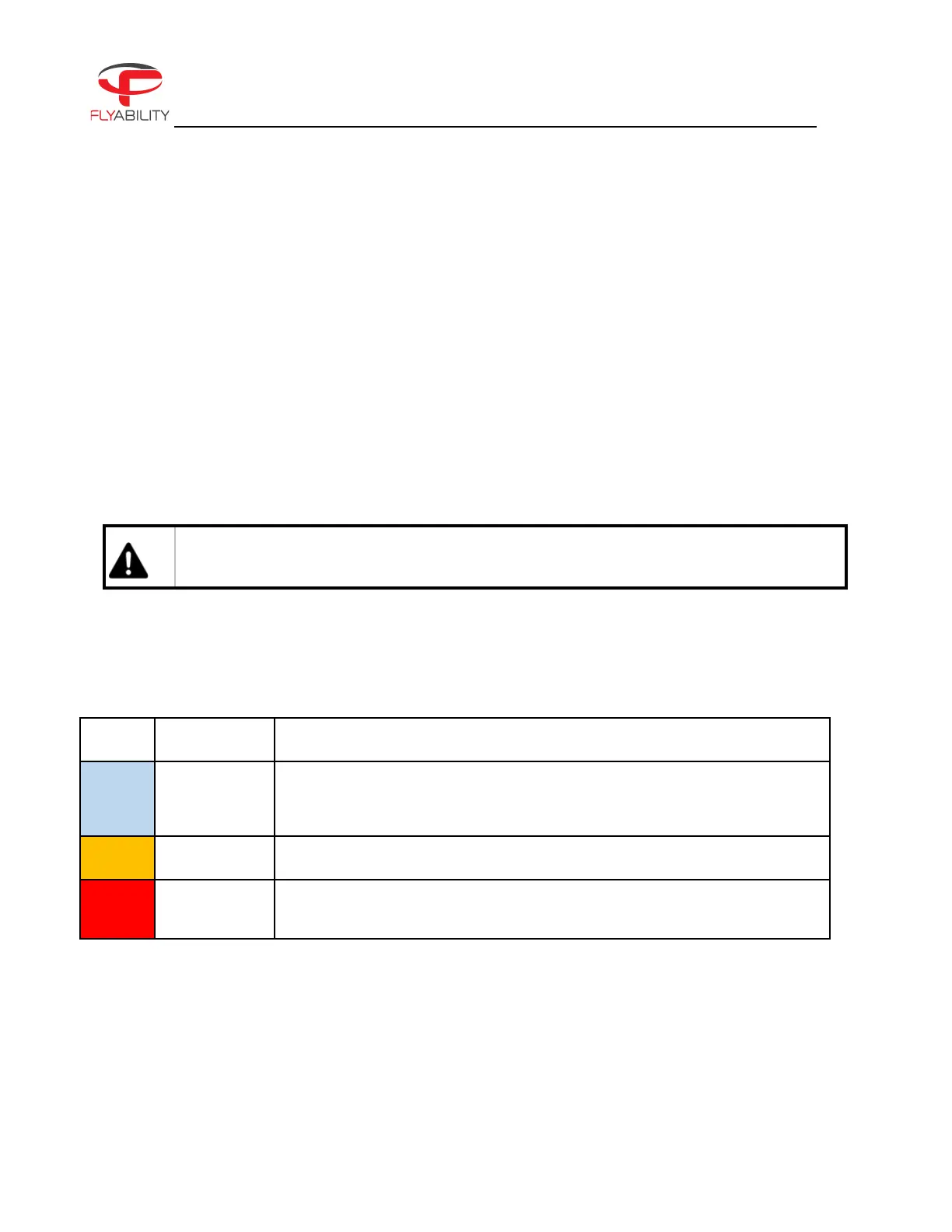
Multiple levels of importance are given to different warning messages, which are expressed using different
colors.
Advice for improving the user experience of the ELIOS system. Provides
recommended actions, which are good for most cases but can be ignored
depending on the pilot’s skill level.
Point that requires attention.
Point that requires immediate action. Safety of aircraft, people, and property
can be impacted, or flight can be made impossible.
Audible warnings
Low battery warnings trigger a flashing frame around the screen and an audible tone.
Make sure the system sound level of the tablet is raised so that the alarm tone can be heard, especially if flights
take place in a noisy environment.



 To Next Page