5. Drone user interface
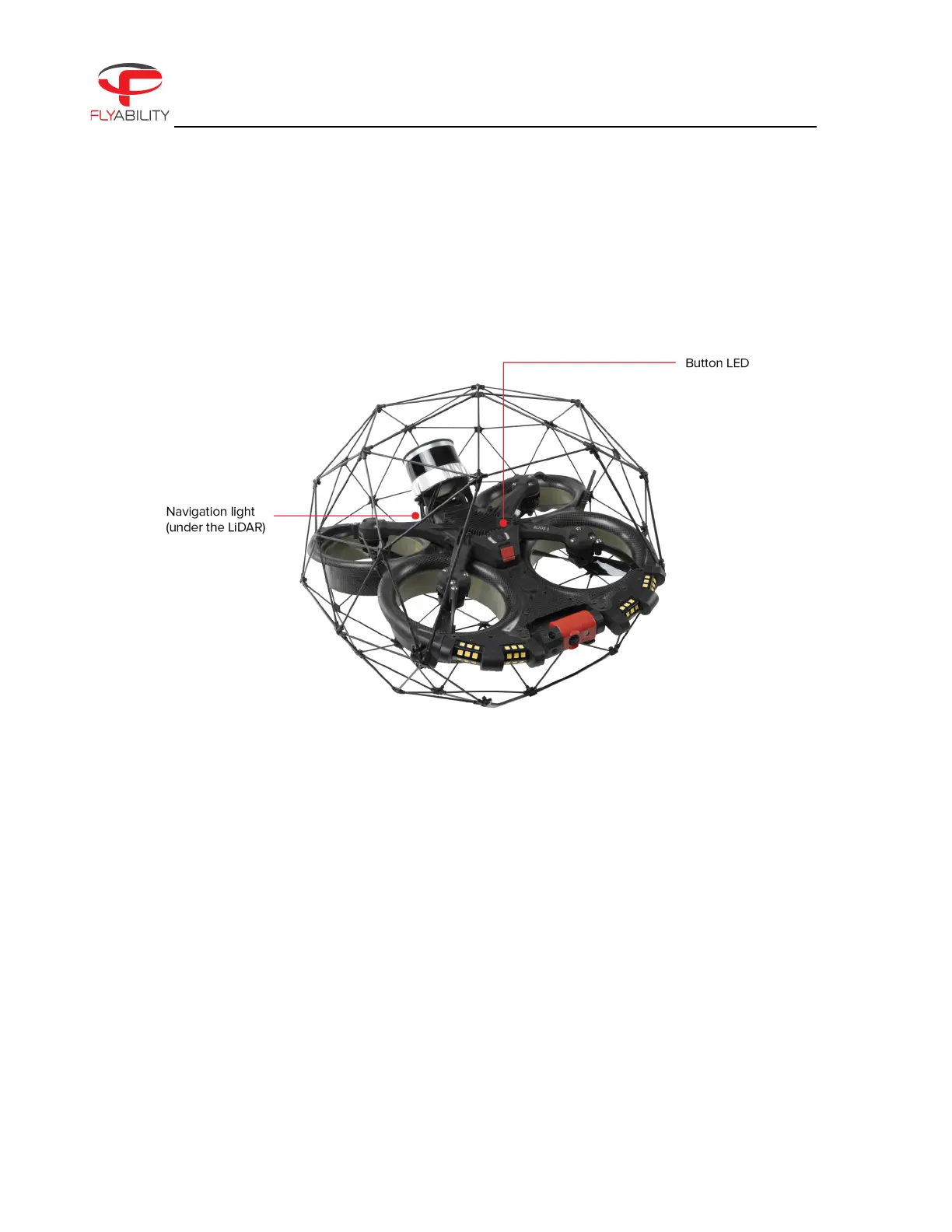
Figure 4.10: Drone Button LED & Navigation Lights
5.1. Button LED & navigation lights
ELIOS 3 comes with navigation light LEDs and button LEDs. These LEDs give information about the status of
the transmitter.
They are located at the front of the drone (where the power button is located), and on the back of the drone.
Here is a description of what each color stands for:
GREEN LED
The operation system is working properly.
RED LED
There is an error. Don’t fly the drone.



 To Next Page