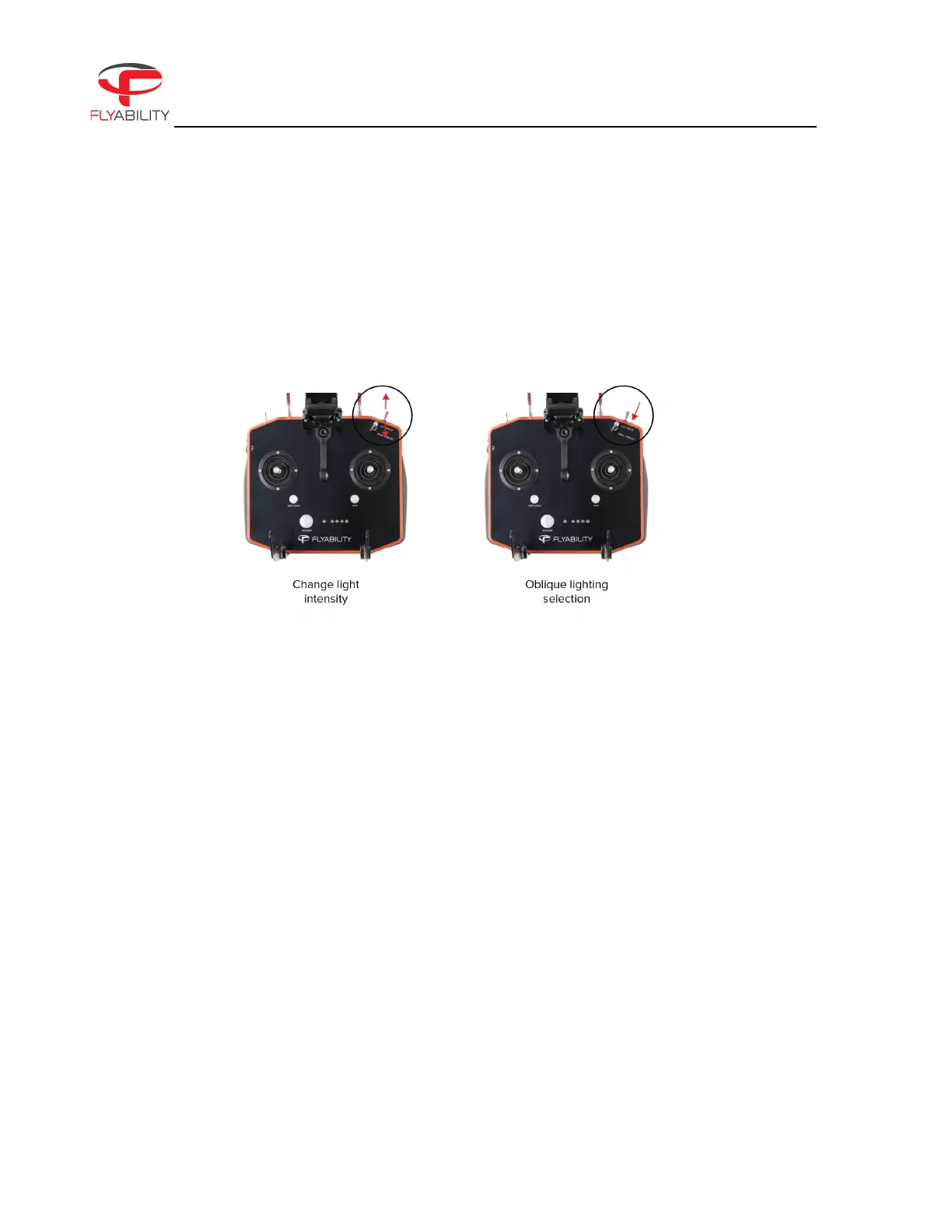
The intensity of all the panel lights can be controlled in flight via the GCS.
Figure 4.5: Lighting Intensity
DUST PROOF LIGHT
The Dust Proof light should be used whenever flying the Elios 3 in a dusty environment, as less light will be
reflected on the airborne particles. It can be manually activated. To switch to the Dust mode, you will have to
press the OBL. LIGHT button located at the back top right of the remote control.
OBLIQUE LIGHTING
The outboard panels can also be lit individually to provide oblique lighting. If the drone is positioned at a
shallow angle to a surface while one of the outboard panels is individually lit, then it will create shadows, which
greatly accentuate deformations and holes. To use the Oblique Lighting, you have to keep pressing the FN
button (located at the back left of the remote control) and at the same time, click on the OBL. light button, as
many times as needed to cycle between left, right or full mode.



 To Next Page