CAMERA PAYLOAD
REQUIRED ACTION / EXPLANATION
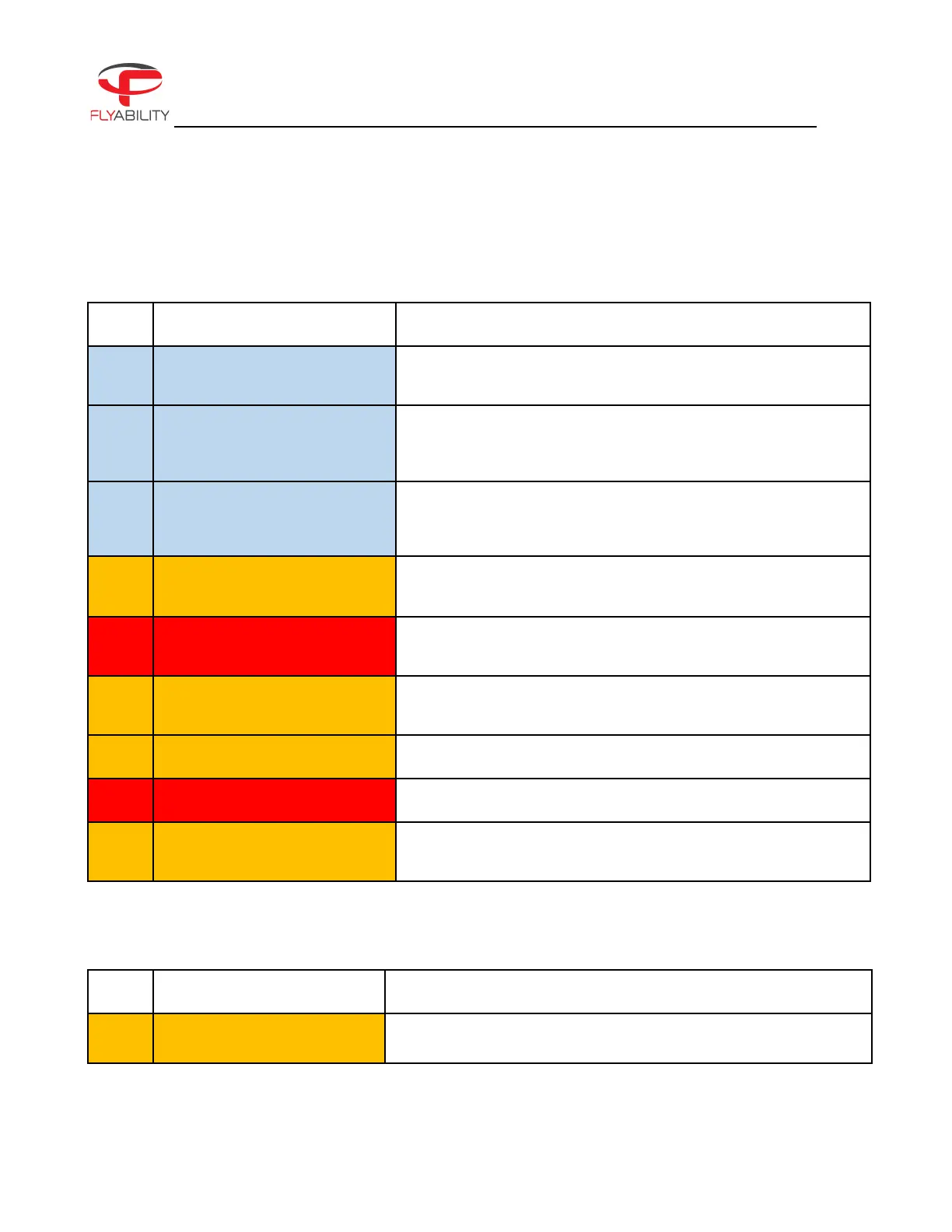
The Manual thrust mode (MAN) has been engaged. For you to
enable the Altitude hold, or to arm it, move the switch down.
The SPORT mode has been engaged. We recommend you fly
with caution, and that you switch to ASSIST to limit the drone
speed. Release button to slow down.
The aircraft is not in ASSIST mode. Move the switch to C1—ASSIST
mode and release the PRO MODE button to be able to arm the
drone.
The camera SD card is full. The aircraft is not able to record video
anymore. Empty the SD card to resume recording.
Error concerning camera SD card operation. Can be caused by a
corrupt card.
Please insert an SD card in the CAM SD card slot to have your
video footage saved.
The OBC storage is getting low. Free up 20GB to do a flight.
The OBC storage is almost full. Free up 20GB to do a flight.
Logging on the OBC stopped, since the OBC storage is full. From
now on, data won't be recorded.
CALIBRATION
REQUIRED ACTION / EXPLANATION
FC calibration changed, please
restart the drone
Calibration needs to be updated—please restart the drone.



 To Next Page