ELIOS 2 USER MANUAL Page 35 of 106
–
It will never initiate paid phone calls or contact paid services on its own
–
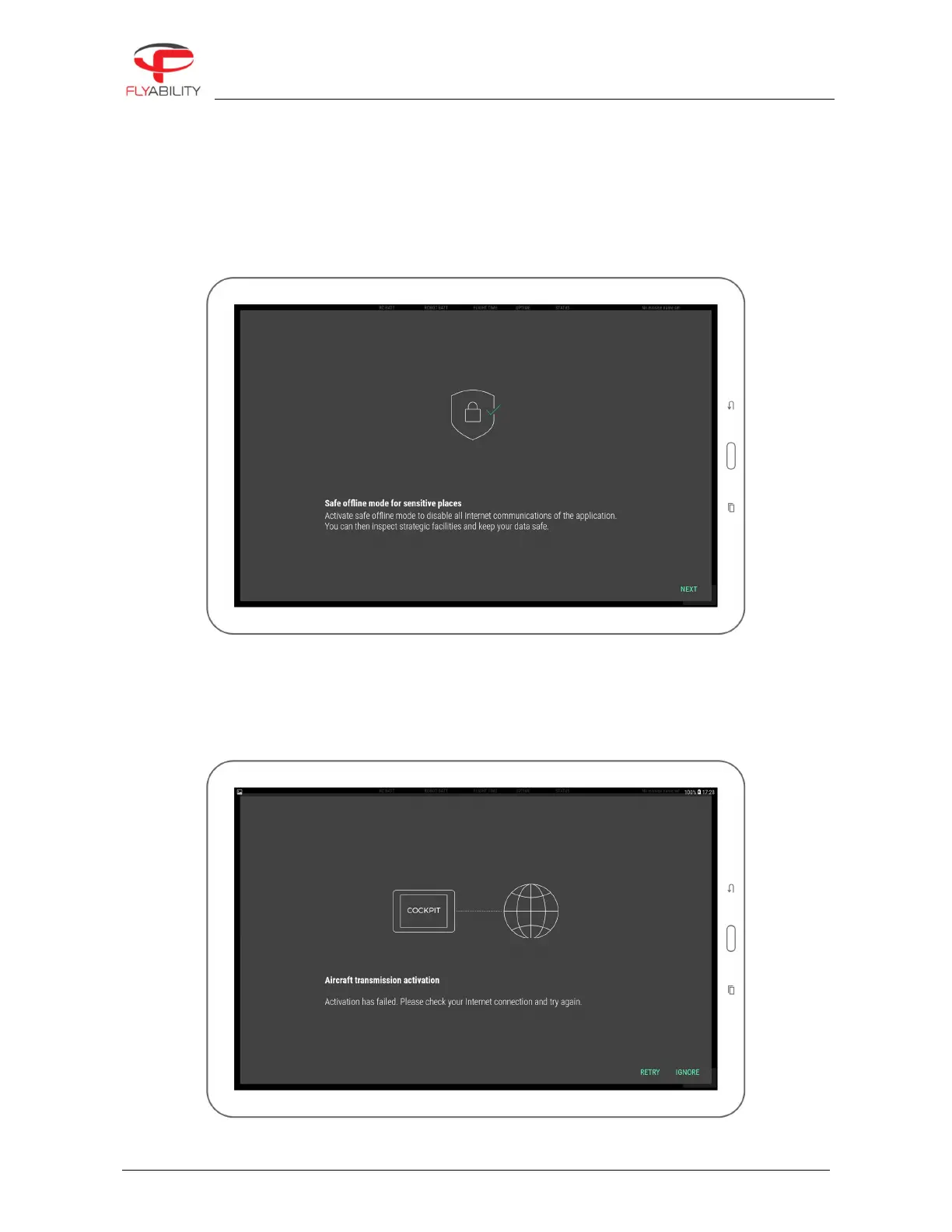
It will never upload videos, flight logs, data from the Android device. The only data that is uploaded is
minimal aircraft identification data for servicing purposes, for the sole use of Flyability. A safe offline
mode is available to block such data transfers if this is a concern.
6.1.4.2
NEW FEATURES
Every new version of Cockpit presents its newly added features in a slideshow. Read through to understand
and get acquainted with the latest improvements of the application.
6.1.4.3
TRANSMISSION ACTIVATION
The transmission system must be activated one time. Afterward, there is no more need to activate it even after
app upgrades. If purchased from Flyability, you receive your tablet with Cockpit pre-installed and activated.
When removing Cockpit from the tablet completely you don’t need to re-activate manually as long as your
tablet has internet connection while doing the install. Else, it will prompt you to re-activate.



 To Next Page