ELIOS 2 USER MANUAL Page 36 of 106
Be sure to have Internet connectivity for activation to succeed. Without activation, Cockpit functions cannot
be used. A reminder appears if activation cannot succeed.
IF THE “CLEAR DATA” FUNCTION IN ANDROID APPLICATION
MANAGER IS USED TO RESET COCKPIT, ANOTHER ACTIVATION WILL
BE REQUIRED ON NEXT LAUNCH.
Aircraft firmware upgrade
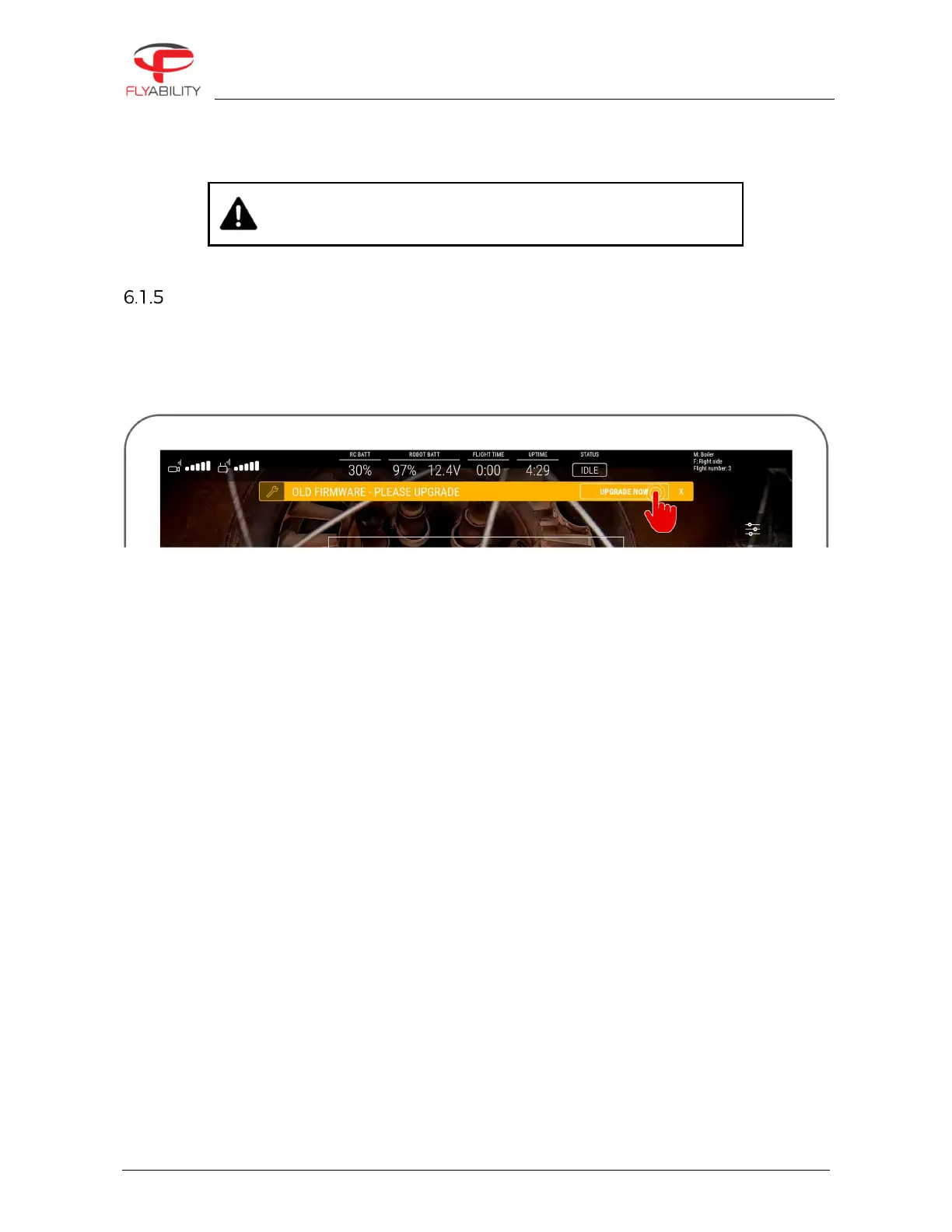
A a warning appears on the screen if an upgrade is necessary. It is highly recommended to perform the
upgrade so that you can benefit from all the new features and bug fixes. If you keep your aircraft with outdated
firmware, some of the newer features of Cockpit will not be enabled. The warning is visible as an example on
the screenshot below.



 To Next Page