Save (top right) – save the settings,
Back (bottom right) – exit without saving,
15.1.4 Red area in RPM
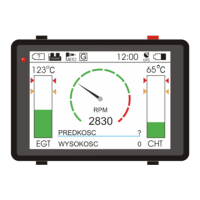
Another setting needed to calibrate graphic screen's tachometer. This value defines start point of the "red
area" on screen.
Use following buttons to set up beginning of red area:
+500 (top left) – add 500 RPM to the value,
-500 (bottom left)– deduct 500 RPM from the value,
Save (top right) – save the settings,
Back (bottom right) – exit without saving,
15.1.5 Number of pulses per rotation
This setting defines a number of ignition pulses occurring during one rotation of a crankshaft.
Changes to this setting can be applied using following buttons:
+1 (top left) – add 1 impulse,
-1 (bottom left) – deduct 1 impulse,
Save (top right) – save the value,
Back (bottom right) – exit without saving,
FLYelectronics All Rights Reserved Page 18


 To Next Page