Types of weir
Overflow calculations are based on:
• Rectangular spillway,
• V-shaped spillway,
or
• Any type of spillway where the overflow flows are known for 2–10 sump levels.
Disable overflow calculations
Select "No" in the Weir select menu (8_1).
Details: Rectangular Weir
(Reference for general information and requirements: “Estimate Overflow Flow and
Volume”).
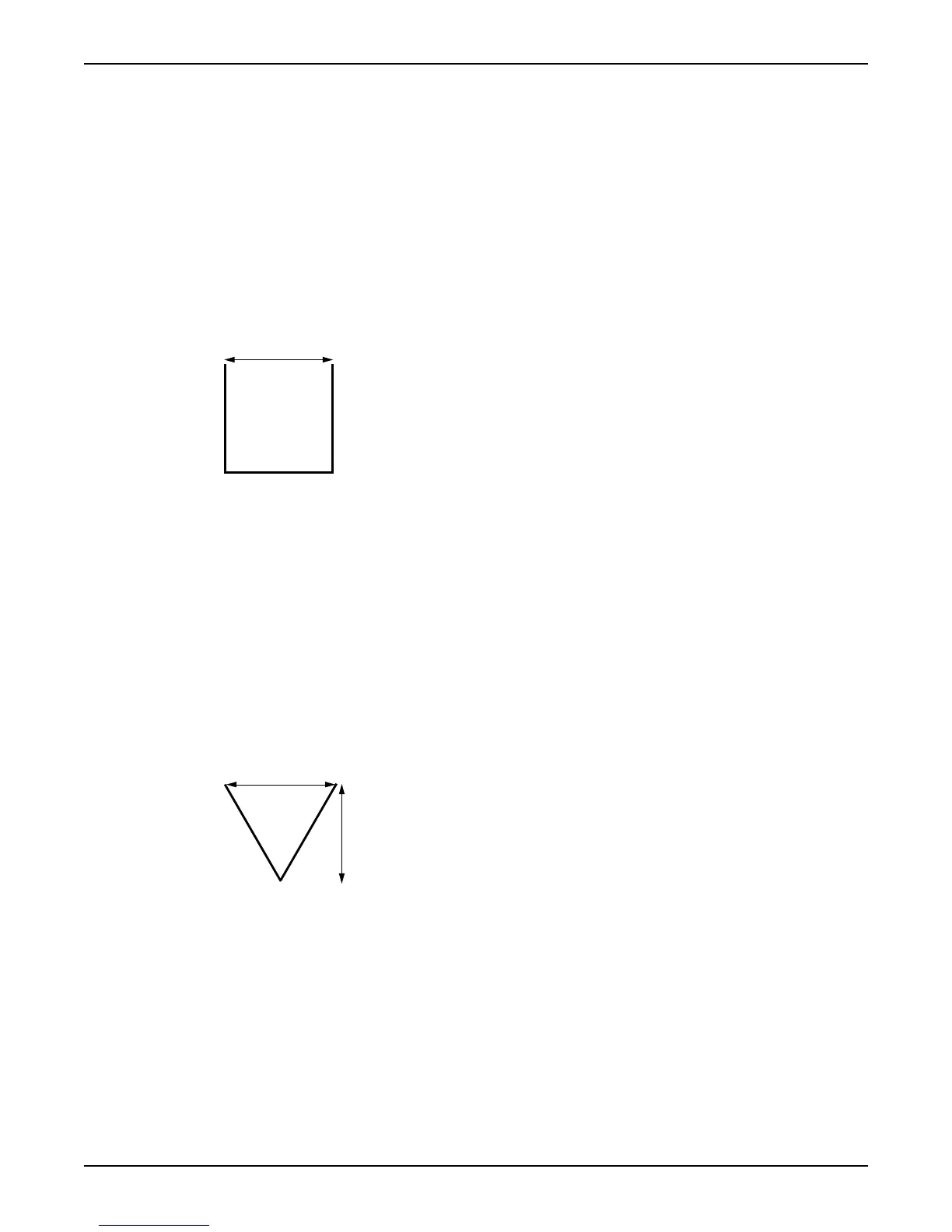
Illustration: Rectangular spillway
1. Weir width
Configure rectangular weir
1. Select "Rectangular" in the Weir select menu (8_1).
2. Specify a sump level in the Overflow level menu (8_2).
Keep in mind. Enter "0" to only use the overflow sensor to trigger calculations.
3. Specify the weir discharge coefficient in the Discharge coeff. menu (8_3).
Reference: Spillway supplier.Example: A typical value is 0.62.
4. Specify a width in the Weir width menu (8_5).
Details: V-shaped Weir
(Reference for general information and requirements: “Estimate Overflow Flow and
Volume”).
Illustration: V-shaped spillway
1. Weir width
2. Overflow range
Configure v-shaped spillway
1. Select "V-notch" in the Weir select menu (8_1).
2. Specify a sump level in the Overflow level menu (8_2).
Keep in mind. Enter "0" to only use the overflow sensor to trigger calculations.
3. Specify the weir discharge coefficient in the Discharge coeff. menu (8_3).
Reference: Spillway supplier.Example. A typical value is 0.58.
4. Specify a range in the Overflow range menu (8_4)
5. Specify a width in the Weir width menu (8_5).
Measure Flow Rate and Capacity
34 APP 541 User manual



 To Next Page