Details: Any Weir with 2–10 Known Overflow Flows
(Reference for general information and requirements: “Estimate Overflow Flow and
Volume”).
Considerations
For accurate estimations:
• Levels should be uniformly distributed within the overflow range.
• Top-most level should be the maximum overflow flow.
• The more known overflow flows, the greater the accuracy.
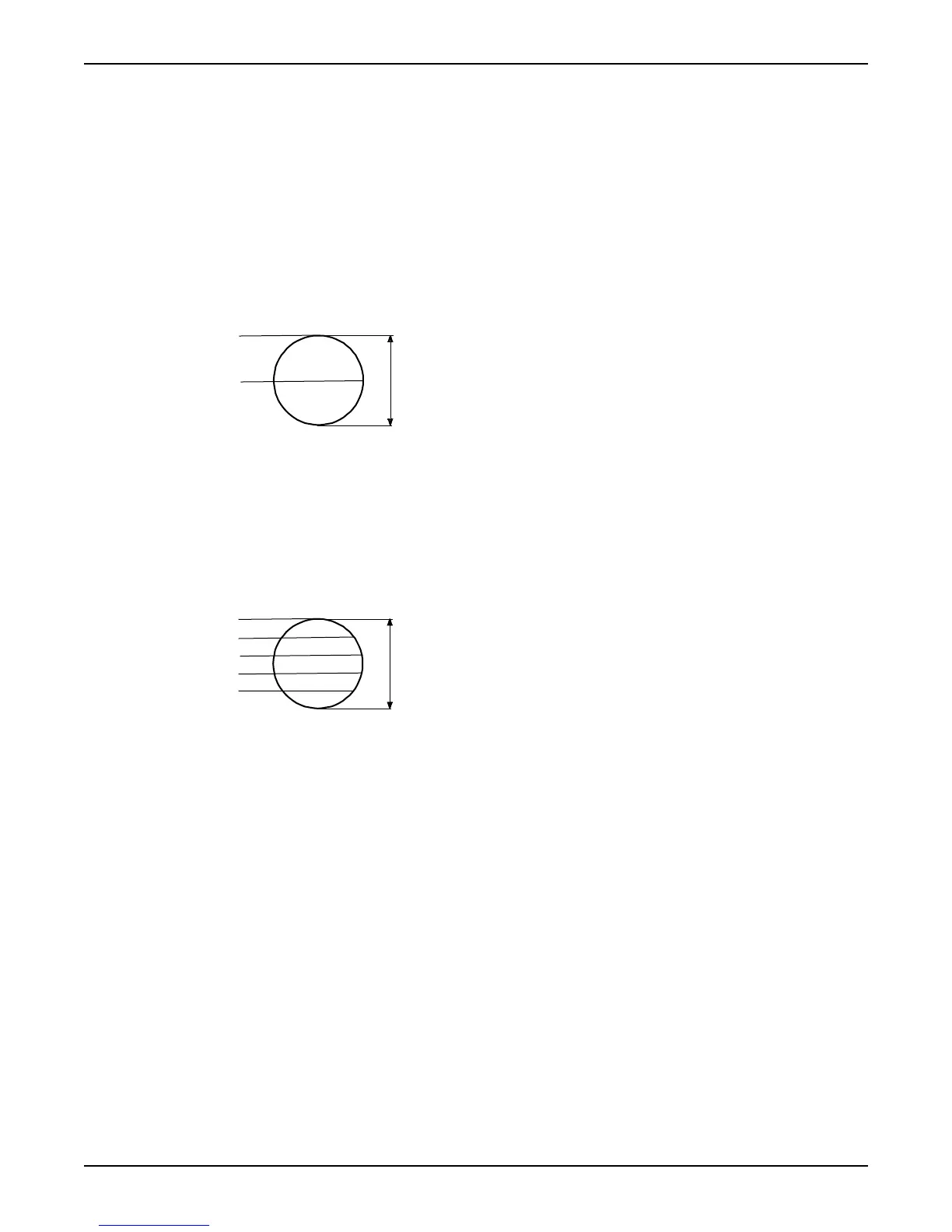
Example: Two known overflow flows
• Overflow 2 are the flow at top of the overflow range.
• Overflow 1 are the flow at 1/2 of the overflow range.
1. Overflow 1: 72.6 l/s
2. Overflow 2: 138.6 l/s
3. Overflow range
Example: Five known overflow flows
• Overflow 5 are the flow at top of the overflow range.
• Overflow 4 are the flow at 4/5 of the overflow range.
• ...
• Overflow 1 are the flow at 1/5 of the overflow range.
1. Overflow 1: 13.8 l/s
2. Overflow 2: 38.6 l/s
3. Overflow 3: 94 l/s
4. Overflow 4: 128.2 l/s
5. Overflow 5: 138.6 l/s
6. Overflow range
Specify a weir manually
1. Select "Manual" in the Weir select menu (8_1).
2. Specify a sump level in the Overflow level menu (8_2).
Keep in mind. Enter "0" to only use the overflow sensor to trigger calculations.
3. Specify a range in the Overflow range menu (8_4).
4. Specify overflow 1 in the Overflow segment 1 menu (8_6).
5. Repeat Step 4 for any other known overflow flow.
Keep in mind. Enter "0" not to use a level.
Measure Flow Rate and Capacity
APP 541 User manual 35



 To Next Page