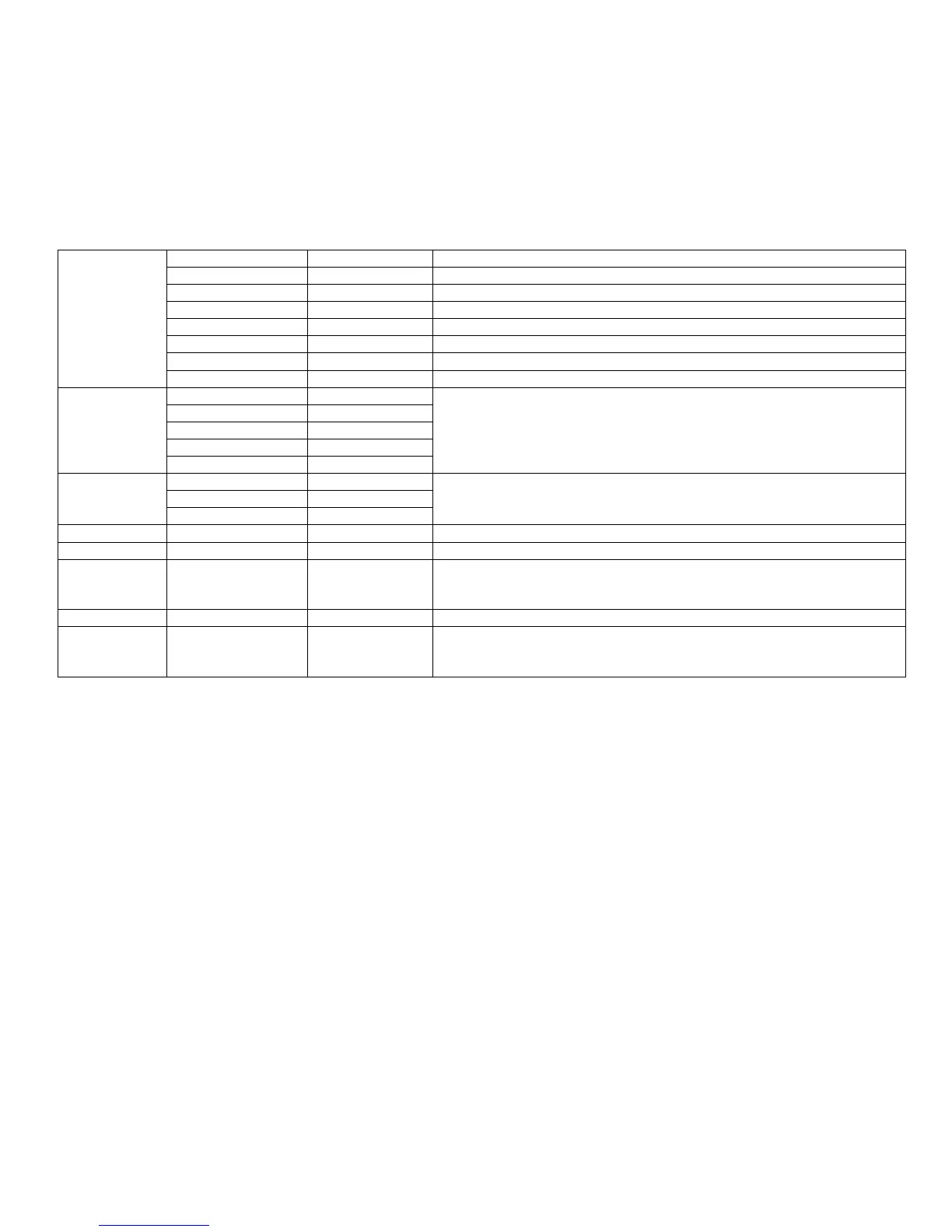
13.7Enable WAN Login To enable or disable user login webpage from Internet port.
13.8Web Port To view the Web Port, or to change the Web Port.
13.9SIP QoS To view the SIP QoS, or to change the SIP QoS.
13.1RTP QoS To view the RTP QoS, or to change the RTP QoS.
13.11Data QoS To view the Data QoS, or to change the Data QoS.
13.12VLAN Tag To enable or disable VLAN Tag
13.13VLANID To view the VLANID, or to change the VLANID.
13.14802.1p Priority To view the802.1p Priority, or to change the802.1p Priority.
14Product Info
14.1Product Name
To view the current information of Product Name, Software Version, Hardware Version,
MAC Address and serial number.
14.2Software Version
14.3Hardware Version
14.4MAC Address
14.5Serial Number
15Status
15.1Intenet Port Status
To view the current information about the status of Internet port, VPN and registration.
15.2VPN Status
15.3Registration Status
16Reboot To reboot IP622.
17Factory Default To set IP622 factory default.(Need password)
18Set Password
To reset password.
The password of LCD is same as the one of Webpage.
Default is admin.
19LCD Contrast To view and change the contrast of LCD.
20Login/Logout
Press it to logout LCD.
Press 20Login/Logout to erase memory, and then user should input password when user
access to 9Accounts again.


 To Next Page