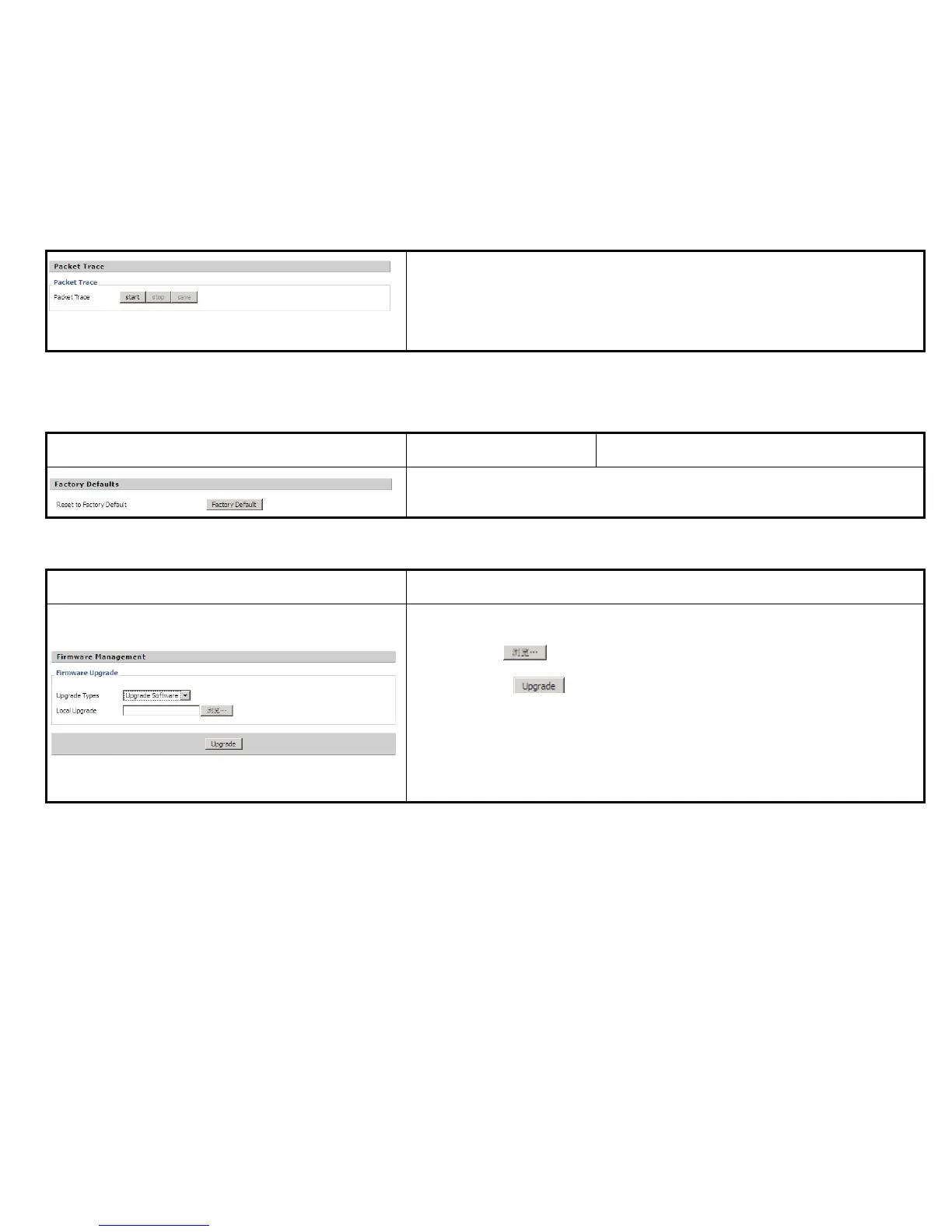
User can use this function to trace the packets sent by the phone. Press start to
begin packet trace, and refresh the webpage until it displays stop, press save to save
the packet to your local PC.
Description
Press Factory Default button to reset IP622 default.
Description
Steps:
Step 1. Press to browser the upgrade file.
Step 2. Press to start upgrading, LCD will display the notice when
upgrading.
Step 3. Login web and then check the firmware whether well upgraded by viewing
the firmware version in Status/Basic webpage.
1) Provisioning allow IP622 auto-upgrading or auto-configuring
2) IP622 supports 3 ways to provision: TFTP, HTTP and HTTPS.
Before testing or using TFTP, user should have tftp server and upgrading file and configuring file.
Before testing or using HTTP, user should have http server and upgrading file and configuring file.


 To Next Page