ACTION REQUIRED:
DIGITAL DISPLAY:
SETUP MENU continued...
QUESTIONS ? Help Hotline: 1-800-893-6723
File: T4\NEW O&M 2007\W19 WIZ NEW PR328 SETUP4.tcw
04/08/08 MT
Step 2
#2 MONITOR BULK
NO YES
9 BULK SUPPLY
SETUP MENU
BULK SUPPLY
Step 1
Press "ENTER" key to continue.
9
# OF 4-20 PORTS
2 ACTIVE
Step 2
P1 USED FOR CH #
Step 3
, enter 1
PORT 1 CHAN 1
Step 4
, enter NET
PORT 1 RANGE FS
Step 5
GAL = XXXX.X
Momentarily displays number of active 4-20mA ports, then
automatically advances to Step 3.
Designate whether you would like NET, RATE, DAILY USAGE
or BULK data to be sent out on this port. Use the the “MENU”
arrow key to select then press “ENTER” key to continue
Use the numerical keypad to input what full scale output you
would like 20 mA to be equal to. 4 mA is always equal to 0.
Use "MENU" arrow keys to choose NO or YES, then press
"ENTER" key to continue.
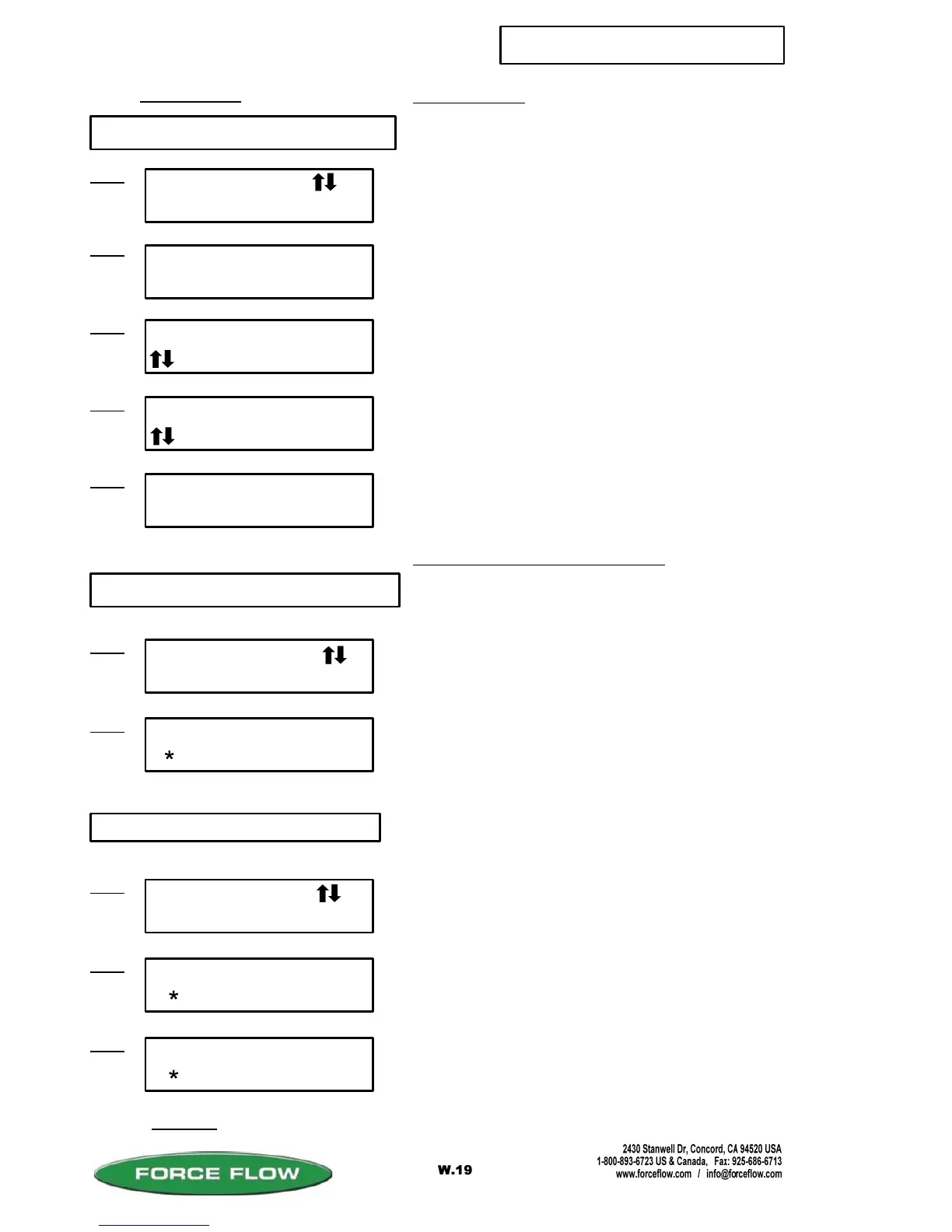
SETUP MENU
CONFIG 4-20 OUT
Step 1
8 CONFIG 4-20mA OUT
If you have 4-20 mA output hardware installed on your
motherboard, this allows you to configure your 4-20 outputs to
send either: NET; RATE; DAILY USAGE or BULK TANK data,
and set full scale value ( 20 mA = full scale).
Press "ENTER" key to continue.
8
FIXED TANK APPLICATIONS ONLY:
Step 2
#1 AUTO REFILL
LEVEL BATCH
10 AUTO REFILL
SETUP MENU
AUTO REFILL
Step 1
Press "ENTER" to continue to next screen.
10
Continued...
This option is used for stationary day tanks that refill their
Chemical from a bulk supply tank. By turning this function
on, it allows you to inferentially track remaining chemical in
the bulk supply tank.
This item is only available if you have purchased the
ARC4000 option.
LEVEL mode: Fills tank to preset level.
BATCH mode: Fills (adds) preset amount.
Designate which channel (1-4 or "TOTALS" you would like Port 1
(P1) output to be on. Use "MENU" arrow keys to select then press
"ENTER" key to continue. Repeat process for additional ports.
(OPTION MODEL NO. ARC4000)
Step 3
#1 AUTO REFILL
SEMI AUTO
SEMI requires operator to initiate fill using TANK LOAD key.
AUTO begins refill automatically.
(LEVEL MODE ONLY)



 To Next Page