ACTION REQUIRED:
DIGITAL DISPLAY:
SETUP MENU continued...
QUESTIONS ? Help Hotline: 1-800-893-6723
File: T4\NEW O&M 2007\W20 WIZ NEW PR328 SETUP5.tcw
04/08/08 MT
Step 5
#1 PUMP ON VAL
LBS = XXX.X
Step 4
10 AUTO REFILL continued...
12 ALARM / RLY CONFIG
SETUP MENU
ALARM / RLY CONFIG
Step 1
12
Continued...
#1 PUMP OFF VAL
LBS = YYY.Y
Step 2
SETUP MENU
SET ALARM VALUES
Step 1
11 SET ALARM VALUES
SELECT CHANNEL
, enter CH# 1
Step 3
#1 SP A HIGH
GAL = 250.0
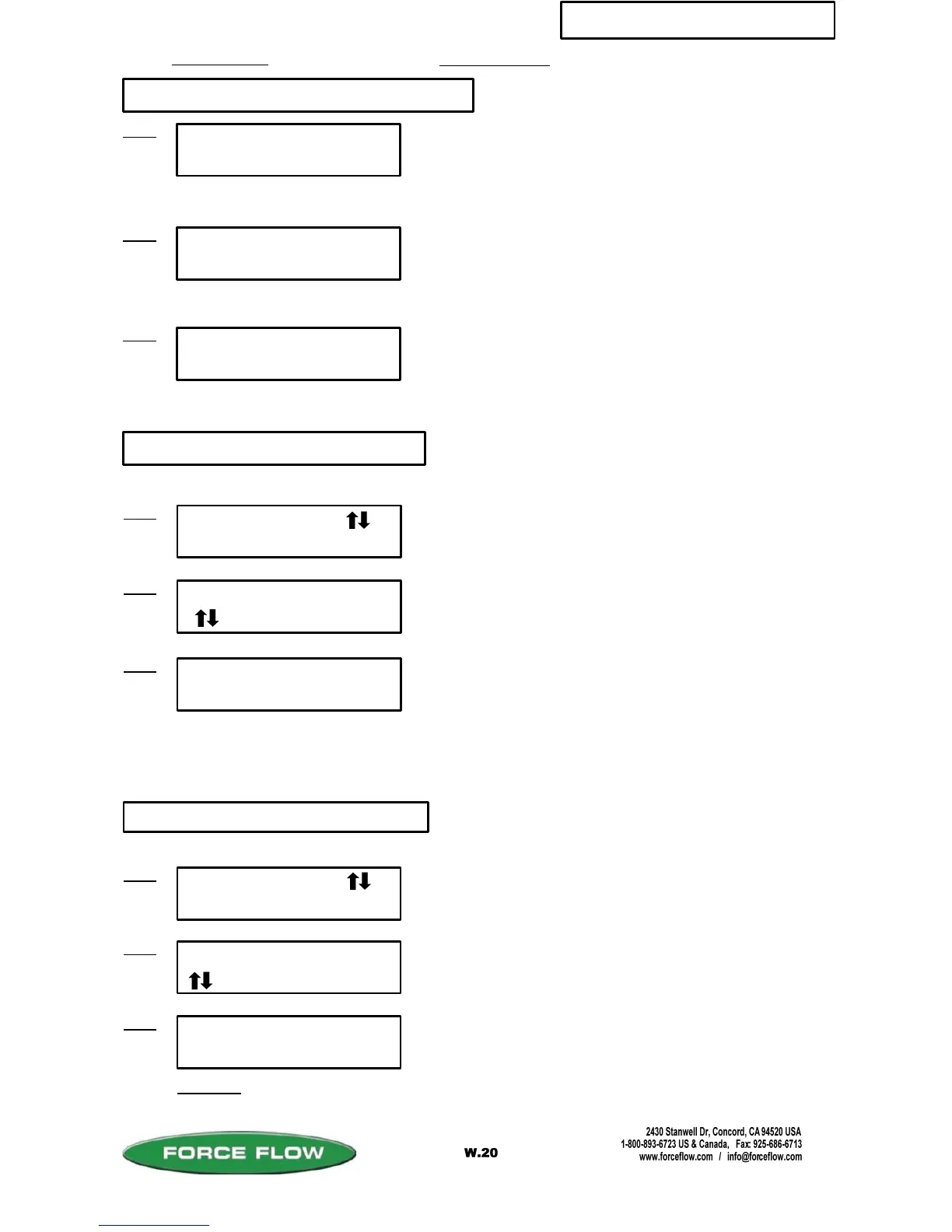
This function allows you to choose the value at which you want
your various alarms/setpoints to trigger at. Options include:
Net High A & B, Net Low A & B, Rate High, Rate Low, Daily
Usage High, Daily Usage Low, Bulk Tank Low and Slow Fill
Time.
Press “ENTER” key to continue.
Select which channel you would like to work on.
11
SELECT CHANNEL
, enter CH# 1
Step 2
Press "ENTER" key to continue.
Use “MENU” arrow keys to select which channel you would
like to work on. Press “ENTER” key to accept.
#1 SP A HIGH
RLY, 2- 4 2
Step 3
Designate a relay number for this alarm. Choose “0” if you do
not want this alarm to go to a relay. For example, this screen
indicates: On Channel #1 High Setpoint A, choose which relay
(choices are 2-4) that you would like this alarm to go to.
Enter values at which you want your alarms or setpoints to trigger.
Each channel has two low (descending) alarm or control setpoints
available (A and B) and two high (ascending) setpoints. As you
press ENTER to advance through the different alarms you will also
see HIGH FEED RATE, LOW FEED RATE, HIGH DAILY and
LOW DAILY alarms. We recommend setting the alarm value to 0 if
you do not intend to use it.
NET value at which refill event is to begin.
NET value where refill event is to end.
(AUTO MODE ONLY)
If you have optional relay contact outputs installed on your
motherboard, this menu allows you to designate which relay you
would like a particular alarm to go to. You may send multiple
alarms to the same relay contact if so desired.
(OPTION MODEL NO's. W5ASP-OD, CD, OS, CS)
Step 6
#1 BATCH TARGET
LBS = XXX.X
Amount (typically water) to be added when
TANK LOAD key pressed.
(LEVEL MODE ONLY)
(BATCH MODE ONLY)



 To Next Page