Forcepoint Next Generation Firewall Hardware Guide | Models 330, 331, 335, 335W
14
Steps
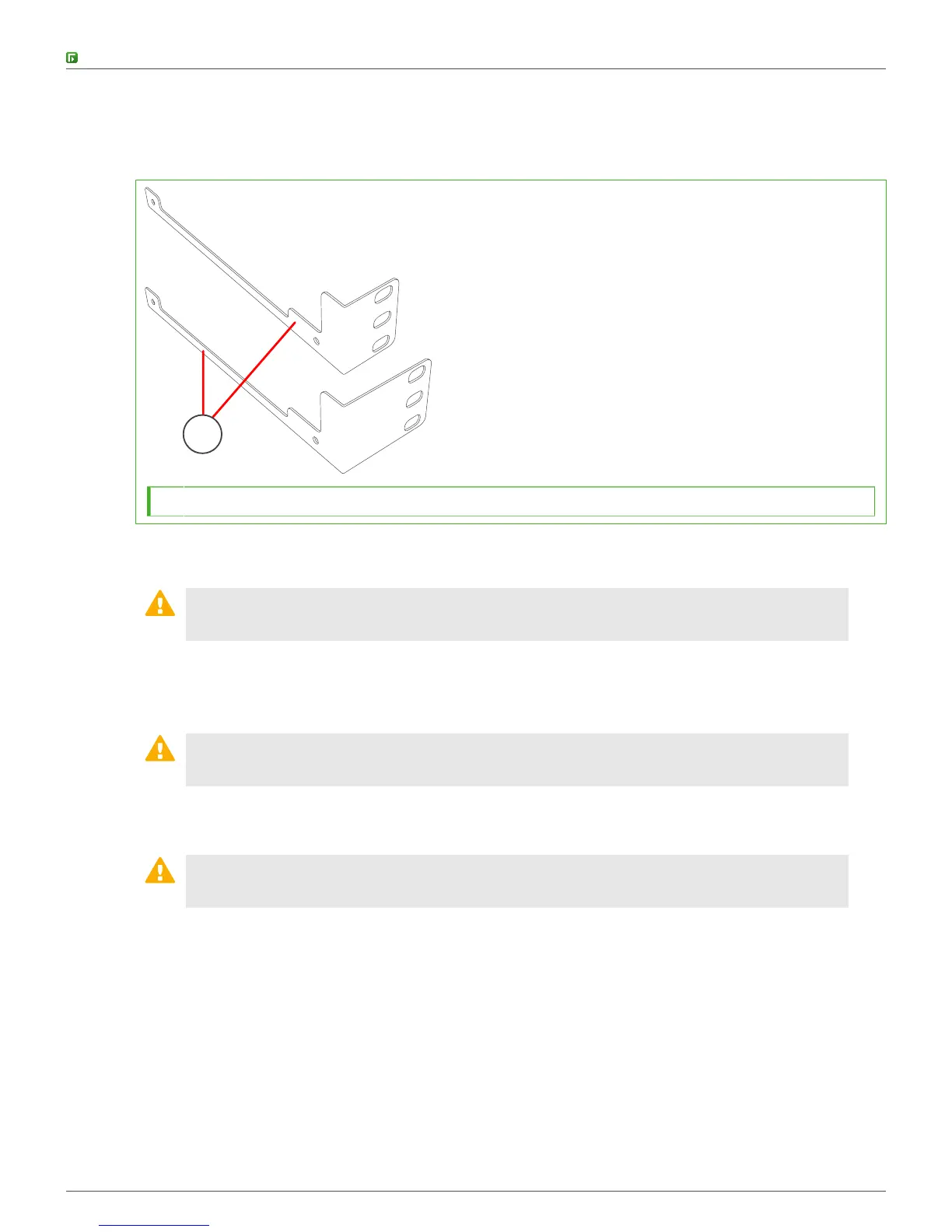
1) Locate the brackets for the rack installation.
The bracket delivery includes two side brackets of different sizes.
1
1 Side brackets
2) Unscrew the pair of screws from both sides of the appliance.
CAUTION: Do not reuse these screws for attaching the brackets. The screws are not long
enough to properly attach the brackets.
3) Attach the side brackets to the sides of the appliance with two screws through the holes in the side of each
bracket.
The narrow part of the bracket attaches toward the back of the appliance.
CAUTION: Use two screws to attach each rack-mounting bracket to the appliance. Using
only a single screw does not provide sufficient support and can damage the appliance.
4) Attach each bracket to the rack with three screws through the holes in the front of the bracket: one screw
through the top hole, the second through the middle hole, and the third through the bottom hole.
CAUTION: Use at least two screws to attach each rack-mounting bracket to the rack. Using
fewer screws might not provide sufficient support and can damage the appliance.



 To Next Page