Forcepoint Next Generation Firewall Hardware Guide | Models 330, 331, 335, 335W
22
2) Unplug all power cables from the system or the wall outlets.
3) Disconnect the cable from the SFP transceiver.
4) Pull down the latch on the transceiver and carefully pull the SFP transceiver out of the port slot.
5) If needed, insert a replacement SFP transceiver in the slot.
Compliance information
Forcepoint NGFW appliances that have wireless support are in compliance with certain EU directives and FCC
standards for wireless devices intended for home and office use.
This information is valid for all dual band products (2.4 GHz, IEEE 802.11b/g/n, and 5 GHz, IEEE 802.11a/n/ac).
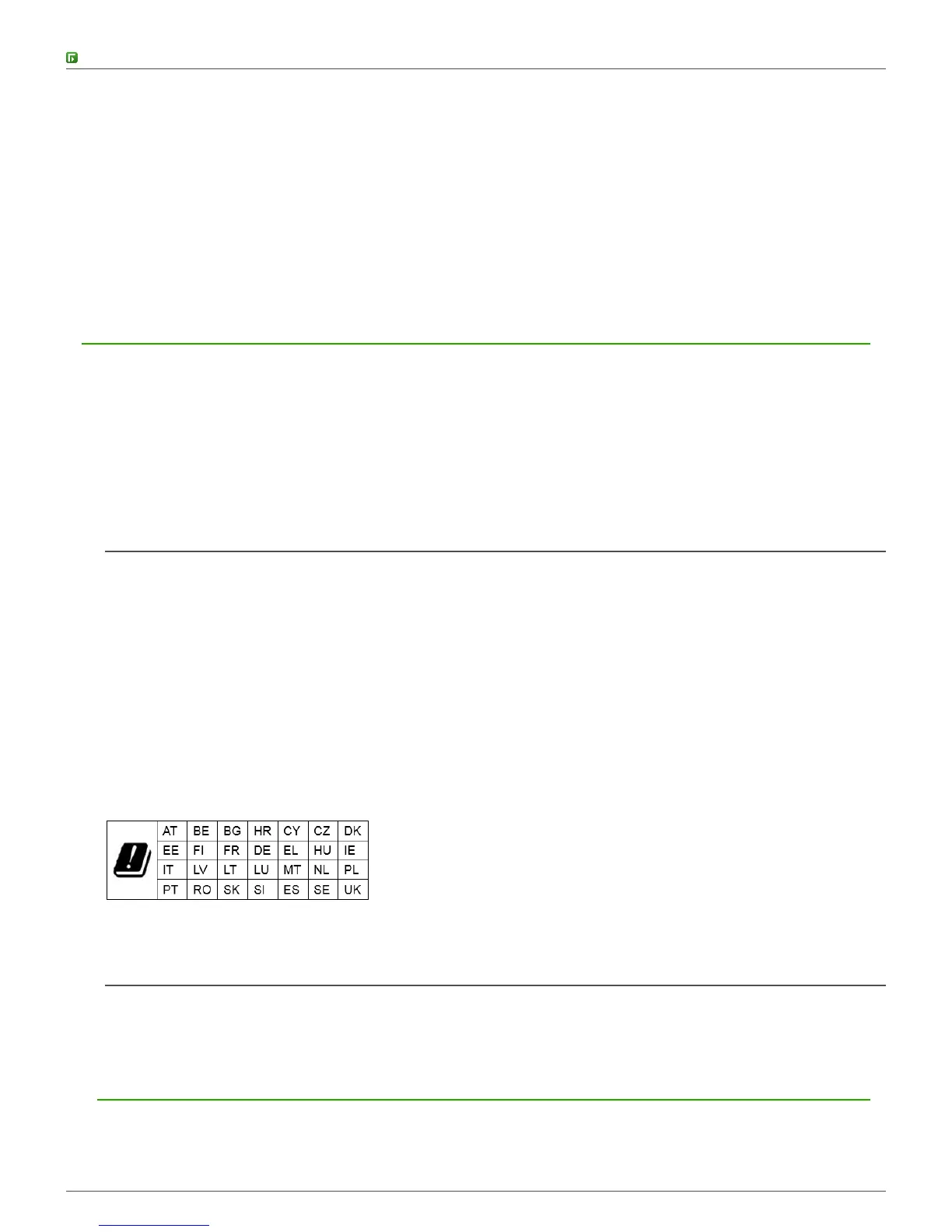
The supported channels and frequencies are listed by country in the Management Client. The wireless
configuration is transferred to the appliance when you install the policy on the NGFW Engine.
EU Directives
This appliance is in compliance with:
• EMC directive 2014/30/EU
• RED directive 2014/53/EU
The frequencies and maximum transmitted power in the EU are:
• 2.41–2.47 GHz: 16.35 dBm (EIRP)
• 5.18–5.24 GHz: 16.58 dBm (EIRP)
• 5.26–5.32 GHz: 16.68 dBm (EIRP)
• 5.50–5.70 GHz: 19.96 dBm (EIRP)
Operations in the 5150–5350 MHz band are restricted to indoor usage only.
FCC Standards
This appliance is in compliance with FCC Part 15.
Applied technologies
The appliance uses these technologies.
• Radio spectrum — Sub-bands



 To Next Page