Forcepoint Next Generation Firewall Hardware Guide | Models 330, 331, 335, 335W
17
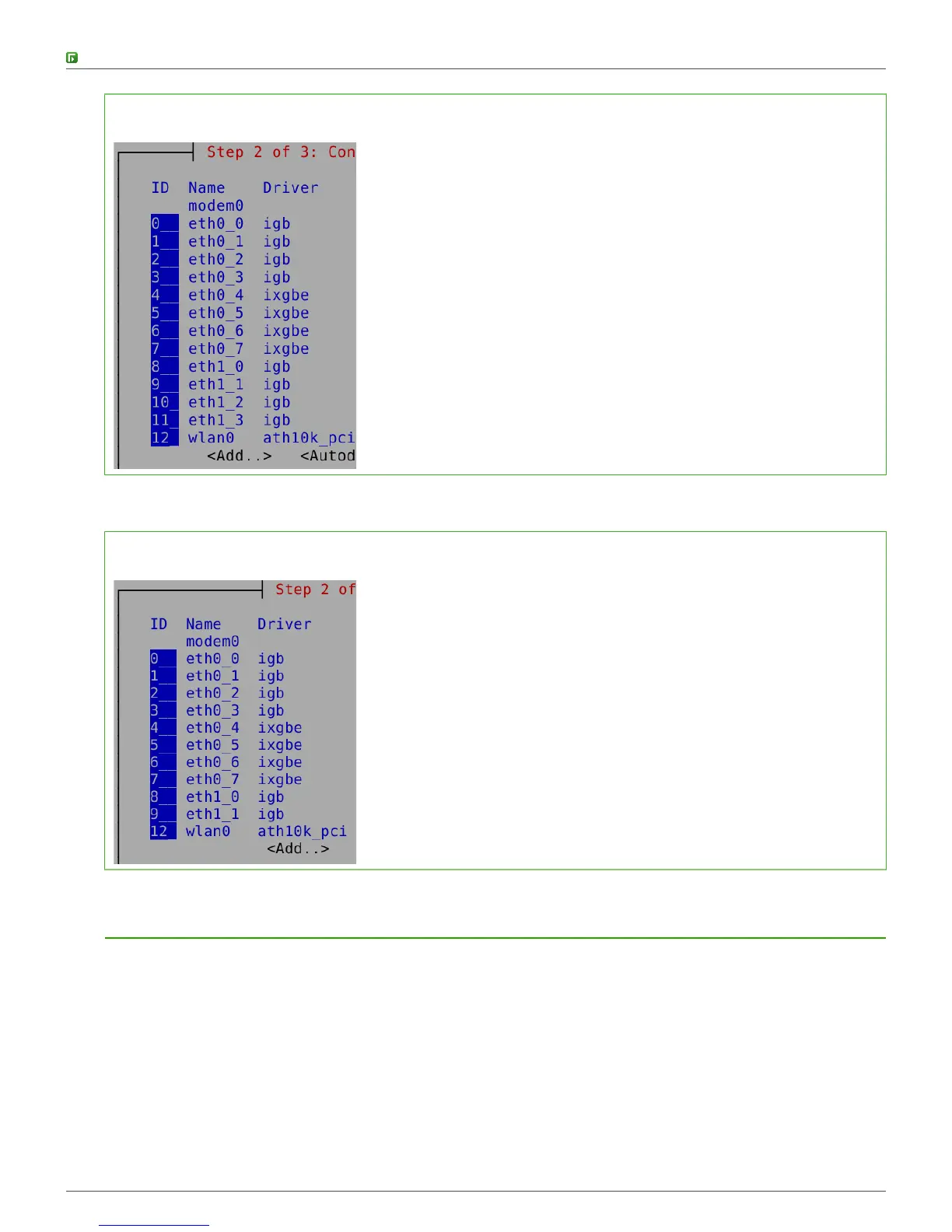
Figure 1: Original interface ID mapping
If you replace the four-port module installed in slot 1 with a two-port module, eth1_2 with ID 10 and eth1_3 with
ID 11 are removed.
Figure 2: Changed interface ID mapping
Connect the antennas
335W appliances have WLAN support. Connect the antennas.
Steps
1) Attach the antennas to all of the connectors on the back panel of the appliance.
2) Tighten the knurled nuts at the base of the antennas to secure them firmly to the appliance.
3) Position the antennas.



 To Next Page