Forcepoint Next Generation Firewall Hardware Guide | Models 330, 331, 335, 335W
5
Number Indicator Status Description
Solid amber The NGFW Engine is in the offline state for one of the following
reasons:
• Initial contact between the NGFW Engine and the
Management Server has been established but the NGFW
Engine is not yet processing traffic.
• The NGFW Engine has been commanded to go offline.
Green The NGFW Engine is in the online state and processing traffic.
3 Management
connectivity
Green A network connection between the NGFW appliance and the
Management Server has been established.
Ethernet port indicators
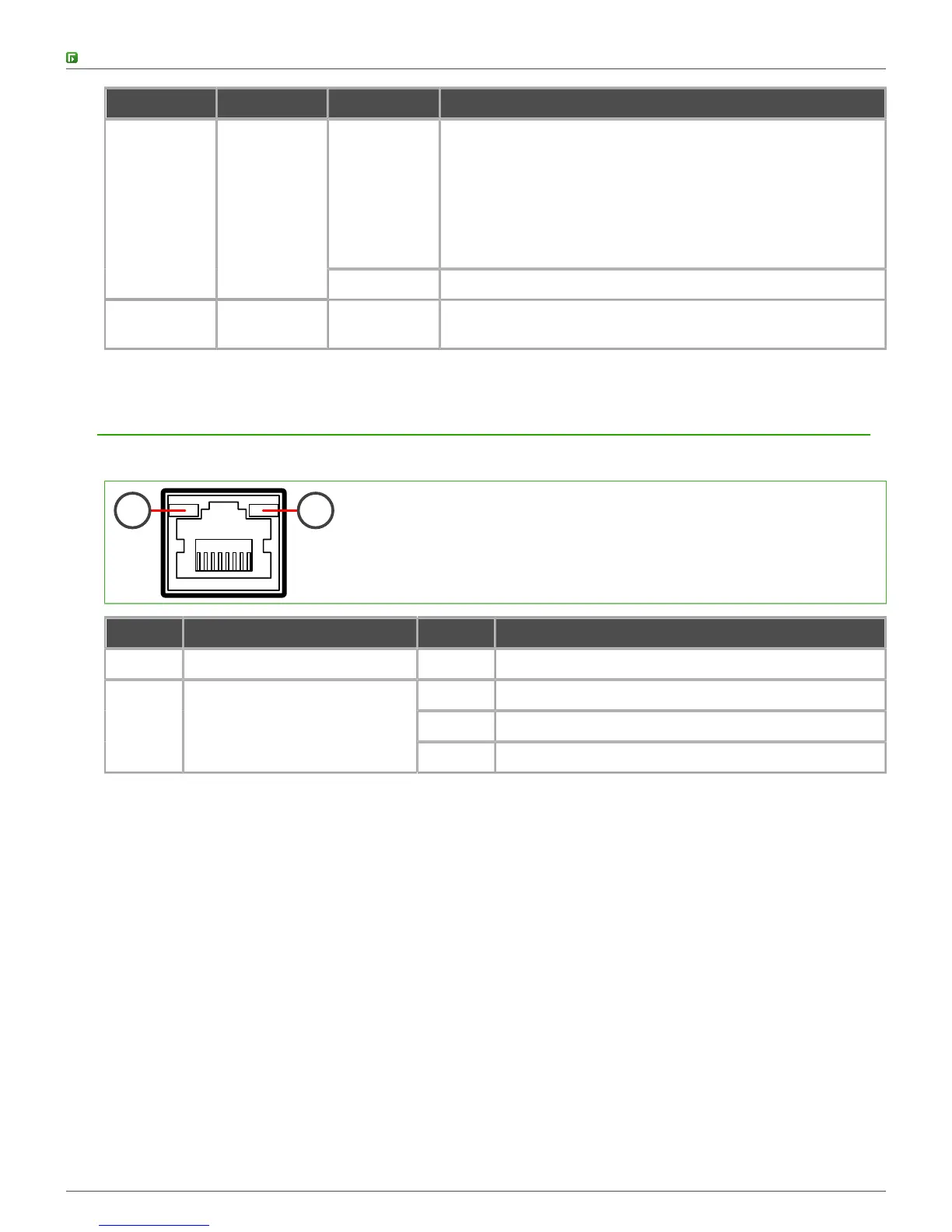
Ethernet port indicators show the status and speed of the network ports.
1 2
Number Indicator Status Description
1 Activity/link indicator Green Link OK. Flashes on activity.
Unlit 10 Mbps link.
Amber 100 Mbps link.
2 Link speed indicator
Green 1 Gbps link.



 To Next Page