Forcepoint Next Generation Firewall Hardware Guide | Models 330, 331, 335, 335W
3
Model 330 and 331 features
The figures and tables show the appliance components.
Front panel
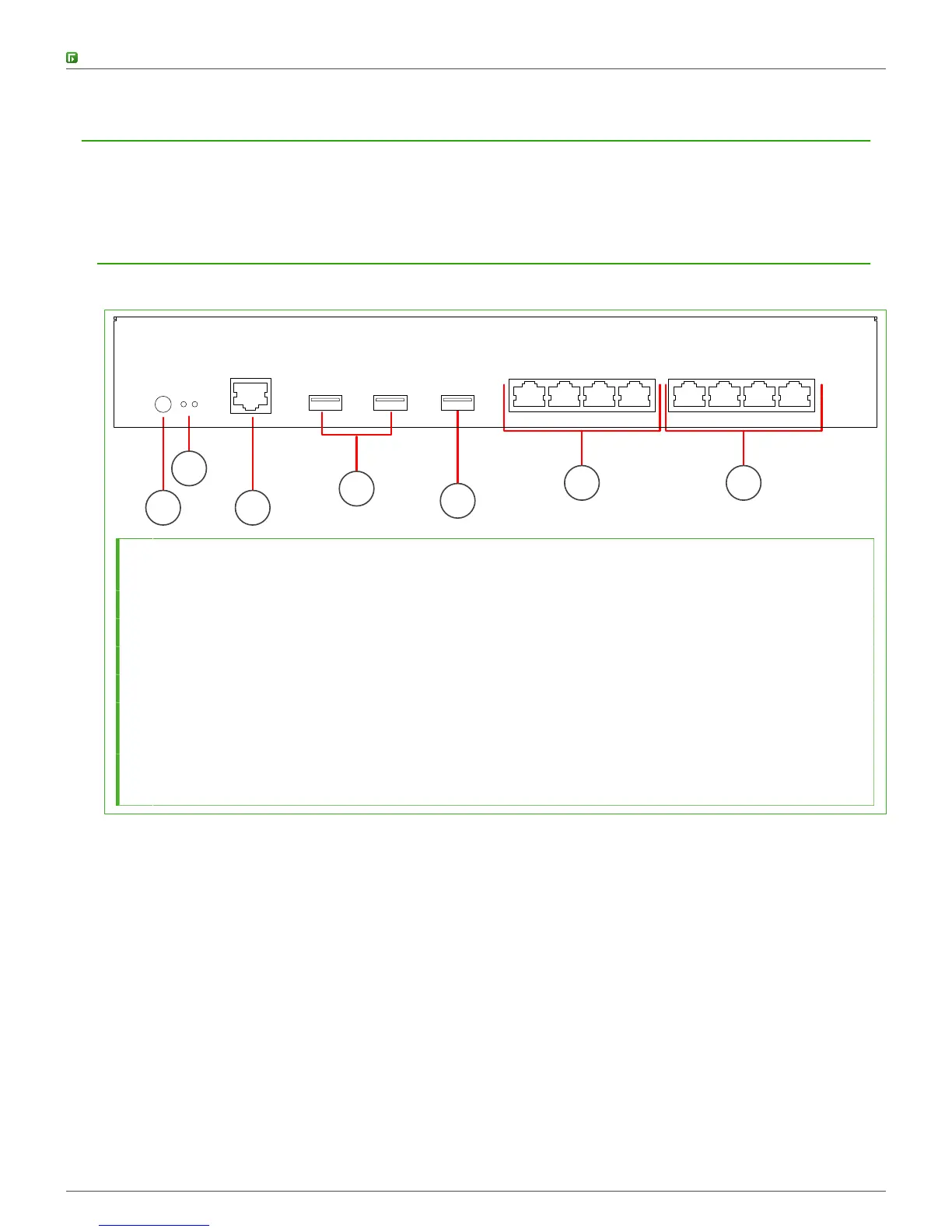
The front panel includes indicator lights and ports.
1 3
5
2
6 7
4
1 Power button
The indicator on the button shows if the power is on.
2 Indicator lights
3 Console port (speed 115,200 bps)
4 USB port
5 USB 3.0 port
6 Fixed Ethernet ports 0-3
The ports are numbered eth0, eth1, eth2, and eth3 from left to right.
7 Fixed Ethernet ports 4-7
The ports are numbered eth4, eth5, eth6, and eth7 from left to right.



 To Next Page