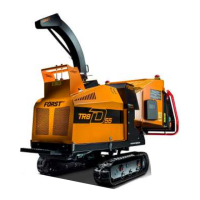
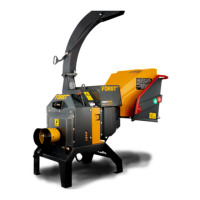
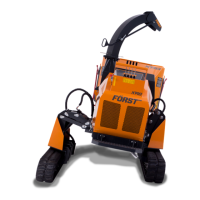
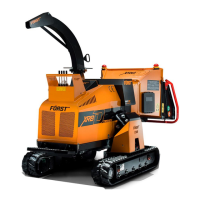
Before using the chipper:
1. Start the machine with the ignition key on the control panel.
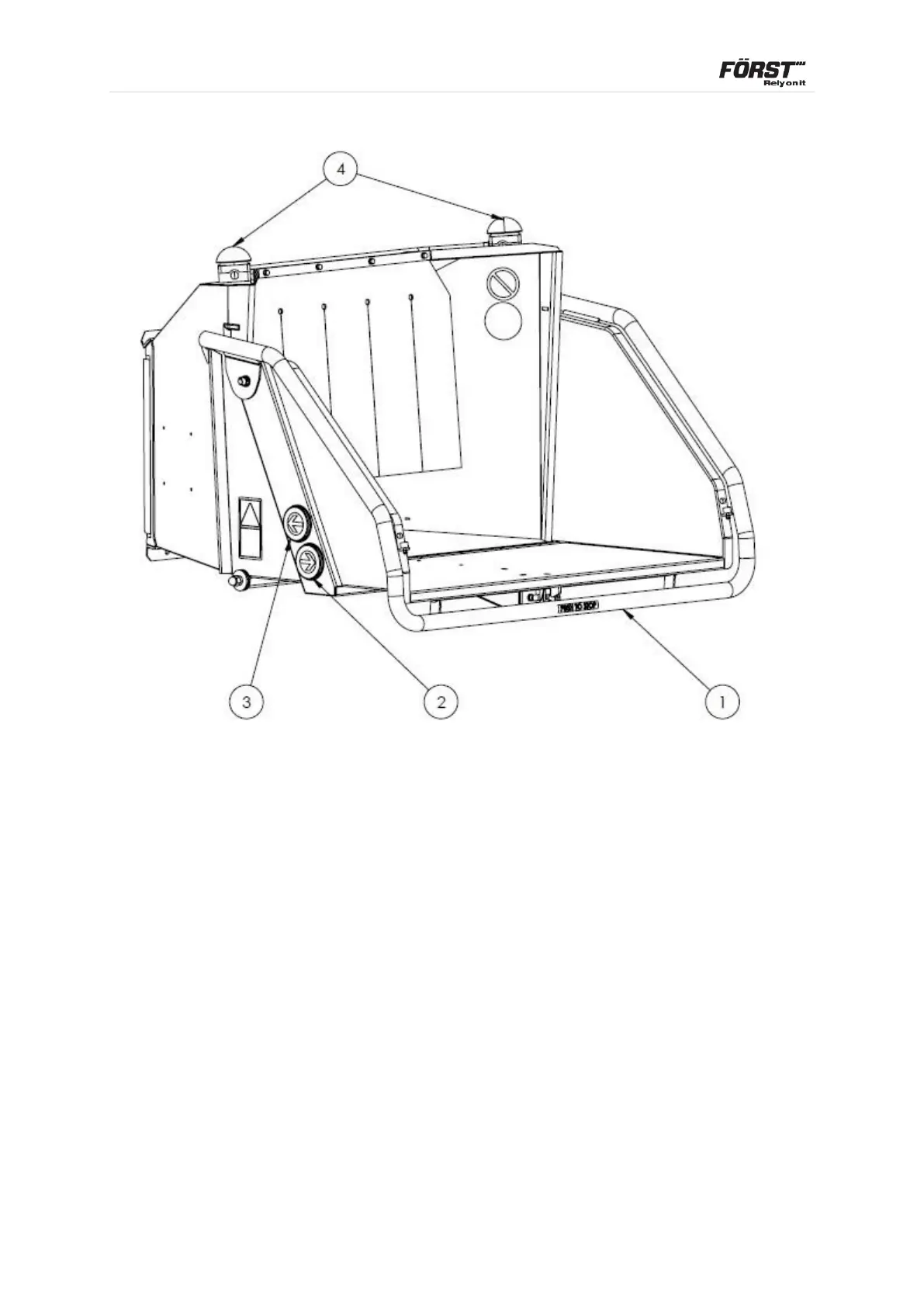
2. With the engine running at full speed tap the green button (3) and the rollers
will go into forward (chipping mode).
3. Tap the orange button and the rollers will go into a short reverse, tap it again
and the rollers will continue in reverse.
4. To stop the feed rollers, push the red stop bar (1) and the rollers will stop
instantly and or push the e-stop button and whole machine will shut down.
5. If any of these functions fail, turn off the machine and remove the key from the
ignition switch and contact Redwood Global and ask for service.



 To Next Page