want to get more fluent video streaming, please select resolution VGA.
3) Maximum frame rate
The maximum frame rate is 25fps(VGA),23fps(720P). You should lower frame rate when the bandwidth is
limited. Normally, when the frame rate above 15, you can achieve fluently video.
4) Bit rate
Generally speaking, the larger the bit rate is, the clearer video will become. But the bit rate configuration should
combine well with the network bandwidth. When the bandwidth is very narrow, and bit rate is large, that will
lead to video cannot play well.
You can reset the stream type on Settings-> Video-> Settings panel.
Section4 IR LED Lights
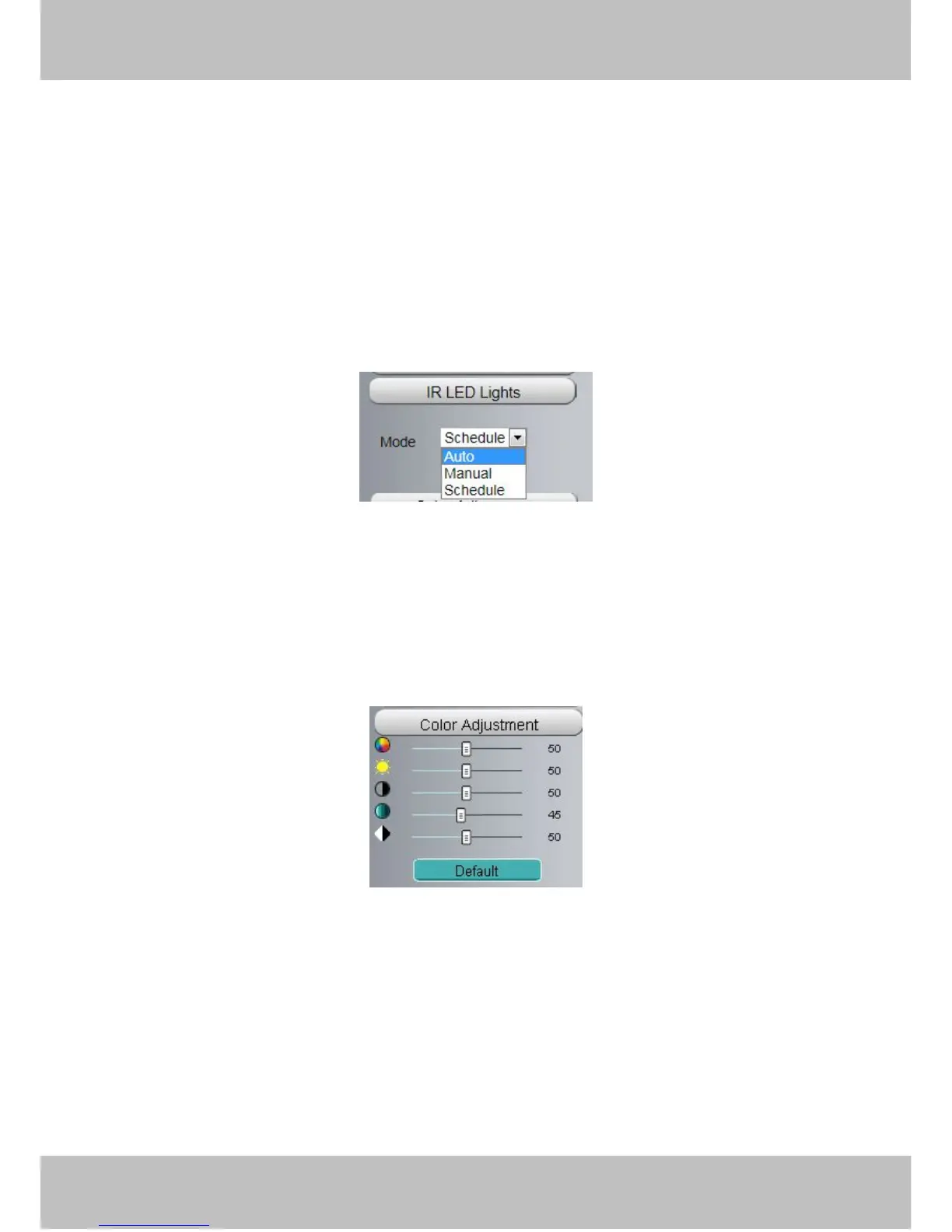
Click Infra led and there are three modes to adjust the infrared led: Auto, Manual and Schedule.
Auto: Select it and the camera will adjust the infra led (on or off) automatically.
Manual: Select it and turn off the infra led manually.
Schedule: Select it and the IR led light will be off at the schedule period. If you want to define or change the IR
led lights schedule time, please go to Settings→Video→IR LED Schedule page.
Section5 Image quality settings
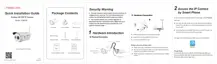
In this page, you can tune Hue, Brightness, Contrast, Saturation, and Sharpness to get higher quality.



 To Next Page