5) Never shut down the power of the camera during upgrade until the IP camera restart and get connected.
6) After upgrade successfully, please clear the cache of browser, uninstall the old plugin and re-install it, then
reset the camera to the default factory settings before using the camera.
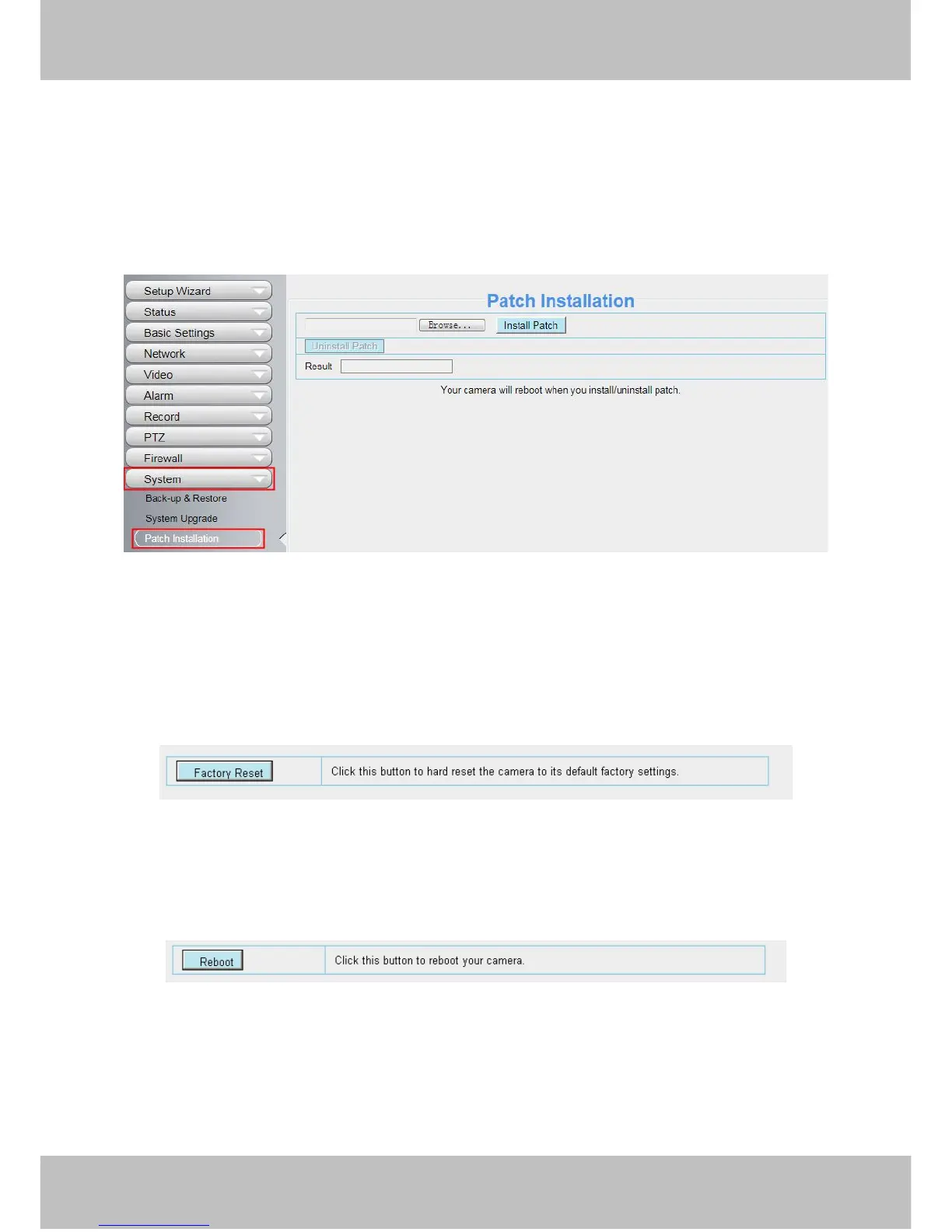
4.9.3 Patch Installation
Click "Browse" to select the correct patch file, and then click "Install Patch" to install the patch. Do not turn off
the power during it installing. After installing is complete, you will receive a system prompt.
4.9.4 Factory Reset
Click Factory Reset button and all parameters will return to factory settings if selected.
The default administrator username is admin with a blank password.



 To Next Page