Enhanced Night video Definition: The camera will automatically drop the frame to extend the recording time
in the night.
Stream Type: There are four types to identify different streams you have set. If select the HD Mode, the
clearer video will become, and it will take up more bandwidth; If select the Smooth Mode, the bandwidth is very
narrow, and bit rate is large, that will lead to video can not play well. The Equilibrium Model is a value between
HD Mode and Smooth Mode.
Resolution: The camera supports multiple types, For example: 720P, VGA. The higher the resolution is, the
clearer video will become. But the code flux will become larger too, and it will take up more bandwidth.
Bit rate: Generally speaking, the larger the bit rate is, the clearer video will become. But the bit rate
configuration should combine well with the network bandwidth. When the bandwidth is very narrow, and bit
rate is large, that will lead to video can not play well.
Frame rate: The maximum frame rate is 30 fps. You should lower frame rate when the bandwidth is limited.
Normally, when the frame rate above 15, you can achieve fluently video.
Key Frame Interval: The time between last key frame and next key frame. The shorter the duration, the more
likely you will get a better video quality, but at the cost of higher network bandwidth consumption.
Variable bitrate: Select the Bit rate type to constant or variable. If select Yes, the camera will change the video
bit rate according to the situation, but will not more than the maximum parameter "Bit Rate"; If select No, the Bit
Rate is unchanged.
4.5.2 On Screen Display
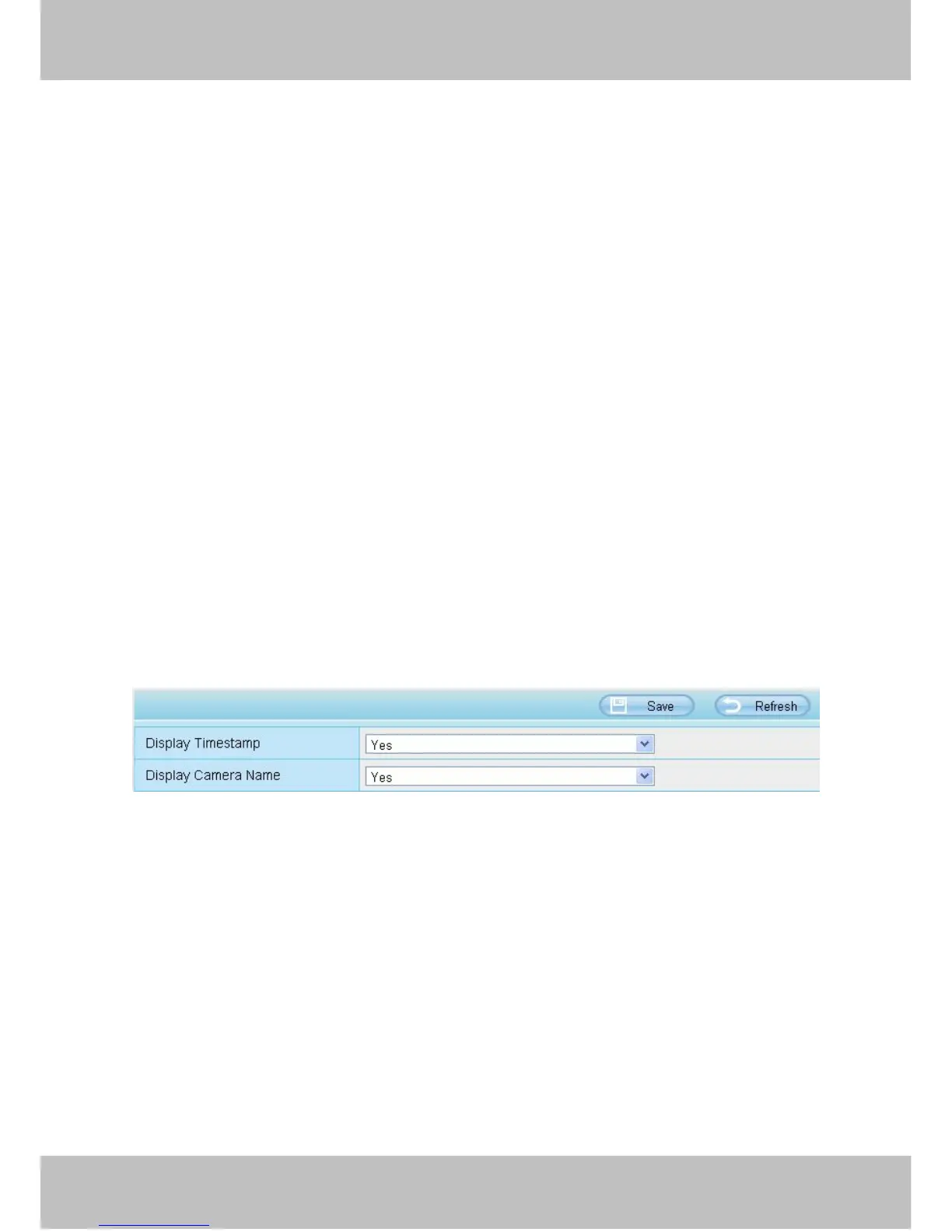
This page is used to add timestamp and device name on the video.



 To Next Page