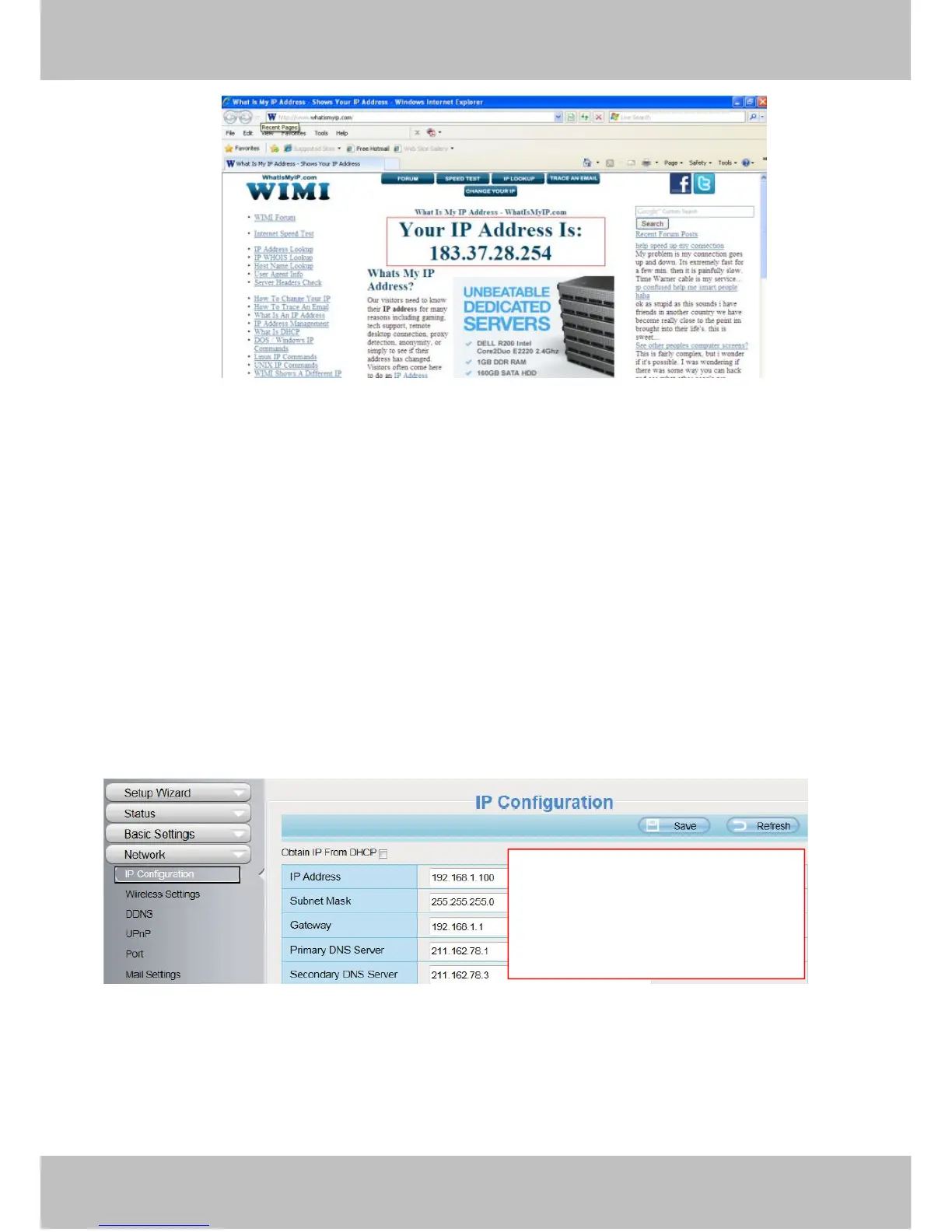
Figure 2.5
Access your IP Camera from the Internet
You can access the IP Camera from the Internet (remote access). Enter the WAN IP address and port number
in your standard browser. For example, you would enter http:// 183.37.28.254:88
2.3.2 Remote Access
If you want to access your camera by web browser outside of your LAN, you need to configure following
configurations.
1. Choose “Settings” on the top of the camera web page, then go to the “Network > IP Configuration” section
on the left side of the screen, then uncheck the Obtain IP DHCP.
Figure 2.6
2. Enable UPnP and DDNS in the camera’s settings page. We recommend you to use the DDNS by factory
default.
IP Address: Set this in the same subnet
as your computer , or keep it as default.
Subnet Mask: Keep it as default.
Gateway and DNS Server: Set it to the
IP address of your router.



 To Next Page