Click Basic Settings and go to Device Name panel where you can change your camera name. The default
device name is anonymous.
Camera ID: Display the MAC address of your camera. For example Device ID is 008414350787, the same
MAC ID sticker is found at the bottom of the camera.
Camera Time: The system time of the device. Click Basic Settings and go to Camera Time panel and adjust
the time.
System Firmware Version: Display the System Firmware version of your camera.
Application Firmware Version: Display the application firmware version of your camera.
Plug-In Version: Display the plug-in version of your camera.
4.2.2 Device Status
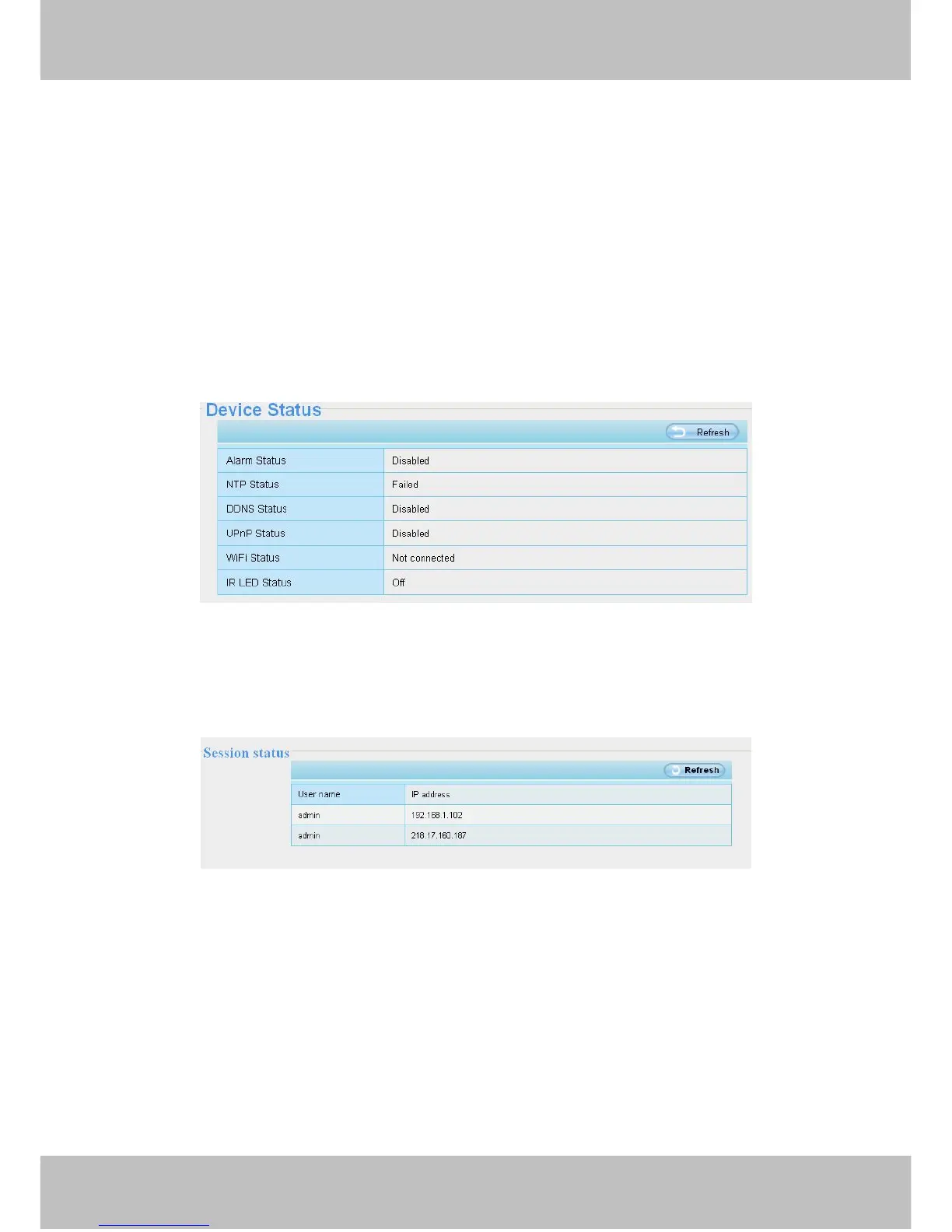
On this page you can see device status such as Alarm status, NTP/DDNS status, WIFI status and so on.



 To Next Page