w
w
w
w
w
w
.
.
f
f
o
o
s
s
c
c
a
a
m
m
.
.
c
c
o
o
m
m
38
S
S
h
h
e
e
n
n
z
z
h
h
e
e
n
n
F
F
o
o
s
s
c
c
a
a
m
m
I
I
n
n
t
t
e
e
l
l
l
l
i
i
g
g
e
e
n
n
t
t
T
T
e
e
c
c
h
h
n
n
o
o
l
l
o
o
g
g
y
y
C
C
o
o
.
.
,
,
L
L
i
i
m
m
i
i
t
t
e
e
d
d
T
T
e
e
l
l
:
:
8
8
6
6
7
7
5
5
5
5
2
2
6
6
7
7
4
4
5
5
6
6
6
6
8
8
F
F
a
a
x
x
:
:
8
8
6
6
7
7
5
5
5
5
2
2
6
6
7
7
4
4
5
5
1
1
6
6
8
8
38
3
3
.
.
1
1
4
4
I
I
m
m
a
a
g
g
e
e
S
S
e
e
t
t
t
t
i
i
n
n
g
g
s
s
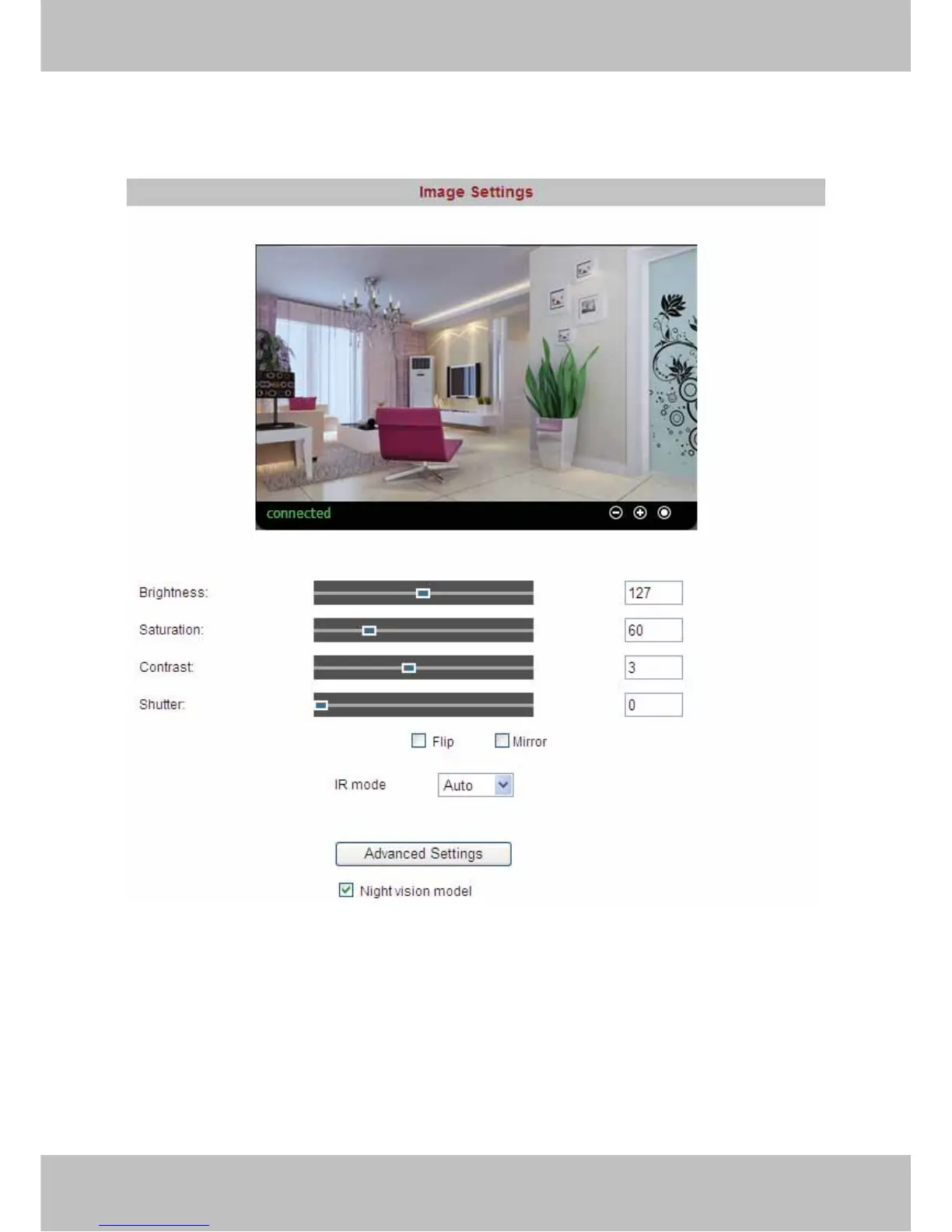
Adjust the quality of the video by setting the image parameters.
Figure 3.32
Brightness, saturation, contrast and hue are used to adjust the quality of the video. Select the
Night vision model, you can set Luminous flux, More larger the luminous flux, more lighter the
video will be. Camera will save your settings if you click apply. If you want to quit settings you
have done and restore the status before your setting, please click cancel. The function of Default
is used to restore the initial settings.



 To Next Page