w
w
w
w
w
w
.
.
f
f
o
o
s
s
c
c
a
a
m
m
.
.
c
c
o
o
m
m
42
S
S
h
h
e
e
n
n
z
z
h
h
e
e
n
n
F
F
o
o
s
s
c
c
a
a
m
m
I
I
n
n
t
t
e
e
l
l
l
l
i
i
g
g
e
e
n
n
t
t
T
T
e
e
c
c
h
h
n
n
o
o
l
l
o
o
g
g
y
y
C
C
o
o
.
.
,
,
L
L
i
i
m
m
i
i
t
t
e
e
d
d
T
T
e
e
l
l
:
:
8
8
6
6
7
7
5
5
5
5
2
2
6
6
7
7
4
4
5
5
6
6
6
6
8
8
F
F
a
a
x
x
:
:
8
8
6
6
7
7
5
5
5
5
2
2
6
6
7
7
4
4
5
5
1
1
6
6
8
8
42
5
5
A
A
P
P
P
P
E
E
N
N
D
D
I
I
X
X
5.1 Frequently Asked Questions
NOTE: Any questions you would meet, please check Network connections firstly. Check the
working status revealed by the indicators on the network server, hub, exchange and network
card. If abnormal, check the network connections.
5.1.1 I could not find the IP Camera Tool icon on desktop
If you use Windows7 and could not find the icon on desktop after installing the IP camera tool,
please check if the path of the camera software is correct.
For example, if it was pointing to C:\Windows\System32\IPCamera.exe.
Then fix this by pointing the shortcut to the correct path C:\Windows\SysWOW64\IPCamera.exe.
The shortcut should work without any problems.
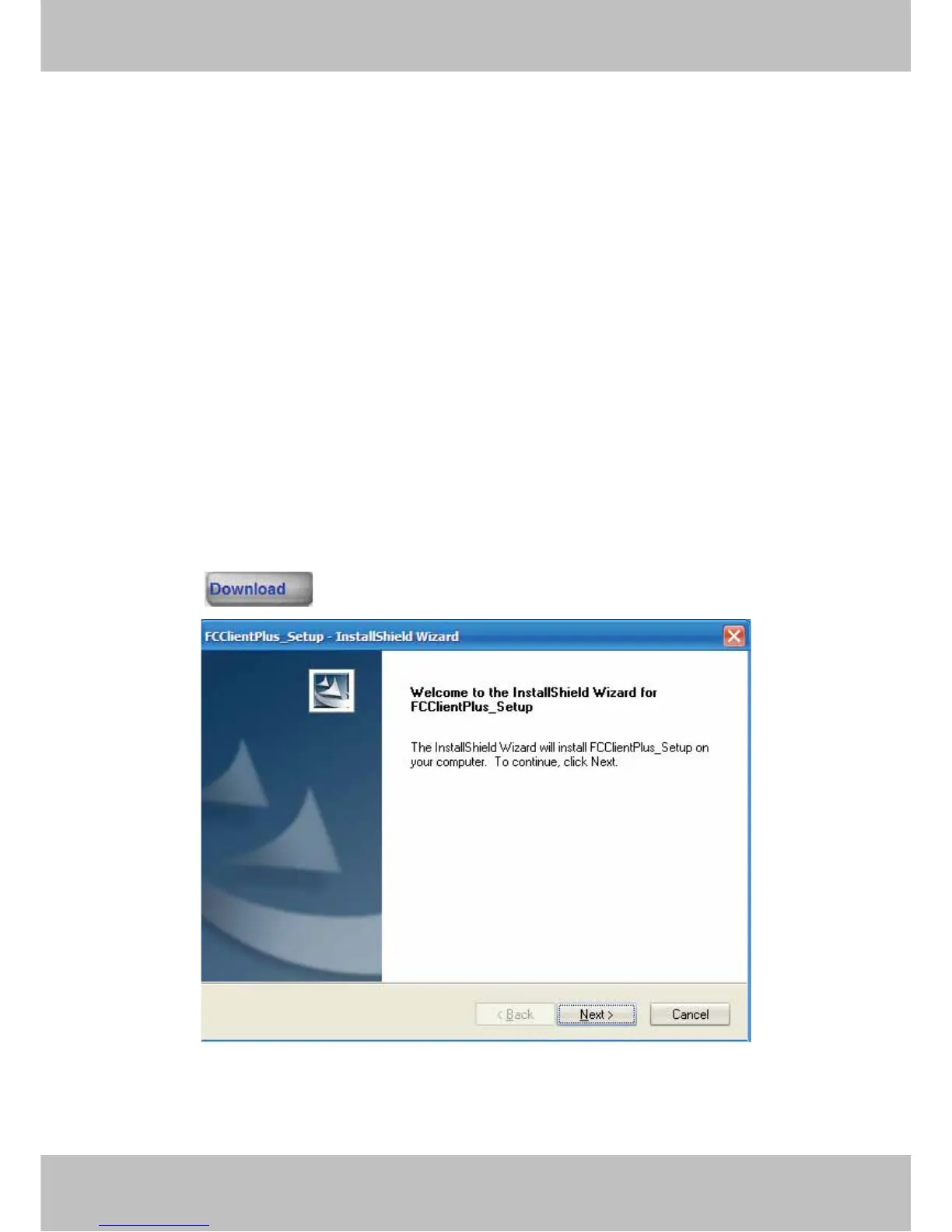
5.1.2 How to download and installl the ActiveX for IE users
Please click in the Login Window.
Figure 5.1
Click next.



 To Next Page