w
w
w
w
w
w
.
.
f
f
o
o
s
s
c
c
a
a
m
m
.
.
c
c
o
o
m
m
18
S
S
h
h
e
e
n
n
z
z
h
h
e
e
n
n
F
F
o
o
s
s
c
c
a
a
m
m
I
I
n
n
t
t
e
e
l
l
l
l
i
i
g
g
e
e
n
n
t
t
T
T
e
e
c
c
h
h
n
n
o
o
l
l
o
o
g
g
y
y
C
C
o
o
.
.
,
,
L
L
i
i
m
m
i
i
t
t
e
e
d
d
T
T
e
e
l
l
:
:
8
8
6
6
7
7
5
5
5
5
2
2
6
6
7
7
4
4
5
5
6
6
6
6
8
8
F
F
a
a
x
x
:
:
8
8
6
6
7
7
5
5
5
5
2
2
6
6
7
7
4
4
5
5
1
1
6
6
8
8
18
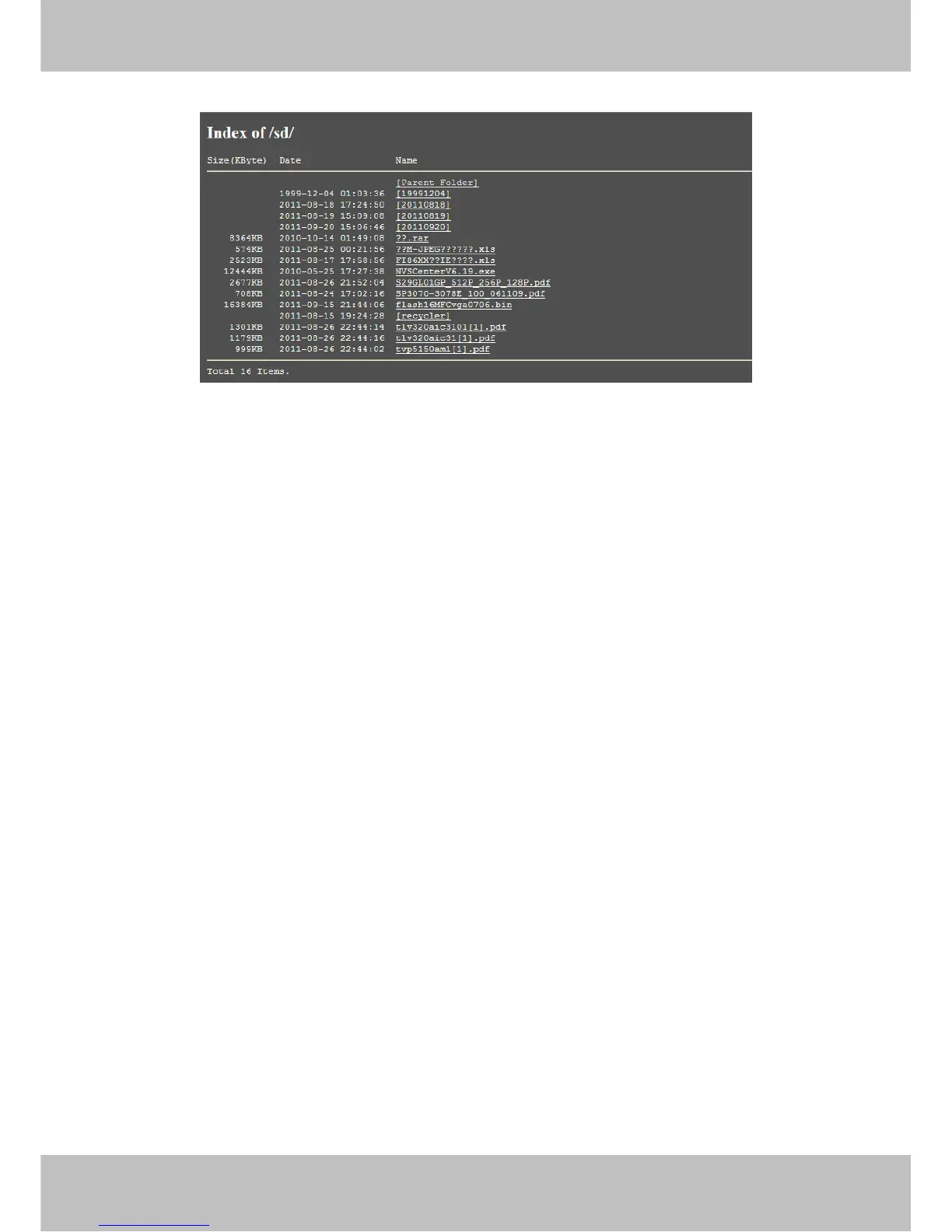
You can open the stored files and read it.
Format SD card as fat32: Click it and format the SD card.
Unplug SD Card: Click it then unplug SD card safely.
3
3
.
.
2
2
D
D
a
a
t
t
e
e
&
&
T
T
i
i
m
m
e
e
S
S
e
e
t
t
t
t
i
i
n
n
g
g
s
s
There are four models for you to adjust time: Manual setting, Sync with computer time, Network
Time Protocol and Keep current time, choose one model and adjust the camera time. Then
choose Time zone.
Manual settings: The administrator can enter the date and time manually. Note that the date
and time format is [yyyy/mm/dd] and [hh:mm:ss].
Network Time Protocol: It is a protocol which synchronizes computer clocks by periodically
querying an NTP server.
Interval: The interval time between last time and next time that the camera adjust time with Ntp
Server.
Time zone:Select the appropriate time zone from the list.



 To Next Page