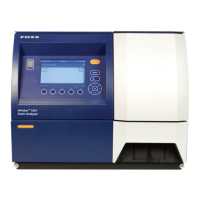
NIRS™ DA1650
3:8 User Manual 6008 1286 / Rev. 8
If installation of Mosic Solo fails
In some cases, Windows 10 PC's are not able to connect to Windows Embedded 2009
instrument as the DA1650 / MeatScan / Olivia / Dairy. When this happens SMBv1
needs to be enabled.
This is procedure to enable the SMBv1 feature.
1. Navigate to: Control Panel\All Control Panel Items\Programs and Features.
2. Select ‘Turn Windows feature on or off’.
Fig. 3:11
3. When "Windows Features" pops up, scroll down and check the "SMB 1.0/CIFS
File Sharing Support" and click on the OK button.
Fig. 3:12
4. Done.



 To Next Page