NIRS™ DA1650
User Manual 6008 1286 / Rev. 8 4:9
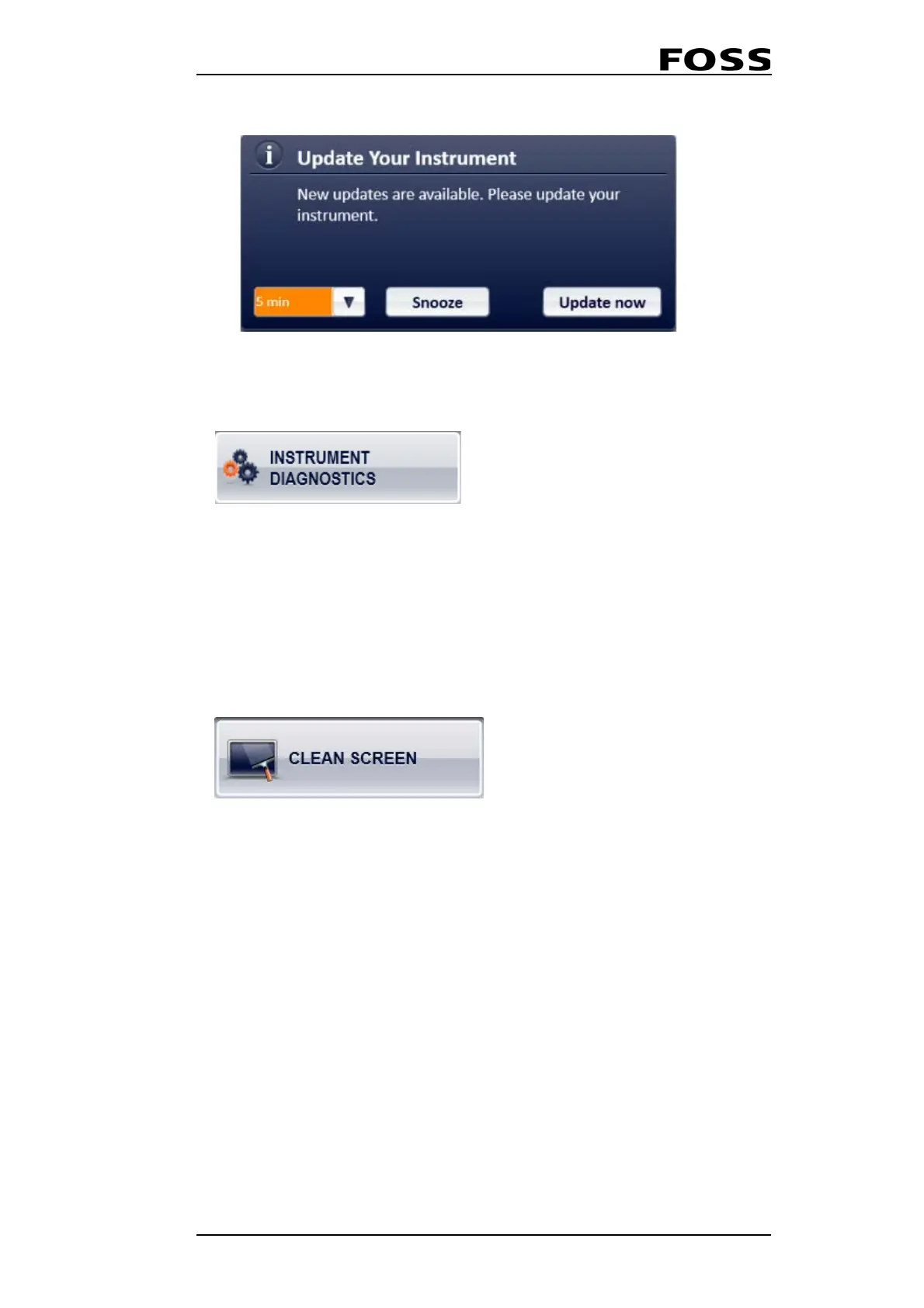
Fig. 4:15
4.3.2 Instrument Diagnostics
Running Instrument Diagnostics from the Care menu will carry out the same tests
and with the same test limits as during the Start Up test.
After the Instrument Diagnostics is completed, you can create and store the
Diagnostic Report in the same way as after the Start up test (see section
4.1 Routine
Start-up).
4.3.3 Clean Screen
Activating the CleanSscreen menu will disable the touch sensitive display for a
small period of time, allowing for a thorough cleaning of the screen without
interference.
See chapter 5 “Maintenance” for cleaning guidelines.



 To Next Page