81
CD-R/RW MASTER RECORDER CR500 (MENU mode: SYSTEM SETUP menu)
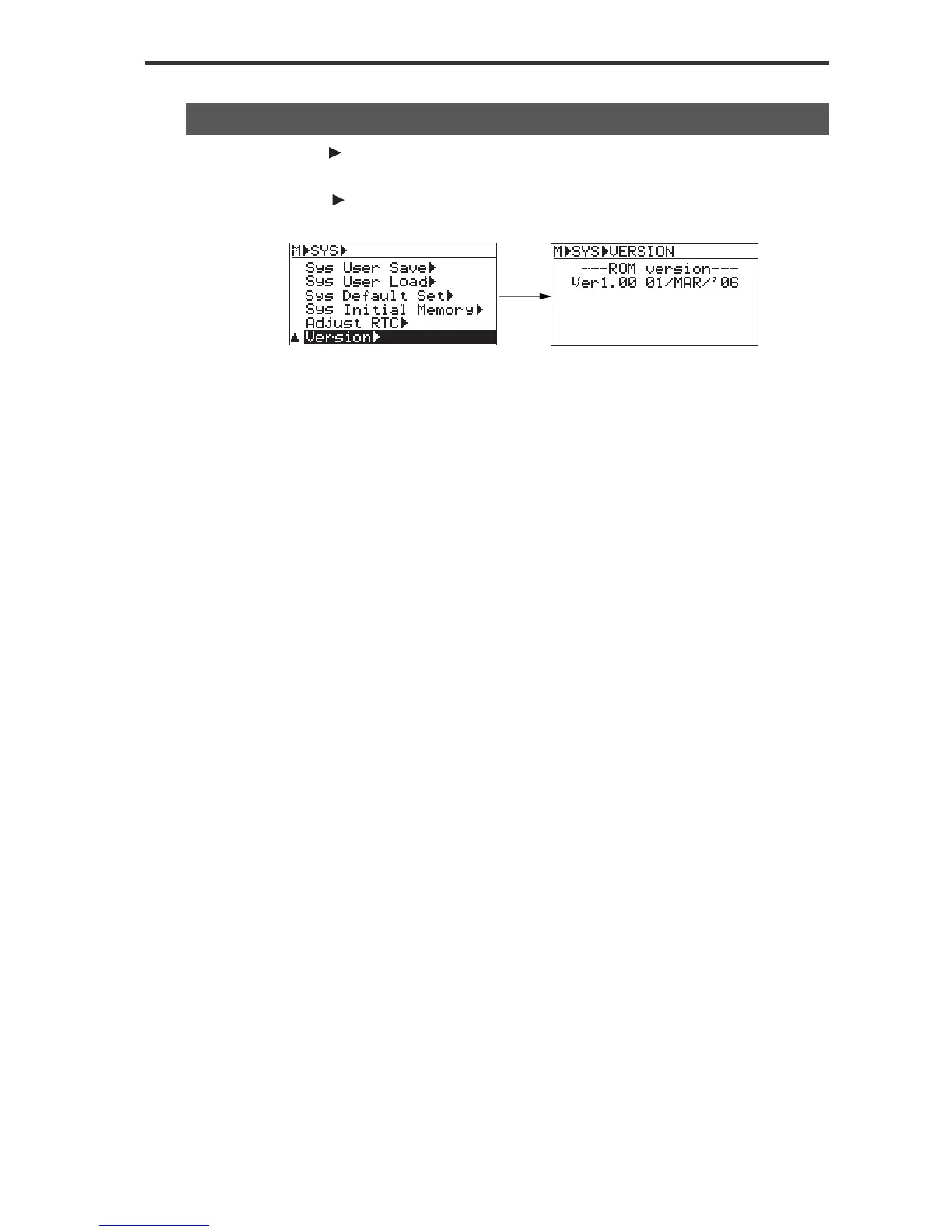
ROM version checking [Version]
Select "Version " on the "SYS SETUP" menu screen and press the [ENTER/YES] key.
The display changes to show the ROM version.
* To exit the MENU mode, press the [STOP/HOME] key.
Using the "Version " menu item, you can check the version of the unit.


 To Next Page