DMT-8 Ver 2.0 Supplement to the Owner’s Manual
18
4. Press the EXECUTE/YES key again.
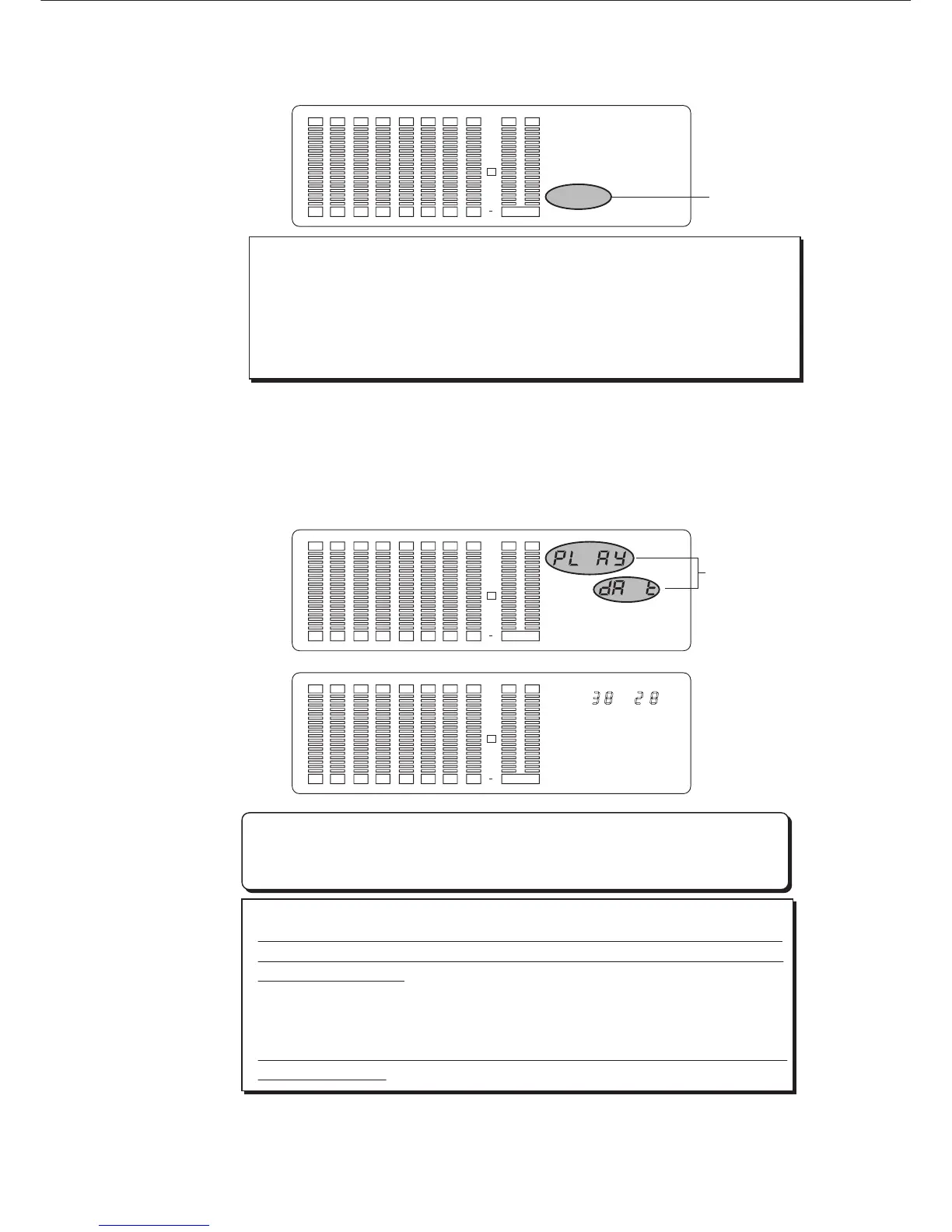
The message "PLAY dAt" starts blinking on the display. Play back the DAT tape
from the preroll position.
As soon as the loading operation starts, the display will show the time taken for
the load operation, then count down. The data will be loaded to the currently-
selected Program.
* To abort the load operation, press the STOP button or the EXIT/NO key.
When you press one of these keys, the load operation will be aborted
and the DMT-8 will automatically quit Setup mode.
Once the loading operation starts, aborting the peroration in progress will
erase all existing data in the Program, and data up until the moment of the
abort will be loaded.
For example, if you have loaded two minutes of data into Program 1 (P1),
which already holds a six-minute song, the existing data after two minutes
will be erased. (The ABS END position of P1 is "two minutes".)
Make sure that you have selected the correct Program number before using
the Load function.
< CAUTION>
If the optical cable is not connected to the DATA IN/OUT connector, or a
correct signal (digital clock) is not supplied to the DMT-8, the display will
blink the message "DIGITAL IN", indicating that you cannot load data.
In this case, check the optical cable connection, the DATA output settings,
and the content of the DAT tape.
< Note>
5. When loading is complete, the display will show "COMPLETED!" and the
DMT-8 will automatically quit Setup mode.
Blink
M S
Blink
12 34 567 8 LR
SET UP
ARE YOU SURE ?
LOAD
OVER
0
3
6
9
12
18
24
30
DIGITAL IN
12 34 567 8 LR
SET UP
LOAD
OVER
0
3
6
9
12
18
24
30
DIGITAL IN
12 34 567 8 LR
REMAIN
SET UP
LOAD
OVER
0
3
6
9
12
18
24
30
DIGITAL IN



 To Next Page