DMT-8 Ver 2.0 Supplement to the Owner’s Manual
28
3. Use the JOG dial to select "Edit" or "ALL".
Turning the JOG dial counter-clockwise will select "Edit", and turning clockwise
will select "ALL".
4. Press the EXECUTE/YES key again.
The display in Step 1 will appear, and the setting is complete.
5. Press the STOP button or the EXIT/NO key to quit Setup mode.
As explained in the protocol section at the end of the manual, the DMT-8
Version 2.0 is compatible with "FEX" (Fostex System Exclusive Message),
which allows for high-quality control and communications via MIDI.
Refer to the protocol section for more details.
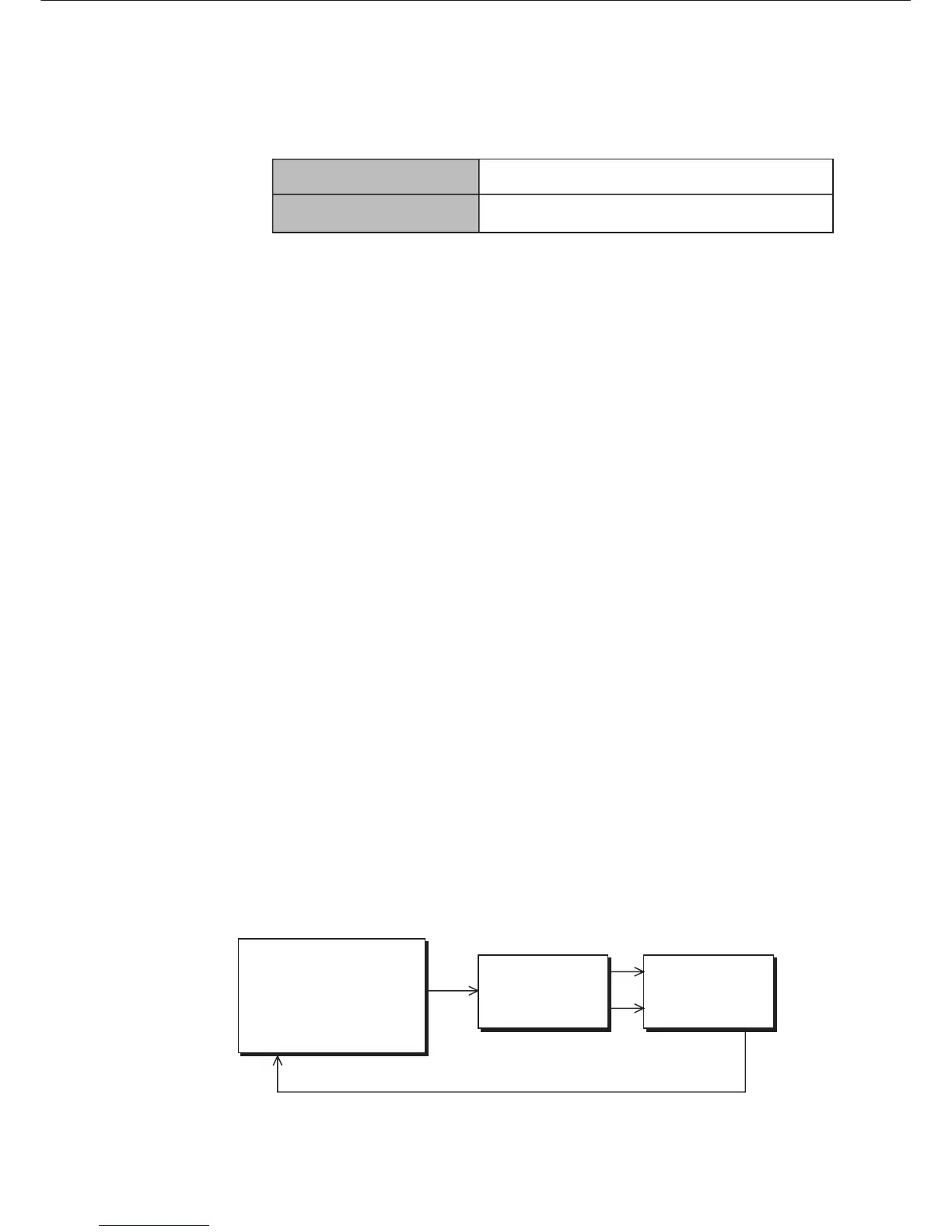
The DMT-8 Version 2.0 will automatically and internally merge and send
the MMC and FEX from the MIDI IN connector to the MIDI OUT connector.
This function is useful when you wish to control the sync operation of two
DMT-8s from a computer.
In the example below, the master DMT-8 will merge the self-generated
MTC (that is sent to the slave DMT-8) with the MMC and FEX that are
output from the computer (along with the MMC/FEX reply message).
This merged signal is sent to the MIDI OUT connector, then to the slave
unit.
You can also select any "MIDI SYNC OUT" setting regardless of the Slave
mode On/Off status. In this example, the DMT-8 slave until will output the
sync signal selected by its "MIDI SYNC OUT" setting via the MIDI OUT
connector to the computer.
COMPUTER (slave)
MTC or MIDI CLOCK
4. Compatible with Fostex System Exclusive Message
5. A new output function that merges MMC/FEX (Fostex System
Exclusive Message) and MTC internally.
"Edit" (Non-destrucive mode off)
"ALL" (Non-destrucive mode on)
The Undo function is effective only on the Auto Punch
In/Out, Paste, Erase, and Cut functions.
The Undo function is effective on normal recording as well
as the Auto Punch In/Out, Paste, Erase, and Cut functions.
with MMC, MTC
software
MIDI OUT MIDI IN
MIDI IN
DMT-8 Ver 2.0
(Master)
DMT-8 Ver 2.0
(Slave)
MIDI OUT
DATA OUT
MIDI IN
DATA IN
MIDI OUT



 To Next Page