24
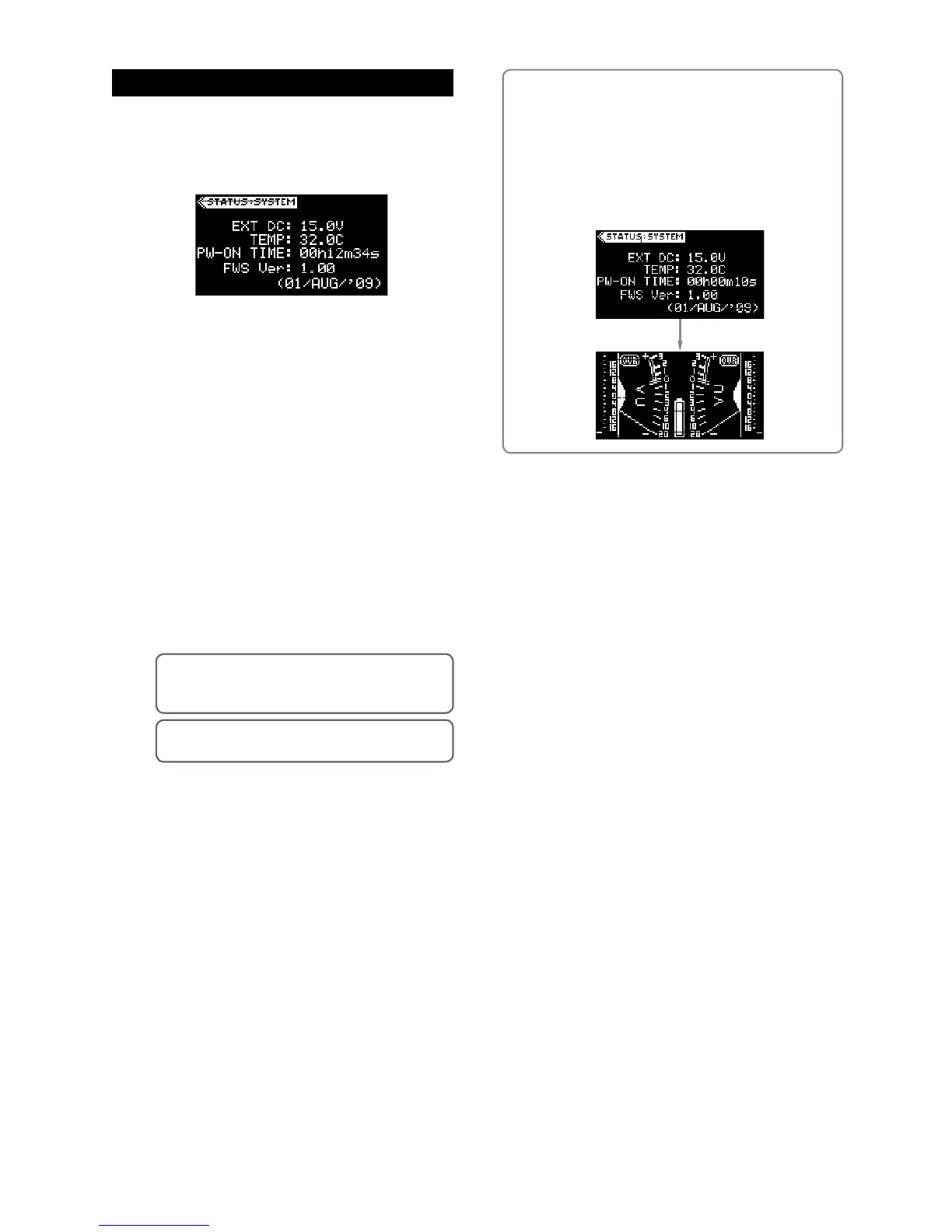
On the system status display, not only you can see
the following information, but also you can reset the
time display and initialize the flash memory.
(1) Power voltage (EXT DC or INT DC)
This item shows the voltage of the current power
source.
When the [POWER] switch is set to “INT”, this item
shows “INT DC” and the voltage of the internal bat
-
teries.
When the [POWER] switch is set to “EXT”, it shows
“EXT DC” and the voltage of the external power
source.
(2) Temperature inside the unit (TEMP)
This item shows the temperature inside the unit.
The temperature significantly affects the battery
performance.
Generally, in a low temperature environment, the
battery life of primary battery (e.g. alkaline) gets
shorter.
(3) Power-on time
This item shows the elapsed time since the unit is
powered on. The time display is running in realtime.
Initializing the flash memory
You can initialize the flash memory to the condition when
the unit is shipped from the factory. To initialize the flash
memory, press and hold down the [EDIT] key for 10 sec-
onds or more while the system status display is shown.
When the memory initialization is completed, the system
status display is dismissed and the display shows the
stereo VU meter display.
System status display
(4) Firmware version
This item shows the firmware version of the unit.
<Memo>:
By pressing the [EDIT] key long enough
while the system status display is shown, you can
reset this item to “00h00m00s”.
<Memo>:
The time display is automatically reset to
“00h00m00s” after powering off the unit.



 To Next Page