8
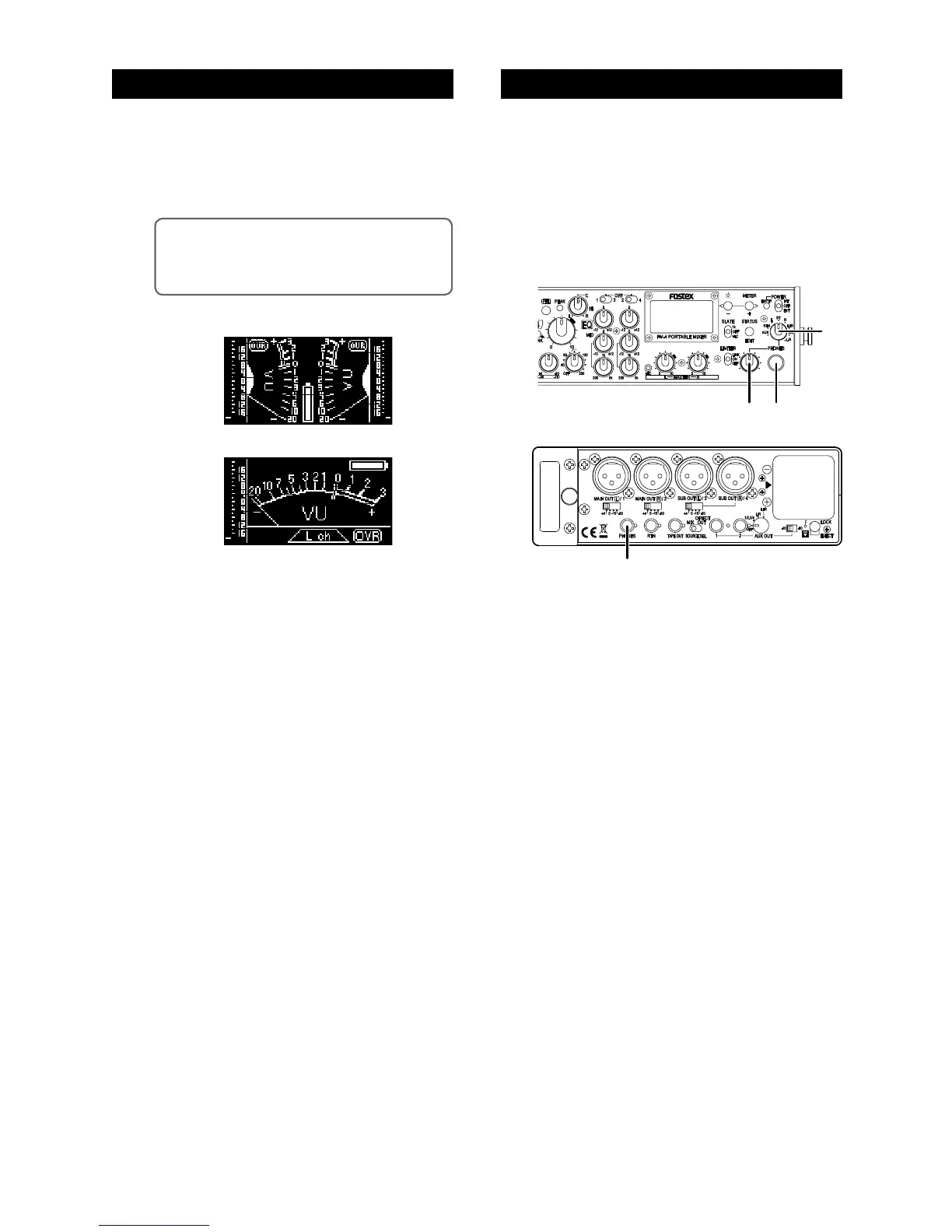
(1) Select stereo or mono metering.
When the unit is shipped, the display is set to ste-
reo VU and peak metering.
You can change it to L or R channel mono metering
(see page 18 for details).
<Memo>: Using the meter status display, you can
disable or enable the peak meter function, select the
VU meter reference level, and select the “OVR” indi
-
cator lighting level (see page 22 for details).
(2) Adjust the display brightness if required.
When the unit is shipped, the display brightness is
set to “Level 3”.
You can change it to the optimum brightness ac
-
cording to the circumstance. See page 17 for de
-
tails.
Stereo metering
Mono metering (L)
(1) C o n n e c t h e a d p h o n es t o t h e 1/ 4- i n c h
[PHONES] jack on the front panel or the mini-
phone [PHONES] jack on the right side panel.
You can use both the 1/4-inch and mini-phone
jacks simultaneously.
(2) Set the monitor select switch to “ST” and
adjust the monitor level using the [PHONE]
control.



 To Next Page