16
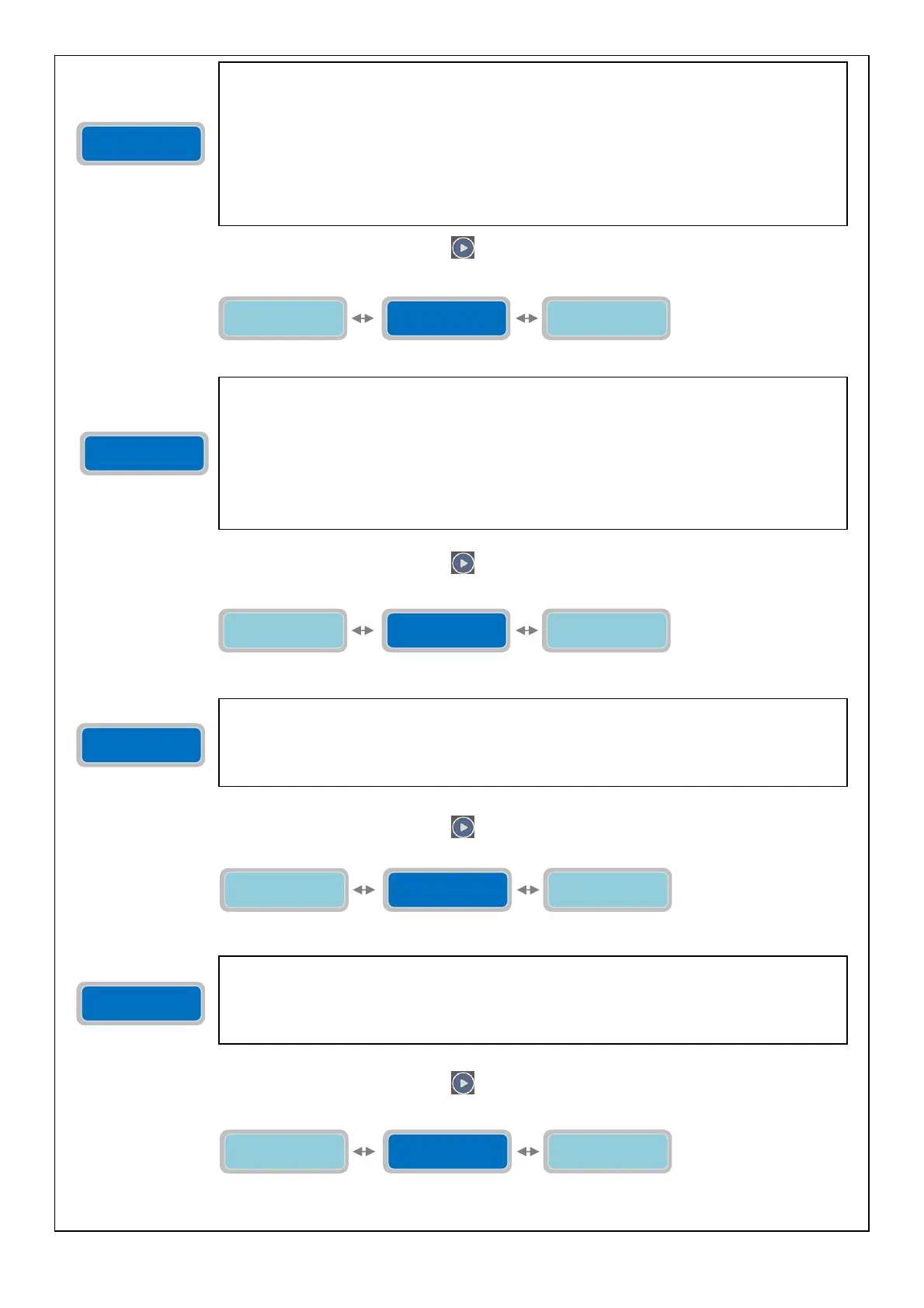
To move to the next horizontal parameter press the button
:
To move to the next horizontal parameter press the button :
To move to the next horizontal parameter press the button :
To move to the next horizontal parameter press the button :
Enable Alarm
Voltage 0=NO X
Stop Delay
XXsec
Setting Alarm
Vmax XXX V
Enable Alarm
Voltage 0=NO X
With the parameter “Enable Alarm Voltage” it is possible to activate/deactivate the alarm
relative to the Mains Power Voltage of the control panel full-app (Vmax e Vmin). This alarm will:
- Stop all pumps from working
- Display the alarm
- It can activate the output relay alarm (depending on the setting of the associated menu)
The “X” indicates the digit of the parameter to modify.
0=NO: by setting “0” the Voltage alarm is disabled
1=YES: by setting “1” the Voltage alarm is enabled.
Factory default setting: 0 (disable).
Setting Alarm
Vmax XXX V
Enable Alarm
Voltage 0=NO X
Setting Alarm
Vmin XXX V
Setting Alarm
Vmax XXX V
The parameter “Setting Alarm Vmax” will set a voltage threshold over which, if enabled, will
trigger the alarm.
The “X” indicates the digit of the parameter to modify.
The range of value is from 400 to 460V for full-app-T and from 230 to 260V for full-app-M.
Factory default setting: 440V (full-app-T); 253V (full-app-M).
Setting Alarm
Vmin XXX V
Setting Alarm
Vmax XXX V
Delay alarm
voltage XXsec
Setting Alarm
Vmin XXX V
The parameter “Setting Alarm Vmin” will set a voltage threshold under which, if enabled, will
trigger the alarm.
The “X” indicates the digit of the parameter to modify.
The range of value is from 340 to 400V for full-app-T and from 200 to 230V for full-app-M.
Factory default setting: 360V (full-app-T); 207V (full-app-M)
Delay alarm
voltage XXsec
Setting Alarm
Vmin XXX V
Set Freq. Main
50/60Hz XXHz
Stop Delay
XXsec
The parameter “Stop Delay” will set a time delay on the stopping of the pumps after the
stopping condition is met; for example, the opening of a stop flow switch /pressure switch (for
operating modes Dark, Clean, Multitank). Therefore, once the trigger is set for the stopping
condition the pumps will continue to work for the amount of time set in this parameter. The
Stop Delay setting will be the same for all the pumps installed. If during the Stop Delay time a
condition for a “minimum level/pressure” is met then all the pumps will stop (for operating
mode CLEAN).
The “X” indicates the digit of the parameter to modify.
The range of time delay start is from 0 to 99 seconds.
Factory default setting: 0 seconds.



 To Next Page