17
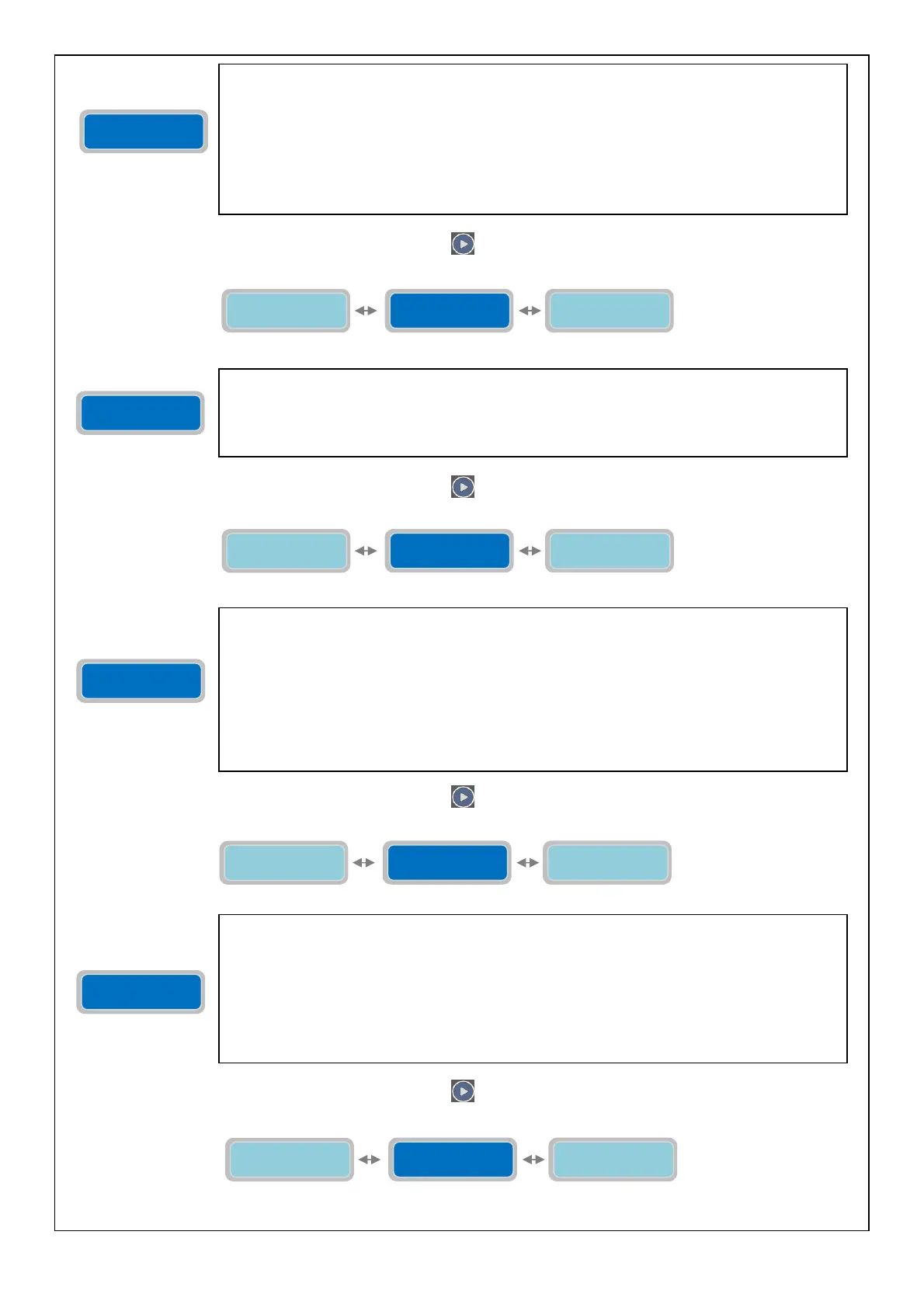
To move to the next horizontal parameter press the button
:
To move to the next horizontal parameter press the button
:
To move to the next horizontal parameter press the button
:
To move to the next horizontal parameter press the button
:
The parameter “Delay Alarm Voltage” will set a delay time on the activation of the voltage’s
alarm (if previously enabled); the trigger condition (over/under voltage) must persist for the
length of time set in this parameter in order to trigger the alarm.
For example, if the Delay Alarm is set to 10 seconds and the trigger condition persists
continuously for 10 seconds it will activate the alarm; if the trigger condition persists for less
than 10 seconds the alarm will not activate.
The “X” indicates the digit of the parameter to modify.
The range of value is from 0 to 99 seconds.
Factory default setting: 5 seconds.
Set Freq. Main
50/60Hz XXHz
Delay alarm
voltage XXsec
Max Difference
Freq. X Hz
The parameter “Set Frequency Main 50/60 Hz” will set Mains Frequency of the control panel
full-app.
The “X” indicates the digit of the parameter to modify.
The range of value is from 50 to 60 Hz.
Factory default setting: 50Hz.
Max Difference
Freq. X Hz
Set Freq. Main
50/60Hz XXHz
Delay Alarm
Freq. XXsec
Max Difference
Freq. X Hz
The menu “Max Difference Frequency” will set the value (in Hz) of maximum deviation tolerable
from the nominal value of frequency that has been set. The value being set is for both positive
and negative deviation; for example, with nominal frequency being set at 50Hz, a deviation of
max frequency set to 2Hz will set the tolerable limits between 52Hz (50+2=52) and 48Hz (50-
2=48).
The “X” indicates the digit of the parameter to modify.
The range of value is from 1 to 5Hz.
Factory default setting: 2 Hz.
Note: it is not possible to disable the alarm related to the frequency; it’s always
enable.
Delay Alarm
Freq. XXsec
Max Difference
Freq. X Hz
Self-Test pumps
0=NO XXX h
Delay Alarm
Freq. XXsec
The parameter “Delay Alarm frequency” will set a time delay for the activation of the Frequency
alarm (if previously enabled); the trigger condition (over/under frequency) must persist for the
length of time set in this parameter in order to have the alarm signal.
For example, if the Delay Alarm is set to 10 seconds and the trigger condition persists
continuously for 10 seconds it will activate the alarm; if the trigger condition persists for less
than 10 seconds the alarm will not activate.
The “X” indicates the digit of the parameter to modify.
The range of value is from 0 to 99 seconds.
Factory default setting: 2 seconds.
Self-Test pumps
0=NO XXX h
Delay Alarm
Freq. XXsec
Time test
Pumps XX sec
Set Freq. Main
50/60Hz XXHz
Delay alarm
voltage XXsec



 To Next Page