37
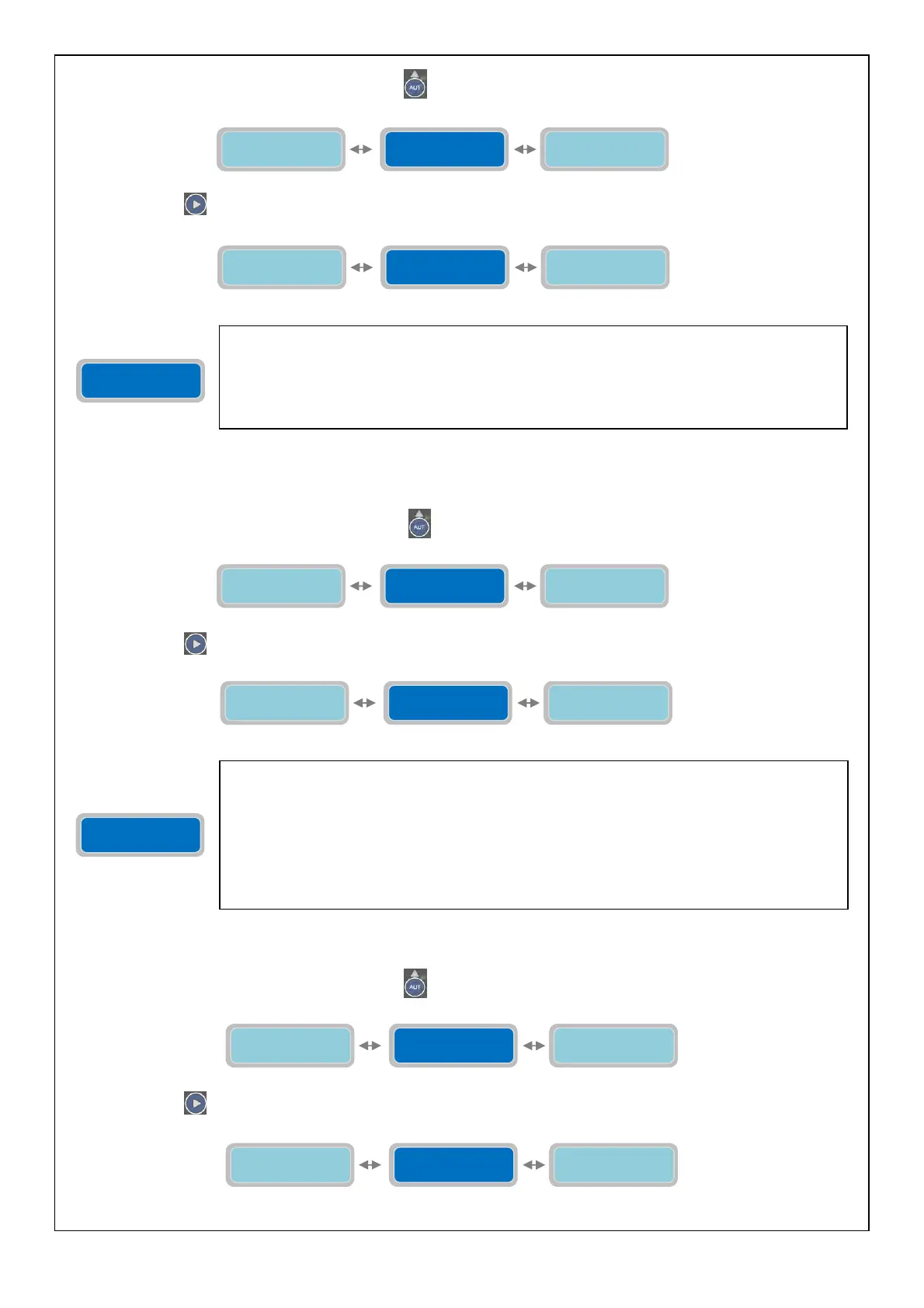
To go back to the horizontal menu press the button
. Back to the horizontal menu “Configuration Sound Alarm”:
Press the button
to move to the configuration of the next alarm output :
NOTE: for the setting of the Visual alarm output please refer the description of the Sound alarm output as the
procedure and explanation are identical.
To go back to the horizontal menu press the button
. Back to the horizontal menu “Configuration Visual Alarm”:
Press the button
to move to the configuration of the next alarm output :
NOTE: to set the relay 1 alarm output please refer to the sound alarm output configuration setting section.
To go back to the horizontal menu press the button
. Back to the horizontal menu “Configuration Relay 1”:
Press the button
to move to the configuration of the next alarm output :
Configuration
Sound Alarm
Configuration
GSM Alarm
Configuration
Visual Alarm
Configuration
Visual Alarm
Configuration
Sound Alarm
Configuration
Relay 1
The vertical parameter “Configuration Sound Alarm” will set the operating mode of the visual
alarm output on GSM card (therefore, GSM option must be present). It is an output voltage 12
Vcc, max 30 mA) with faston connector (see page 41). This is set-up to be connected to a
flashing alarm but it could be used for any other device with the following electrical
characteristics: 12 Vcc, 30 mA max.
Factory default setting: 100111111100110.
Configuration
Visual Alarm
Configuration
Relay 1
Configuration
Visual Alarm
Configuration
Relay 2
The vertical parameter “Configuration Relay 1” will set the operating mode of the Q1 alarm
output on the control panel. It is an output relay with changeover contact (voltage free) with
screw terminals connectors (see page 40) (electric contacts characteristics: 250Vac, 5A in
AC1). The following contacts will be present in the terminals:
-COM: common
-N.C.: contact normally closed
-N.A.: contact normally open
The output can be used to send the status of alarm to a device with dry contacts or to drive via
relay contacts a device to be activated with a separate power supply.
Configuration
Relay 1
Configuration
Visual Alarm
Configuration
Sound Alarm
Configuration
Relay 1
Configuration
Relay 1
Configuration
Visual Alarm
Configuration
Relay 2
Configuration
Relay 2
Configuration
Relay 1
Configuration
GSM Alarm



 To Next Page