5
88
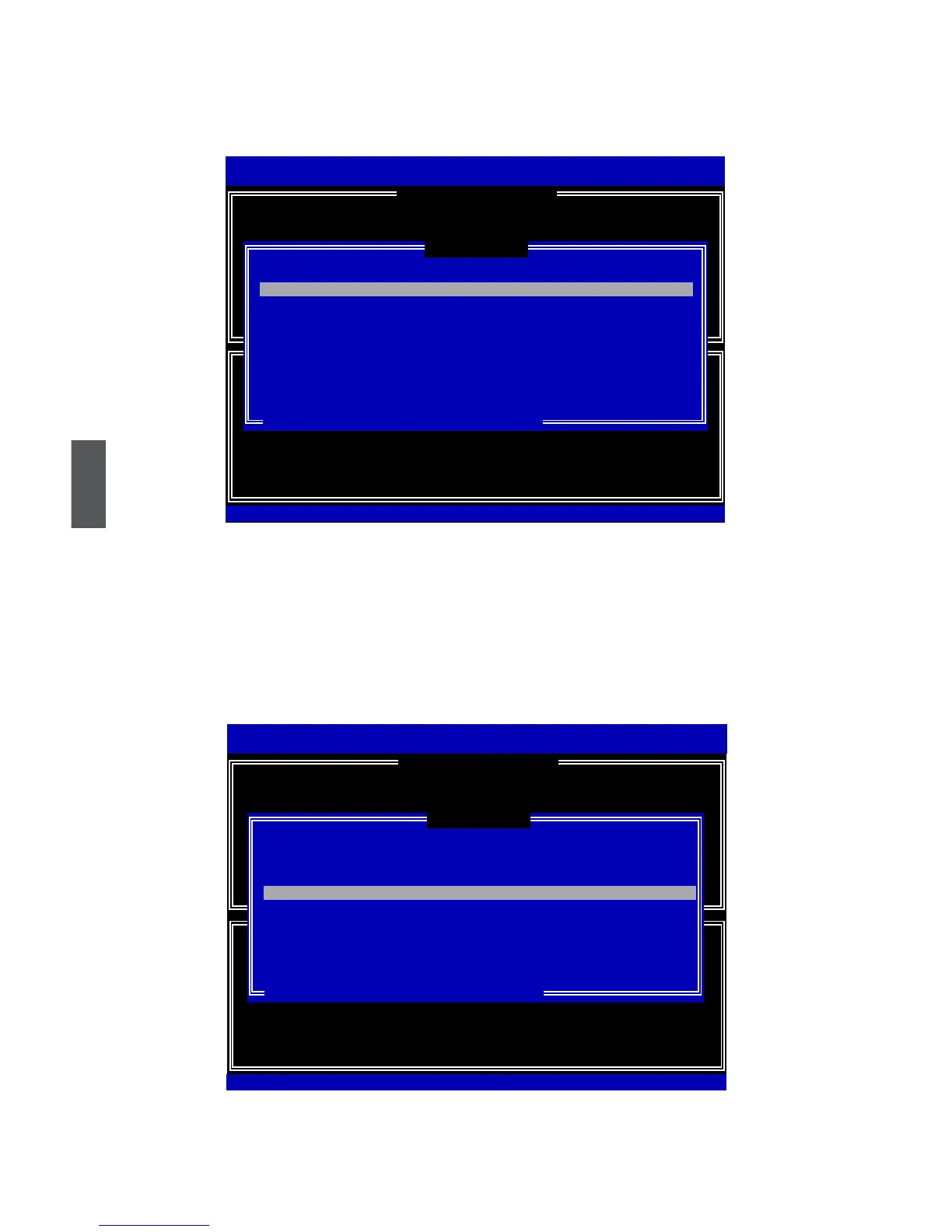
4.Itthengoesto“Disks” item. Press <Enter> to display the hard disks list for this
RAID5system.
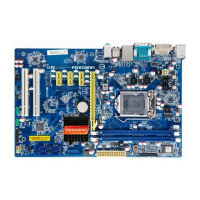
5.Fromtheharddrivelist,useUporDownarrowkeytoreachtheharddisksyouwant
tocombinethemasRAID5,thenpress<Space>keytoselectthem.Atrianglesign
willappeartoindicatethedriveselection.Here,weselecttwo149.0GBand74.5GB
harddisksforanexample.Press<Enter>keytonishtheselection.
Intel(R)MatrixStorageManageroptionROMv5.0.0.1011ICH9RwRAID5
Copyright(C)2003-04IntelCorporationAllRightsReserved.
Intel(R)RapidStorageTechnology-OptionROM-10.0.0.1032
Copyright(C)2003-10IntelCorporation.AllRightsReserved.
Name:
RAID Level:
TryRAID5
RAID5(Parity)
Port Drive Model Serial # Size Status
0 HitachiHDS721616PLA
PVF904Z21G2JZM 149.0GB Non-RAIDDisk
1
ST380811AS
5PS1TAGW 74.5GB Non-RAIDDisk
2
SAMSUNG HD161HJ
S0V3J9APA30524 149.0GB Non-RAIDDisk
3
ST380815AS
5RW1CA37
74.5GB Non-RAIDDisk
Select 3 to 6 disks to use in creating the volume.
[↑↓]-Prev/Next[SPACE]-SelectDisk[ENTER]-Done
[ SELECTDISKS]
0 HitachiHDS721616PLAPVF904Z21G2JZM 149.0GBNon-RAIDDisk
[ CREATE VOLUME MENU ]
[↑↓]-Change[TAB]-Next[ESC]-PreviousMenu[ENTER]-Select
Intel(R)MatrixStorageManageroptionROMv5.0.0.1011ICH9RwRAID5
Copyright(C)2003-04IntelCorporationAllRightsReserved.
Port Drive Model Serial # Size Status
►0 HitachiHDS721616PLA
PVF904Z21G2JZM 149.0GB Non-RAIDDisk
► 1
ST380811AS
5PS1TAGW 74.5GB Non-RAIDDisk
►2
SAMSUNG HD161HJ
S0V3J9APA30524 149.0GB Non-RAIDDisk
3
ST380815AS
5RW1CA37
74.5GB Non-RAIDDisk
Select 3 to 6 disks to use in creating the volume.
[↑↓]-Prev/Next[SPACE]-SelectDisk[ENTER]-Done
2 SAMSUNGHD161HJ
S0V3J9APA30524 149.0GB Non-RAIDDisk
Intel(R)RapidStorageTechnology-OptionROM-10.0.0.1032
Copyright(C)2003-10IntelCorporation.AllRightsReserved.
[↑↓]-Change[TAB]-Next[ESC]-PreviousMenu[ENTER]-Select
[ CREATE VOLUME MENU ]
[ SELECTDISKS ]
Name:
RAID Level:
TryRAID5
RAID5(Parity)












 To Next Page