Tips for troubleshooting
107
11 Tips for troubleshooting
11.1 Error messages and help
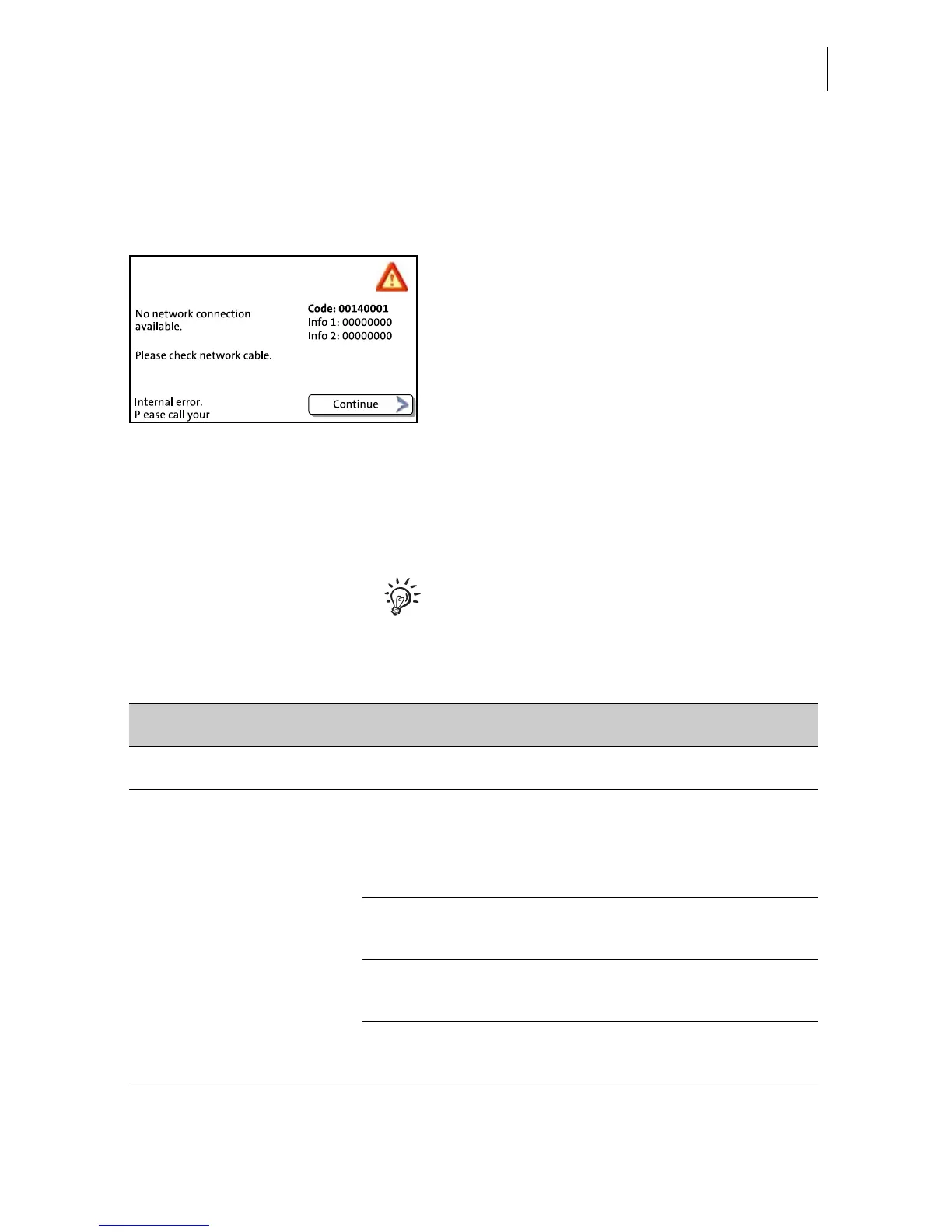
An error message appears on the display in
case of an error or handling error. An
additional beep may also indicate an error.
Make sure to carefully read the error
message. You will be given hints on the error
cause and what you can do to remedy it.
A symbol indicates the error group (e.g.
‘communication error’). For an overview of
error group symbols, refer to page 129.
You can correct many minor errors and
issues occurring during PostBase operation
yourself.
Please contact the service if you cannot
remedy an error by means of the display
information and the hints given in the present
Operator Manual.
Issue Possible cause and remedy
... when franking
Franking not possible No product / postage set because
– mailing data are incomplete or
– weight value is missing.
Check product settings (see chapter 5.1).
No credit left in franking machine.
Please load postage(see chapter 8).
Maximum postage value for franking exceeded.
Please contact the system administrator.
Credit of the current user is too low.
Have the system administrator assign new credit.


 To Next Page