The basics of operation
37
4.6.5 Lists
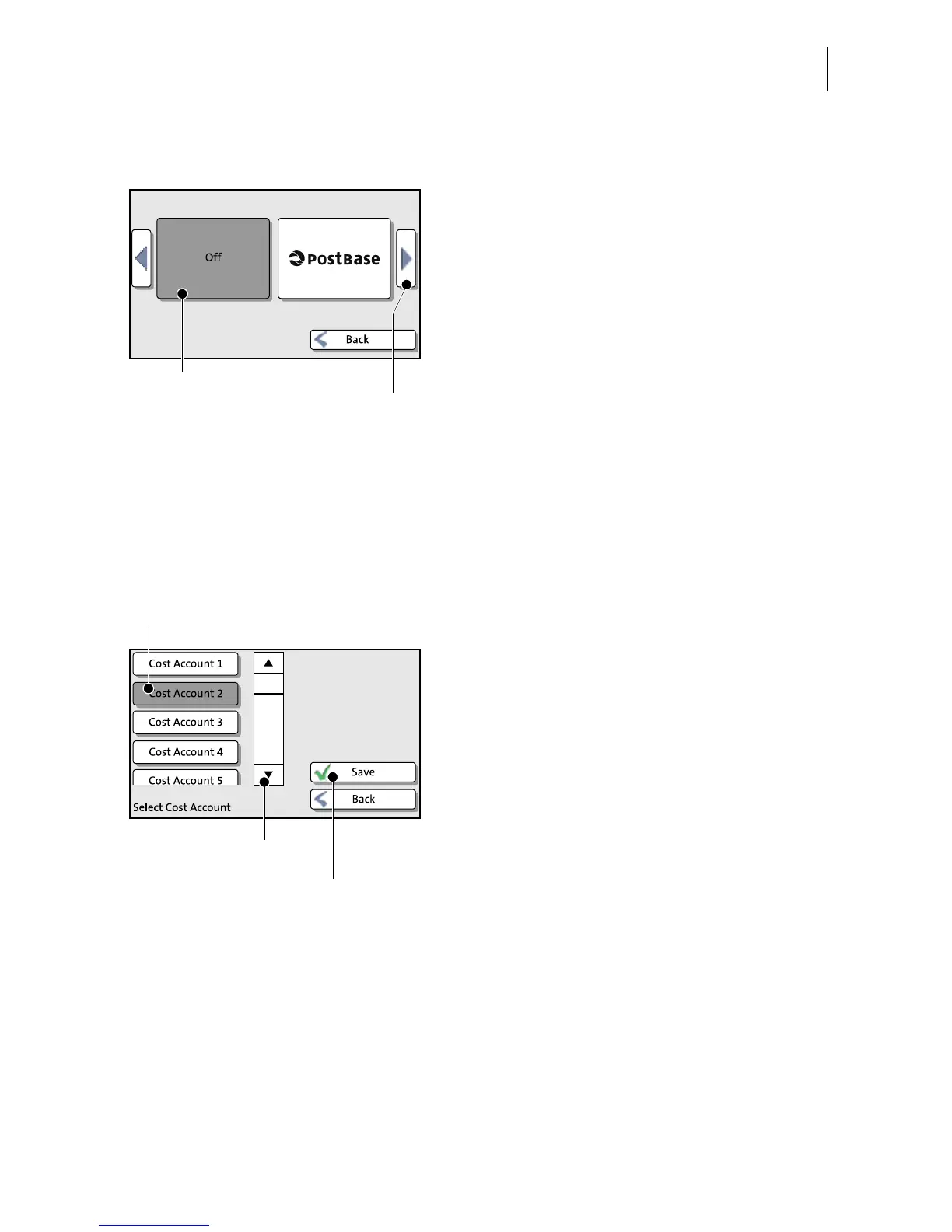
Lists (e.g. for adverts, SMS texts) offer all
available settings in list form.
Use the arrow buttons to scroll forward or
backward.
Press the respective button to select one of
the provided settings and return to the Home
screen.
4.6.6 Adjustment menus
A separate menu each opens for editing and selecting settings. There are three
types: Lists, input via keypad, and input according to the counter principle.
Lists
The left area of the display shows the
available settings. The current setting is
shown with a dark background. You can
scroll the list with a scroll bar if more than four
options are available.
Press S
AVE to accept the current settings and
to quit the adjustment menu.
Press B
ACK to discard your changes and to
quit the adjustment menu.


 To Next Page