Franking
59
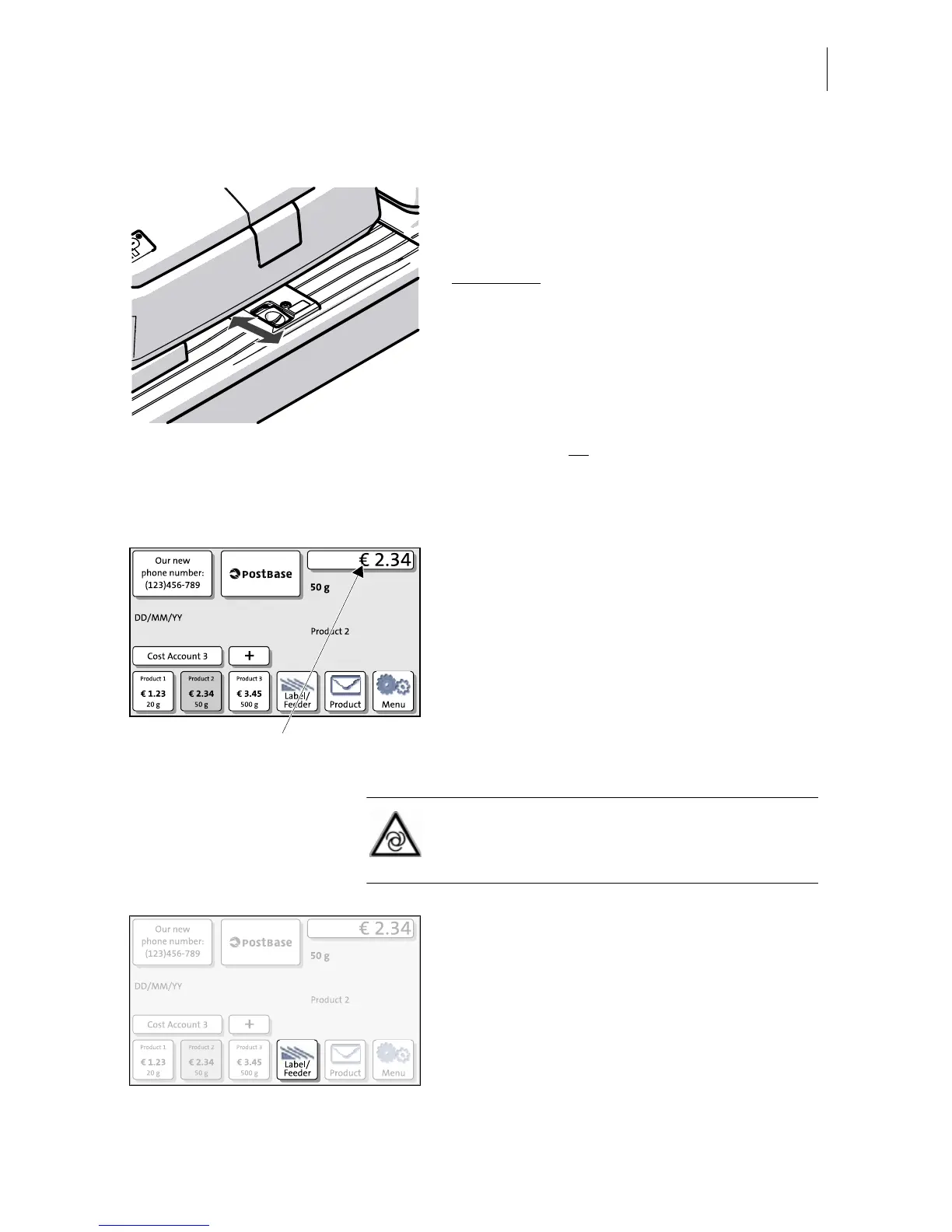
6.3.3.2 Switch on / off seal function
If the letters are to be sealed:
• Set the switch to the rear position (seal).
Sealing is switched on, the sealant tank is
illuminated
.
If you do not want to seal letters or if they are
already sealed:
• Set the switch to the front position
(non-seal).
Sealing is switched off, the sealant tank
illumination is off.
6.3.3.3 Positioning letters in stack
You can feed mail pieces to frank when the
Home screen displays a postage.
Caution! When in the Home screen,
PostBase automatically starts feeding the
letter as soon as it is positioned.
• In the Home screen, press the L
ABEL/
F
EEDER button.


 To Next Page