PostBase Mailing System
40
4.7 Test print
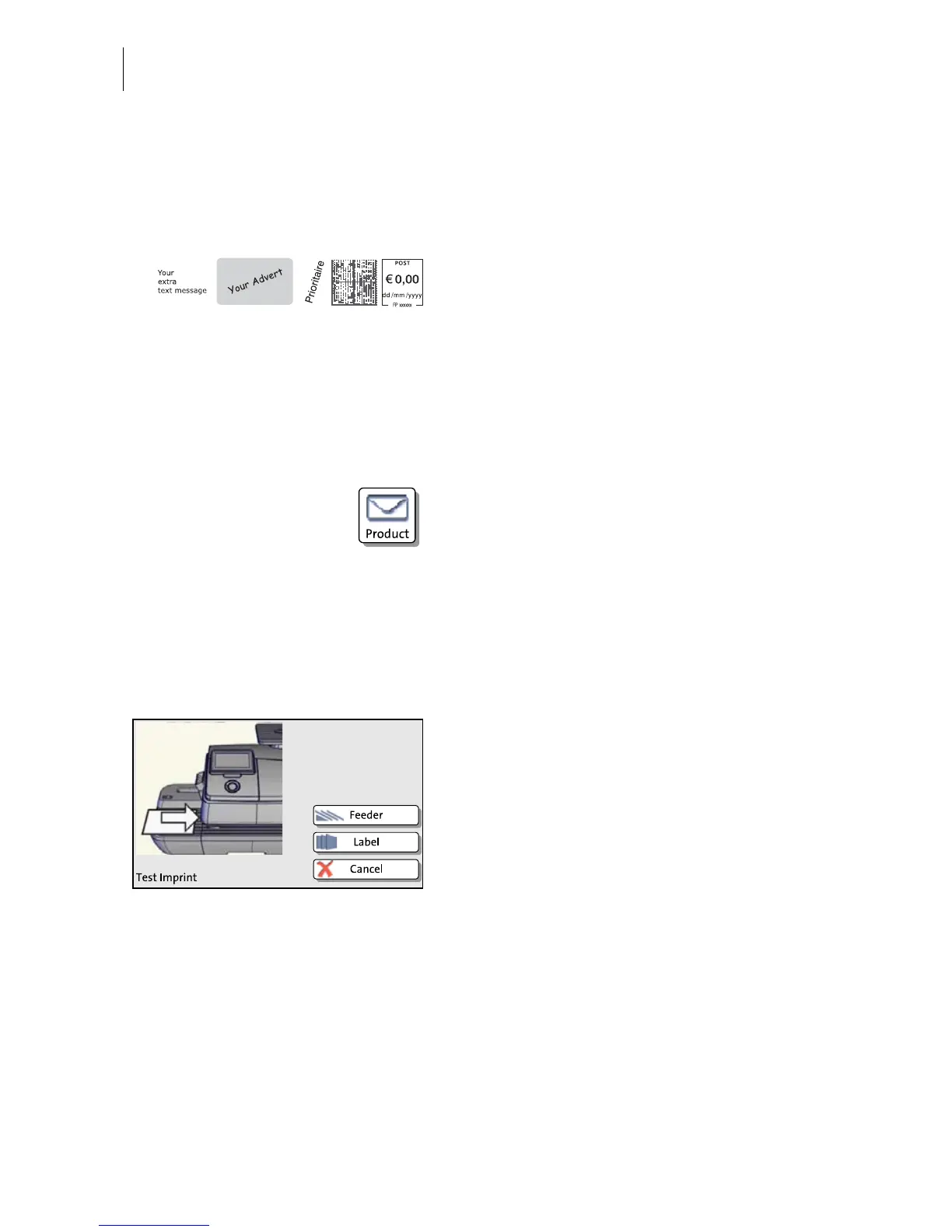
Using a test print, you can assess the settings for the franking imprint as well as the
print quality.
According to postal regulations, test prints
are marked as such. Never post test imprints.
Test prints are not logged in the postage
registers.
Setting a test imprint
• Set the desired parameters for the franking
imprint (advert, SMS text etc.).
• Press the P
RODUCT button in the Home
screen.
• Set the desired product.
Once all necessary mailing data are set, you
can perform a test print. The T
EST PRINT
PRODUCT option is shown at the end of the
additional services list.
• Choose T
EST PRINT PRODUCT.
PostBase prompts you to position a letter.


 To Next Page